Picking Routes
In the Afosto WMS, you can set up a picking route for generating pick lists. This allows products to be picked in the order of the route, saving time and improving efficiency.
You can configure a picking route per warehouse by sorting the available locations.
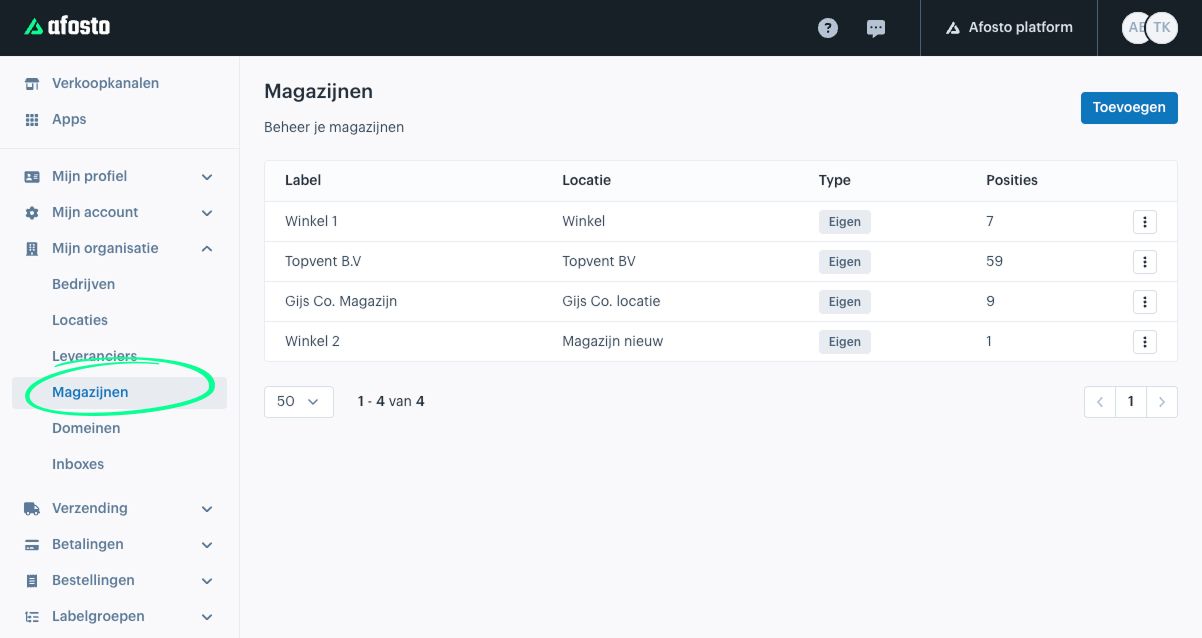
Go to the Afosto admin environment via admin.afosto.app and navigate to “Warehouses.”

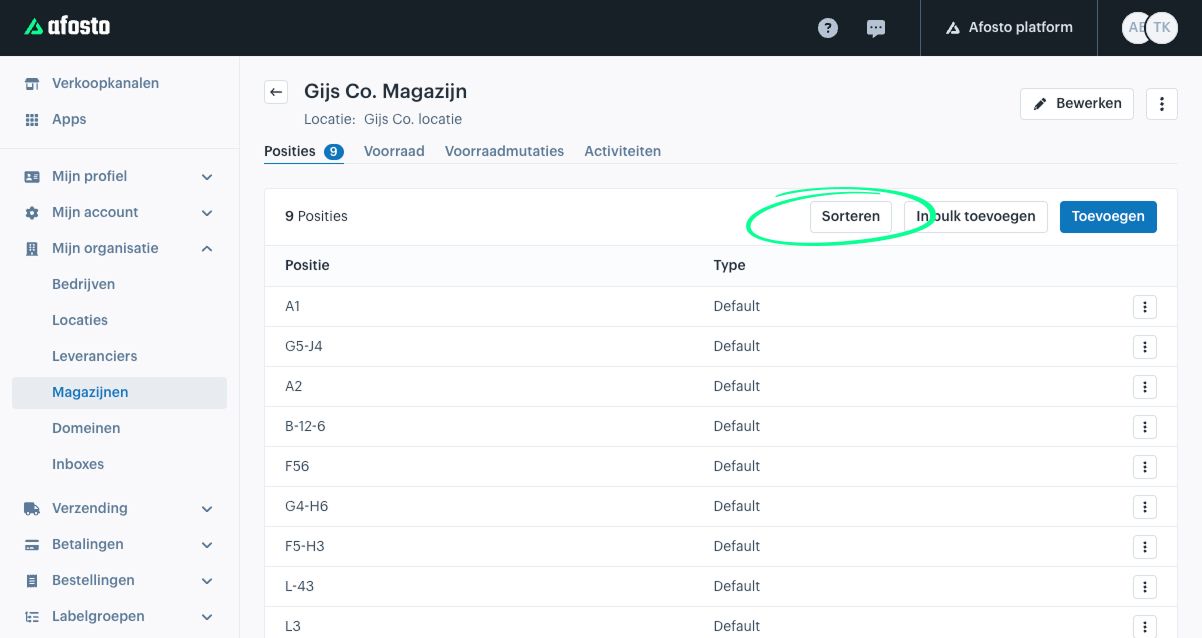
When opening a warehouse, you will see an overview of all locations. Click “Sort” to organize them..
A window will appear showing a spreadsheet view of all locations. Copy these (Ctrl+C / Cmd+C) and open them in a spreadsheet program such as Excel or Google Sheets.
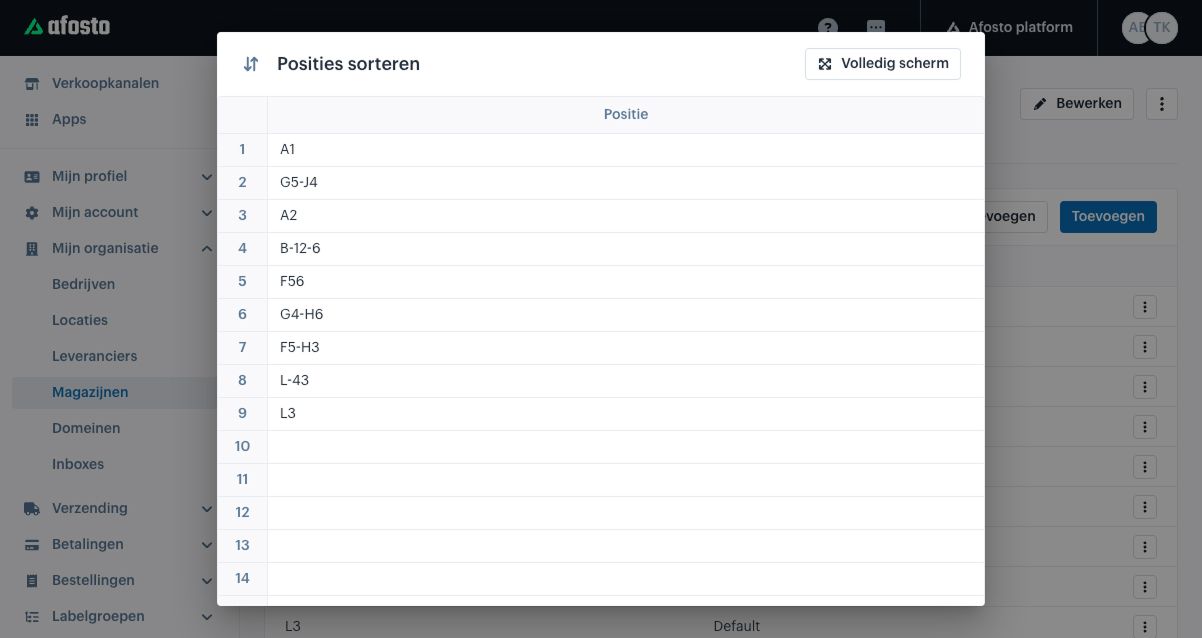
Use the functions of your spreadsheet program to sort, organize, or filter the locations.
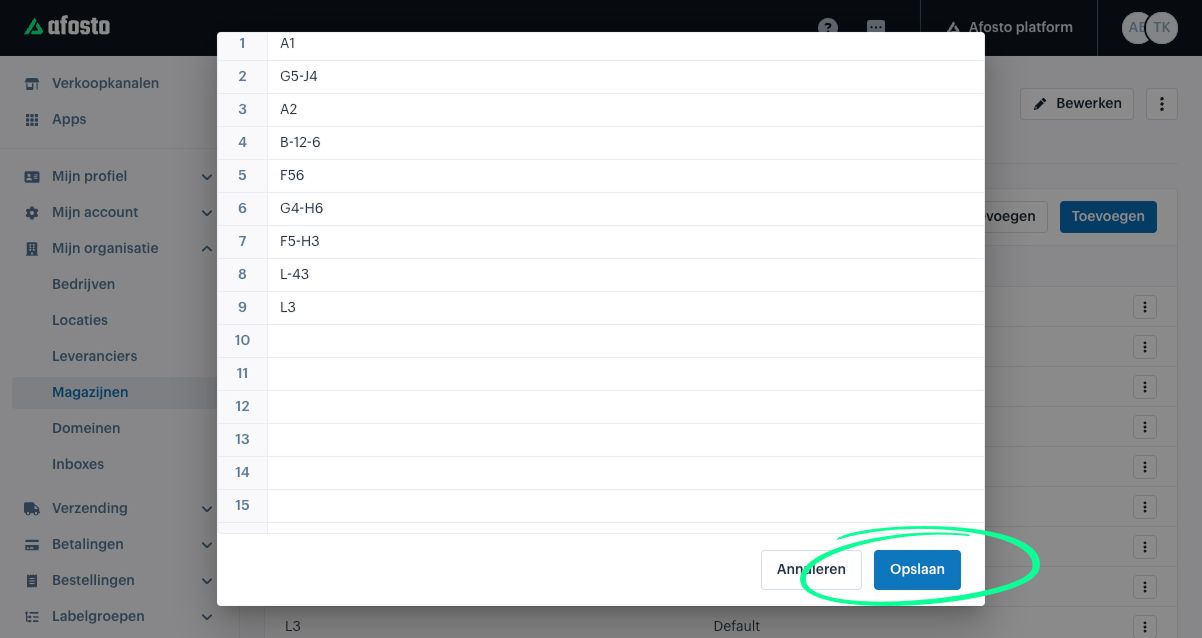
Afterward, paste the adjusted locations back into Afosto, make sure the order is correct, and click “Save.” The locations are now set as the new picking route.