

Your whole range in the shop, on one screen
A customer who cannot find what they want no longer has to leave your shop empty-handed. With an in-store ordering screen they order on the spot from your full range, on the same stock and prices as your webshop and till.
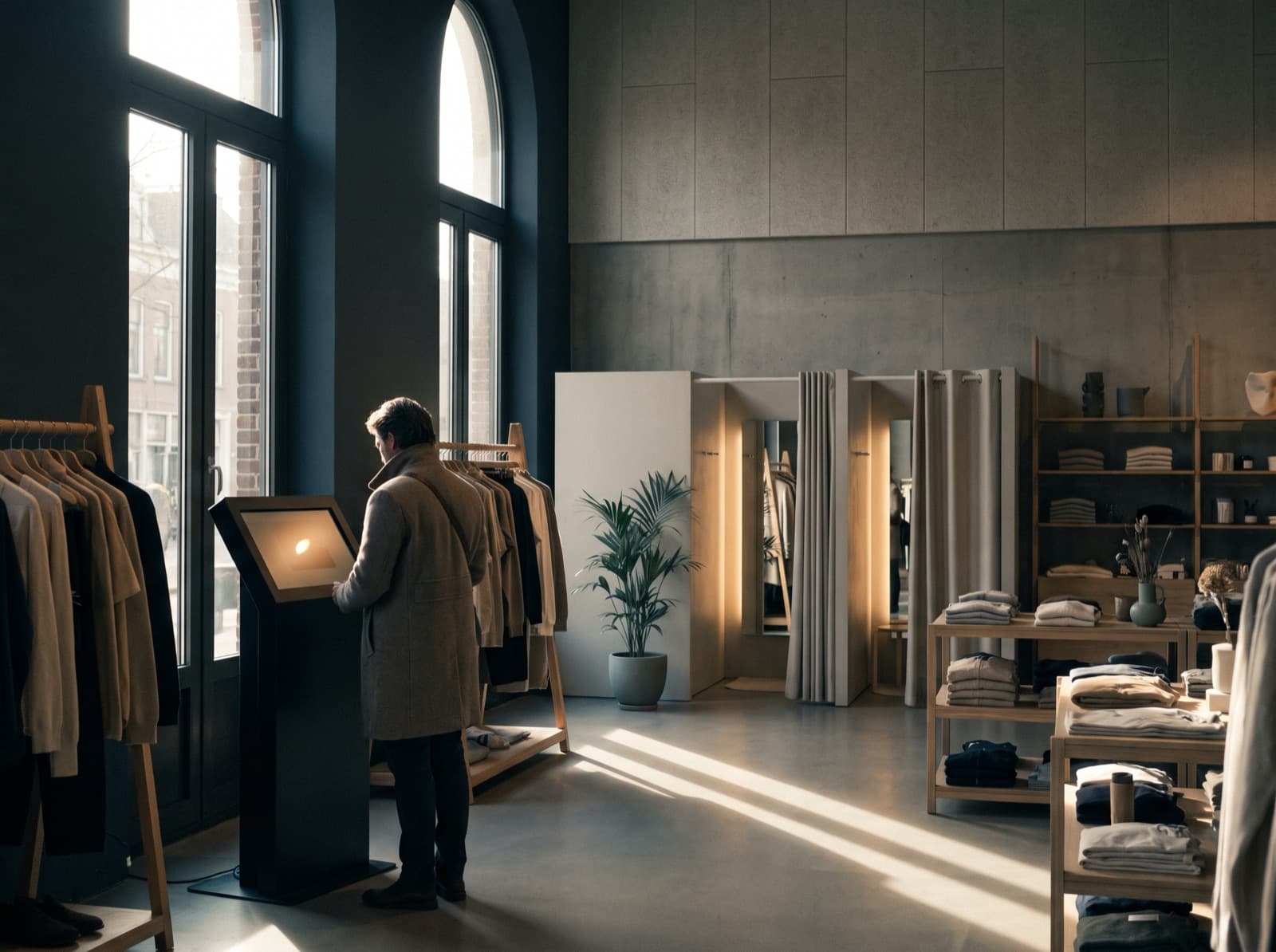
What is an in-store ordering screen?
An in-store ordering screen (also called an order kiosk or self-service kiosk) is a screen in your physical shop where customers view, choose and order products themselves. Products that are not on the shop floor too: whatever sits in your warehouse or another branch is simply orderable through the screen. In hospitality a kiosk is mostly a digital menu; in retail it is the extended shop window of your store. With Afosto the ordering screen is not a separate device with its own software that you have to bolt onto your shop. It is your own online range on a touchscreen in the shop, connected to the same platform as your till, webshop and warehouse:
One stock
the screen shows the same live stock as your webshop and till, across all your locations
One price
prices and discount rules come from the same pricing engine as every other sales channel
One order layer
an order through the screen is straight away an order in your order management system, without retyping
How it works
From a screen in the shop to a delivered order
An ordering screen stands or falls on what happens after the order. This is the route an order from the screen takes in Afosto, without manual steps in between.
- Step 1
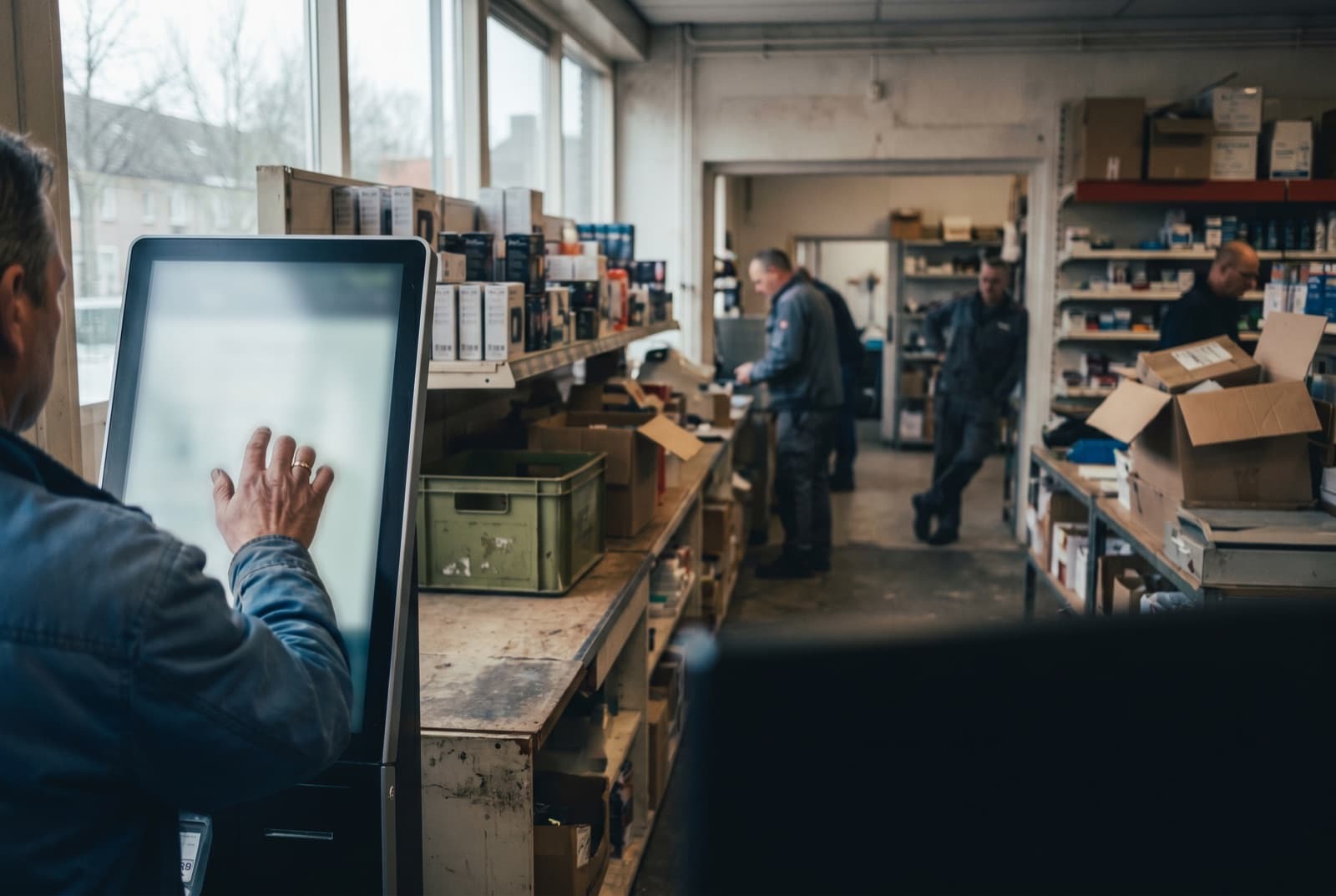
Customer searches and orders on the screen
The customer browses or searches through your full range, including what is not on the shop floor. With Afosto Instant Search that works the way your customer is used to online: results while you type, with filters and tolerance for typos.
- Step 2
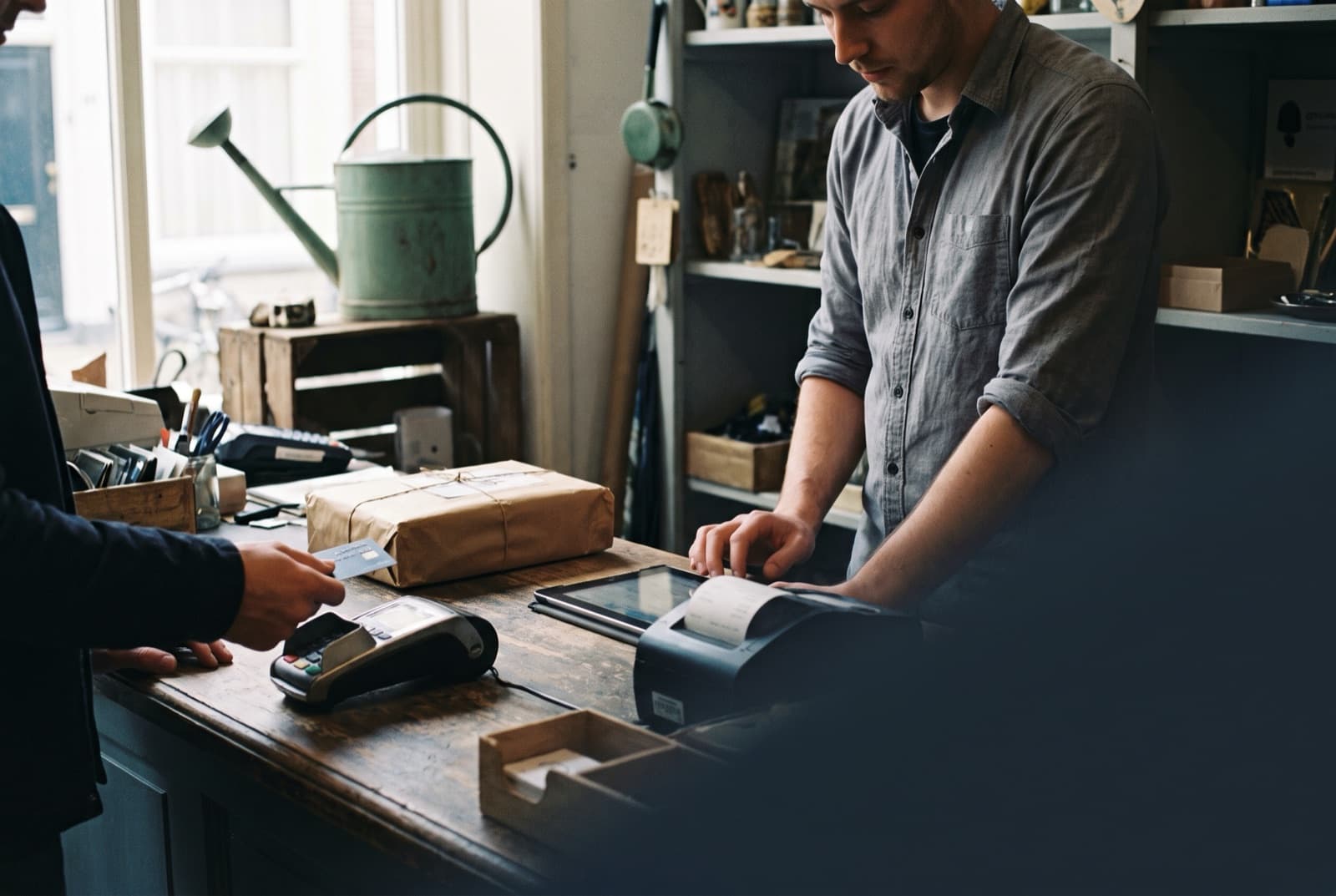
The order is straight away an order
An order through the screen comes in as an order in the same system as your webshop and till sales. Does the customer want to pay at the counter? The till operator looks the order up in the search overlay of the POS and takes the payment, without retyping anything.
- Step 3
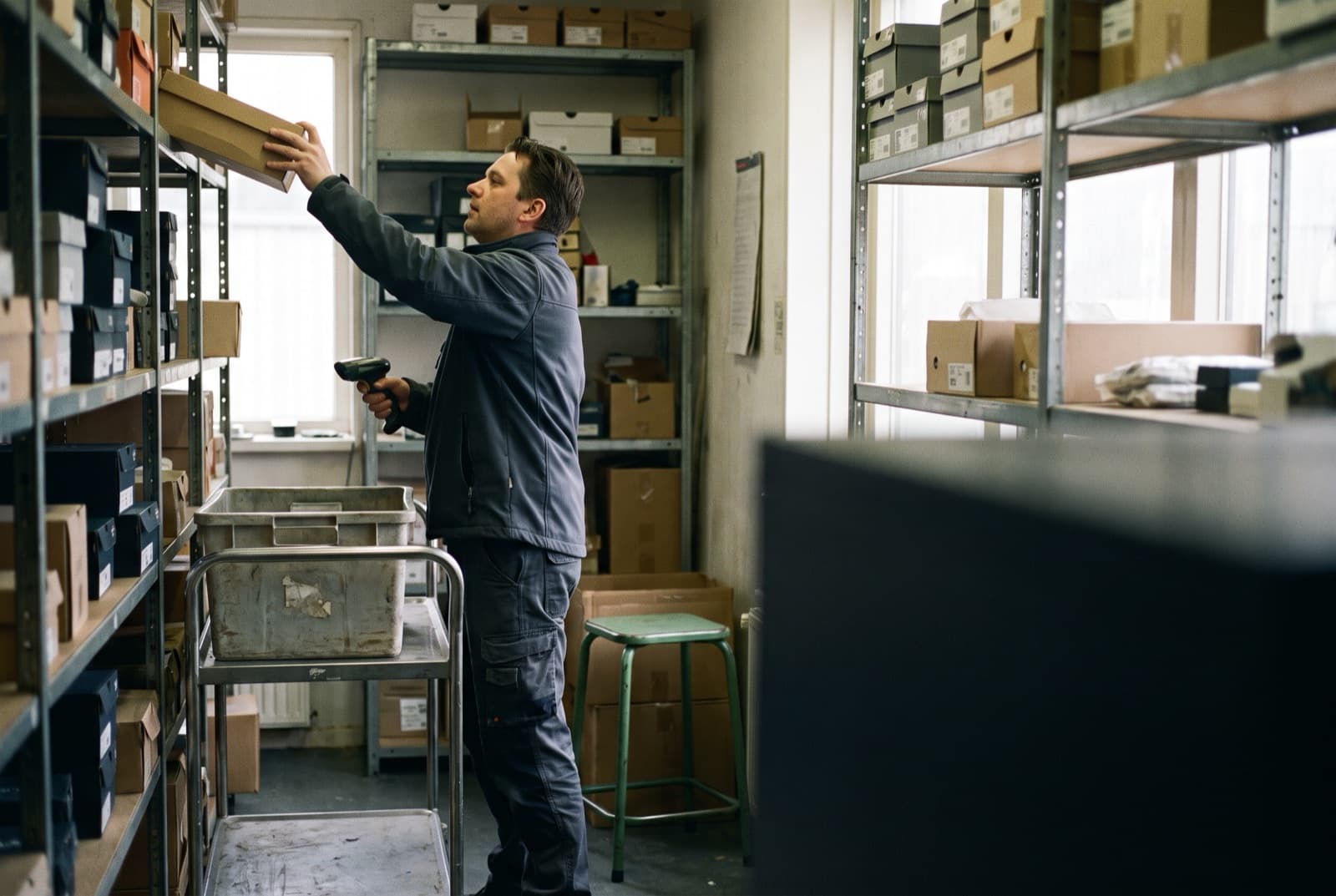
The right location picks the order
The order is reserved at the location that can deliver: your central warehouse or a branch. If an item has to come from another branch, Afosto creates a delivery request automatically; the colleague there gets a notification and confirms picking it in the app.
- Step 4
Delivery or collection in the shop
Ship the order to the home address, or let the customer collect it. With Collect at location you set the parcel aside at the chosen pick-up point; the customer automatically gets an email with a QR code as soon as it is ready.
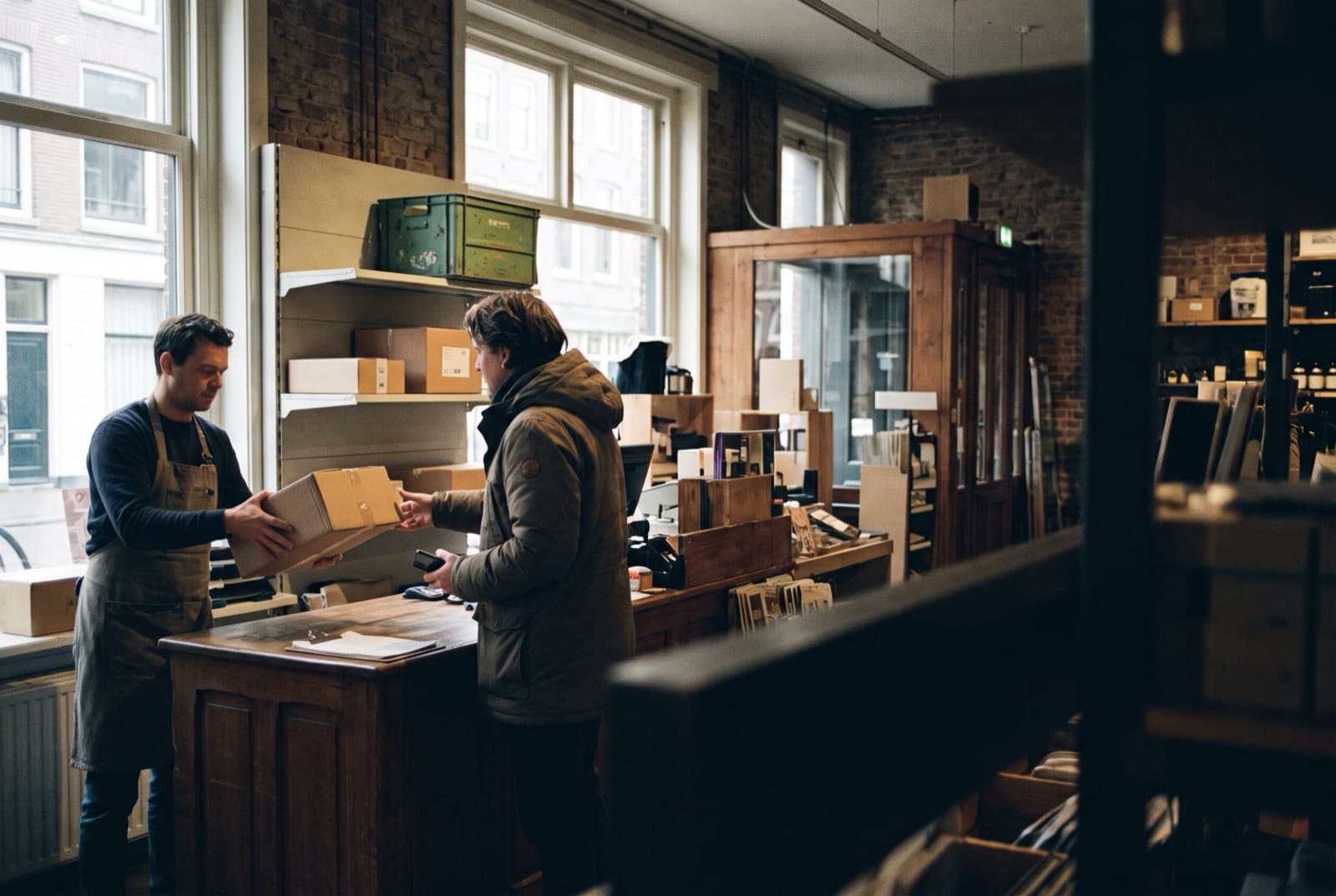
The ordering screen is therefore not a separate system next to your shop, but an extra sales channel on your existing orders, stock and prices.
The ordering screen in numbers
An extra channel, not an extra system
Order layer for ordering screen, till and webshop
Search results while the customer types, through Instant Search
Transaction fees from Afosto on top of your payments
Retyping: an order from the screen is straight away an order
Why Afosto
What makes the Afosto ordering screen different
Not a separate box with its own database, but a sales channel on the platform your shop already runs anyway.
Stock administration
1
Search results within
50 ms
Hardware requirement
Browser
Ordering screen, self-checkout or hospitality kiosk?
The terms get mixed up in practice, but they are three different things:
- Ordering screen in retail: a screen where customers search and order your full range, including what is not in the shop. The aim is to sell more than your shop floor is large.
- Self-checkout: a screen where customers pay for what they already have in hand. The aim is faster checkout, not a broader range.
- Hospitality kiosk: a digital menu with an ordering function, usually with a fixed, compact menu.
This page is about the first: the retail ordering screen as an extended shop window. Afosto supplies the software side of that; for snack bars and restaurants there are specialist hospitality providers.
Who is an ordering screen interesting for?
An ordering screen adds the most for retailers who combine online and offline selling:
- Your shop floor is deliberately more compact than your total range, for example because your stock sits centrally in a warehouse
- You have multiple branches, each with its own stock
- Customers regularly ask for sizes, colours or variants that are not there at that moment
If your shop already runs on Afosto, the screen uses the product data, stock and prices that are already there. See also how the point of sale system and the order management system connect to it.
FAQ
Frequently asked questions about the ordering screen
The questions retailers ask us most often about an ordering screen in the shop.
What is an in-store ordering screen?
An ordering screen is a screen in your shop where customers view and order products themselves, including items that are not on the shop floor. The order is handled as a normal order: pay at the till or online, and then have it delivered or collected. In retail this is also called the extended shop window or endless aisle.
What does an Afosto ordering screen cost?
An ordering screen runs on your Afosto environment; what you pay depends on your plan. On the pricing page you can see how that is built up. Afosto charges no transaction fees on top of your payments and sells no hardware: you buy the touchscreen or tablet yourself from a supplier of your choice.
What hardware do I need for an ordering screen?
Afosto is a software supplier and sells no hardware itself. The apps are browser-based, so a touchscreen or tablet with a current browser and an internet connection is enough, optionally in an upright kiosk housing. We recommend buying hardware from a supplier nearby, so you are helped quickly with faults and can easily keep spare equipment.
How does a customer pay for an order from the screen?
The order sits in the system and can be paid at the till: the operator looks the order up in the search overlay of the Afosto POS and takes the payment by card, cash or another connected payment method. A down payment with the rest on delivery is possible too. Paying online is also possible, depending on how you set the screen up.
What happens if the ordered item is in another branch?
Then Afosto creates a delivery request automatically for that branch. The colleagues there get a notification, confirm in the app that the item has been picked, and the item goes to the location that ships or sets aside the order. That way your branches deliver together, without phone calls or emails.
Can the customer choose between home delivery and collection in the shop?
Yes. An order from the screen is a normal order, so your existing shipping methods are available, including Collect at location. For collection you set the parcel aside at the chosen pick-up point and the customer automatically receives an email with a QR code as soon as it is ready.
Put your whole range on the shop floor
Create a free account and see how orders, stock and till come together in Afosto. Or book a demo and we will think along about the ordering screen setup for your shop.