

Your wholesale business in one system, from order to bookkeeping
Business customers order at their own prices, the warehouse picks with a scanner and the order lands as a sales order in Exact Online. Afosto is the wholesale software that ties order flow, stock and administration together.




The wholesalers and retailers running their operation on Afosto
Trusted by ambitious retailers












What is wholesale software?
Wholesale software is software that supports the full operation of a wholesaler: business customers ordering at their own agreed prices, orders running through a warehouse in volume, and invoices landing in the bookkeeping. That is something different from a consumer webshop with a password in front of it. In Afosto the B2B side is part of the platform itself:
Mostly want to know what the ordering portal looks like for your customers? That story is on the page about the B2B webshop. Below is the wholesale side: what happens between order and bookkeeping.
Organisations as customers
in Afosto a company is an organisation with its own addresses, VAT and Chamber of Commerce details and several contacts. A buyer logs in and picks which company they order on behalf of
Own prices and terms
every organisation has a price list or set of price rules attached, from fixed net prices to volume discounts. When something changes, open baskets are recalculated with the new prices straight away
Warehouse and bookkeeping connected
pick lists come from the same order flow as your webshop and till, and opened orders go to Exact Online as a sales order
How it works
An order from a regular customer, step by step
Take a regular customer ordering forty boxes at their own agreed price. This is what happens in Afosto, and what you do not have to do anything for.
- Step 1
The customer orders at their own prices
The buyer logs in and picks which company they are acting on behalf of. From that moment everything is calculated with the price list and price rules of that organisation: fixed net prices, volume discounts from a certain quantity, or a promotion for customers with a label.

- Step 2
A quote first? That works too
For larger requests you build the order up as a draft order and email it as a quote, with an expiry date you set yourself. Agreed? Then you open the order and it takes the same route as any other order: reserve, pick, invoice.

- Step 3
The warehouse picks in groups
The pick list groups lines by item and position, so your picker walks past a rack only once, even when there are several orders in one round. Scanning confirms the item and shows the next position straight away. Forty boxes are forty scans that way, not forty slips of paper.

- Step 4
Shipping from the right location
Shipping can happen from several warehouses or an external location like a dropship partner. On packing, the shipping label rolls out and the customer gets their track and trace.

- Step 5
The bookkeeping updates itself
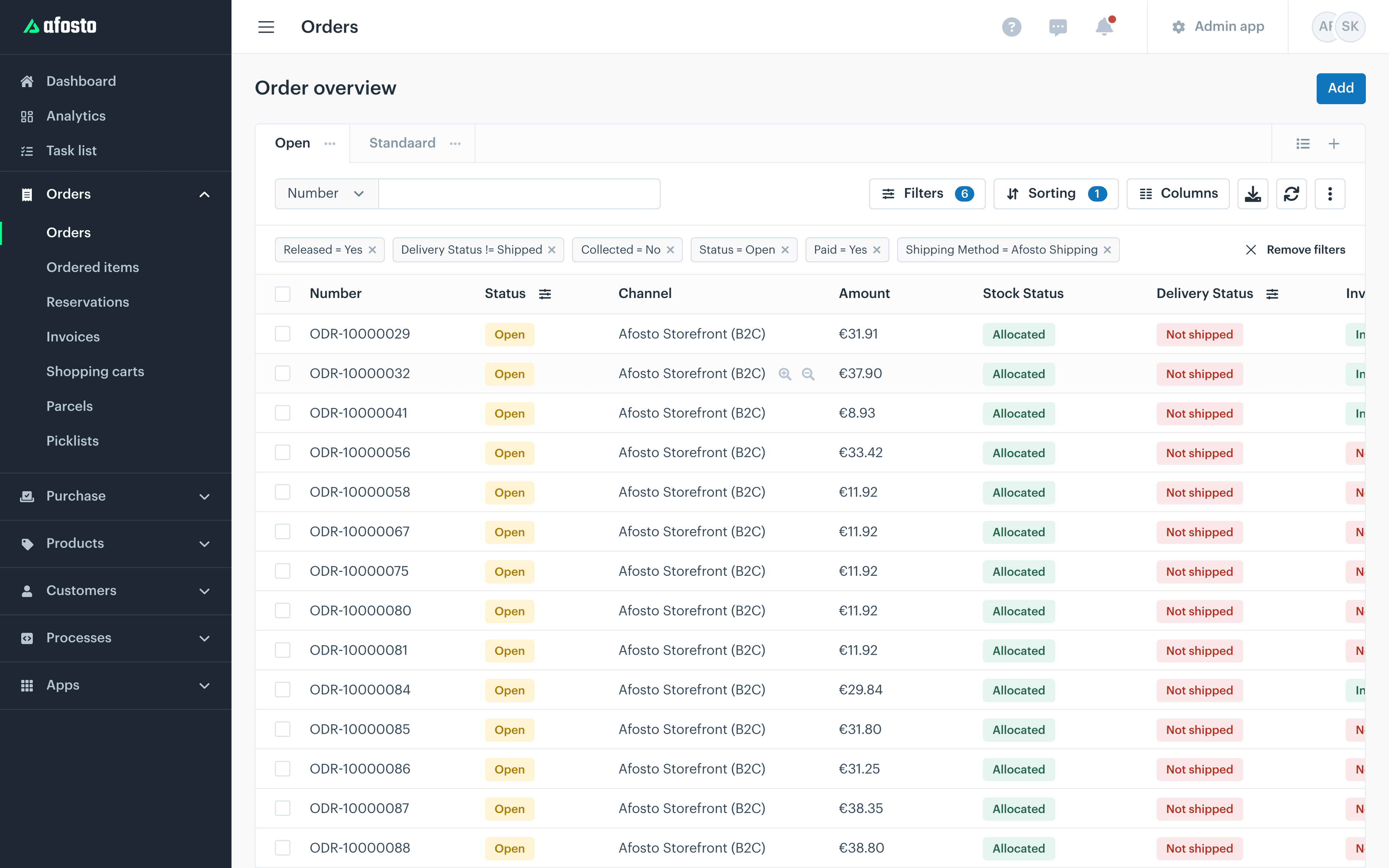
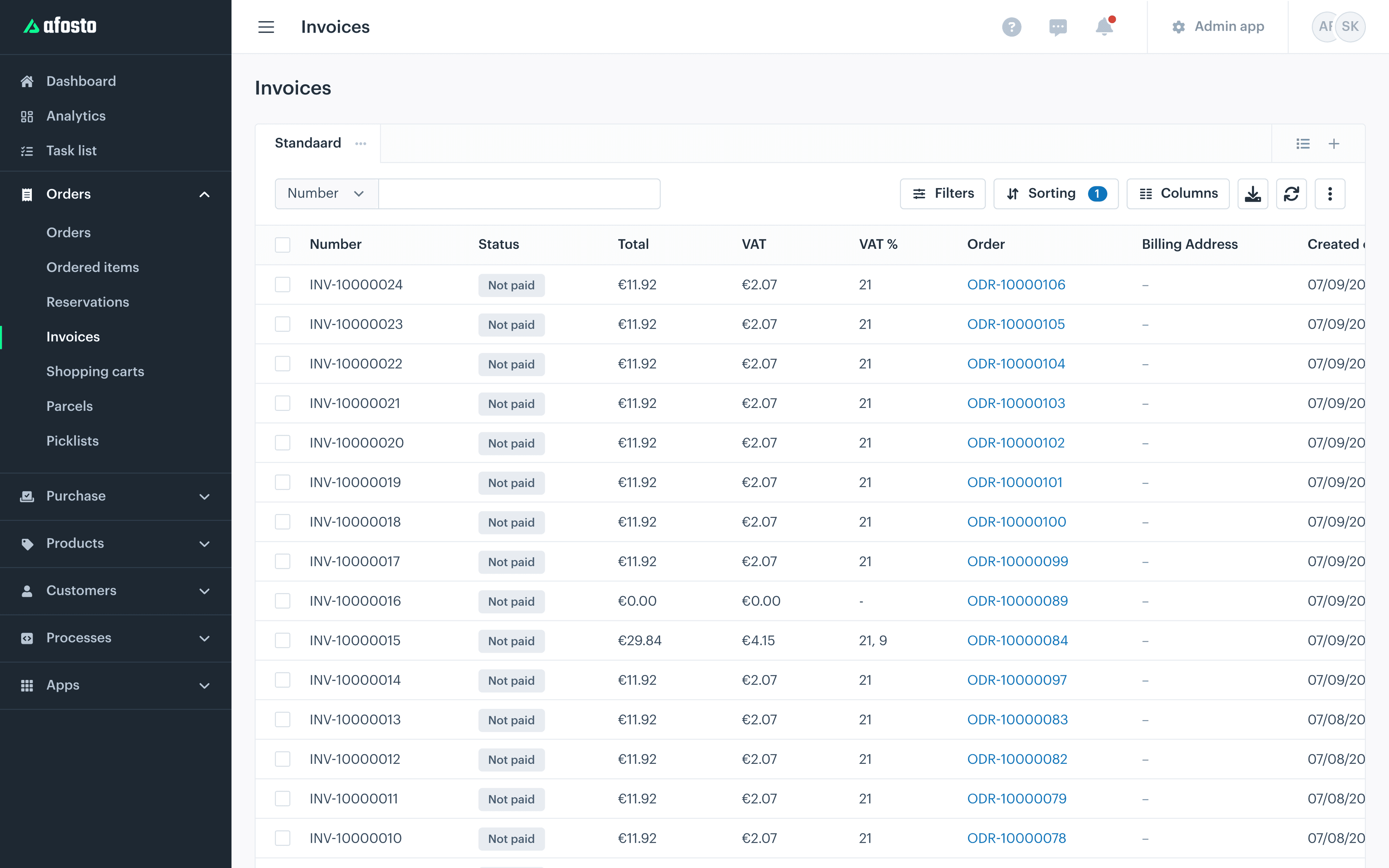
As soon as the order is opened, Afosto posts it as a sales order in Exact Online and finds the right debtor automatically. Warehouses are linked to Exact locations and the stock is fully reconciled periodically. No exports, no retyping.

Every step can also be driven through the API: create orders, calculate prices, read out pick lists. Handy if you build your own ordering portal or integration.
B2B in the platform
What a wholesaler needs on top of that
No plugins or custom work bolted onto a consumer platform, but functionality that is already in there.
Wholesale on Afosto
The whole chain in one administration
15
Platform connections, from Exact Online to bol.com and Kaufland
1
Order flow for B2B portal, till, marketplaces and API
€ 0
Transaction fees on top of your own PSP or carrier contract
API
Everything the UI can do, the API can do too
FAQ
Frequently asked questions about wholesale software
The questions wholesalers ask us most often before they switch.
What is wholesale software?
Software that supports the full operation of a wholesaler: business customers with their own agreed prices and payment terms, orders running through a warehouse in volume, stock across several locations and invoicing towards the bookkeeping. In Afosto that sits in one platform: organisations, price lists, pick lists and the Exact Online connection work on the same order flow, without loose plugins or syncing in between.
Can I combine B2B and B2C on Afosto?
Yes. Consumers are contacts, companies are organisations, and both order through the same order flow with the same stock. Customer-specific prices only apply to customers you have attached a price list or price rule to; everyone without their own agreements simply pays your standard prices. A buyer who belongs to several companies picks which organisation they act on behalf of when logging in.
Can my customer order on account?
Yes. Per order you set payment terms, such as a payment period or instalments, on their own or through a preset template. The outstanding balance of an organisation, the value of orders not yet paid or covered, can be requested per customer, including the orders underneath. On arrears or misuse you block an organisation for new transactions.
Does Afosto work together with Exact Online?
Yes. As soon as an order is opened, Afosto posts it as a sales order in Exact Online and links it to the right debtor through a fixed search order. Warehouses in Afosto are linked to locations in Exact, and the stock is fully reconciled periodically. Purchasing connects too: you place a replenishment order as a purchase order in Exact. That way the bookkeeping stays current without exports or manual entry.
How do I set up different prices per customer?
With two building blocks you use separately or together. A price list holds fixed prices per item and is attached to the organisation: that customer always pays those prices, in the webshop, at the till and through the API. Price rules are conditional: a volume discount from a certain quantity, a discount for organisations with a certain label, or a promotion within a period. The rule builder lets you combine those conditions.
Can I make quotes in Afosto?
Yes. You build the request up as a draft order and send it by email as a quote, with an expiry date you set yourself and extend if needed. If the customer accepts, you open the order and it moves on automatically to reservation, picking and invoicing. There is no separate quote module you have to retype into an order later: it is the same order, from request to invoice.
Put your wholesale business on one system
Create a free account and rebuild your first order, from price agreement to pick list. Or book a demo and we will walk through your current order route together.