
Backorder settings
On this page we explain how to use backorders in the Afosto webshop platform
There are situations where products need to be available in the webshop (backorder), regardless of stock levels.
To achieve this, there are two settings that are relevant:
-
Allow backorders at the sales channel level
-
Allow backorders at the product level
Backorders at the sales channel level
Go to "Dashboard" -> "Stock settings"
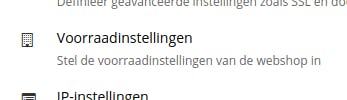
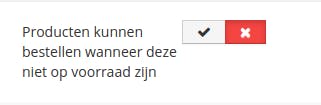
When this toggle is enabled (green), all products in this sales channel are available, even when the stock is "0".
Backorders at the product level
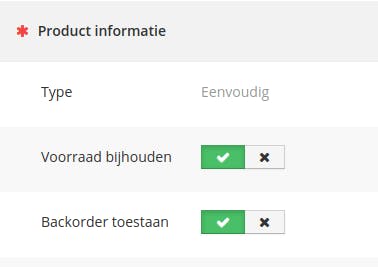
Go to "Products" -> a product page -> "Product information"!
When the "Allow backorder" toggle is enabled (green), this product is always available in the webshop, even when the stock is "0".
When backorders are allowed at the sales channel level, the toggle at the product level has no effect.
About Afosto
Till, webshop, bol and Kaufland on one stock.