

Batch Jobs - Product Specifications
This guide explains how to update product specifications using the Batch Job functionality in Afosto. All activated batch jobs for your account can be found under the lightning bolt icon in the red menu at the top of Afosto.
Step by step:
Navigate to the batch overview
-
Log in to app.afosto.com
-
Go to 'batches' (click the lightning bolt icon to go to batches)
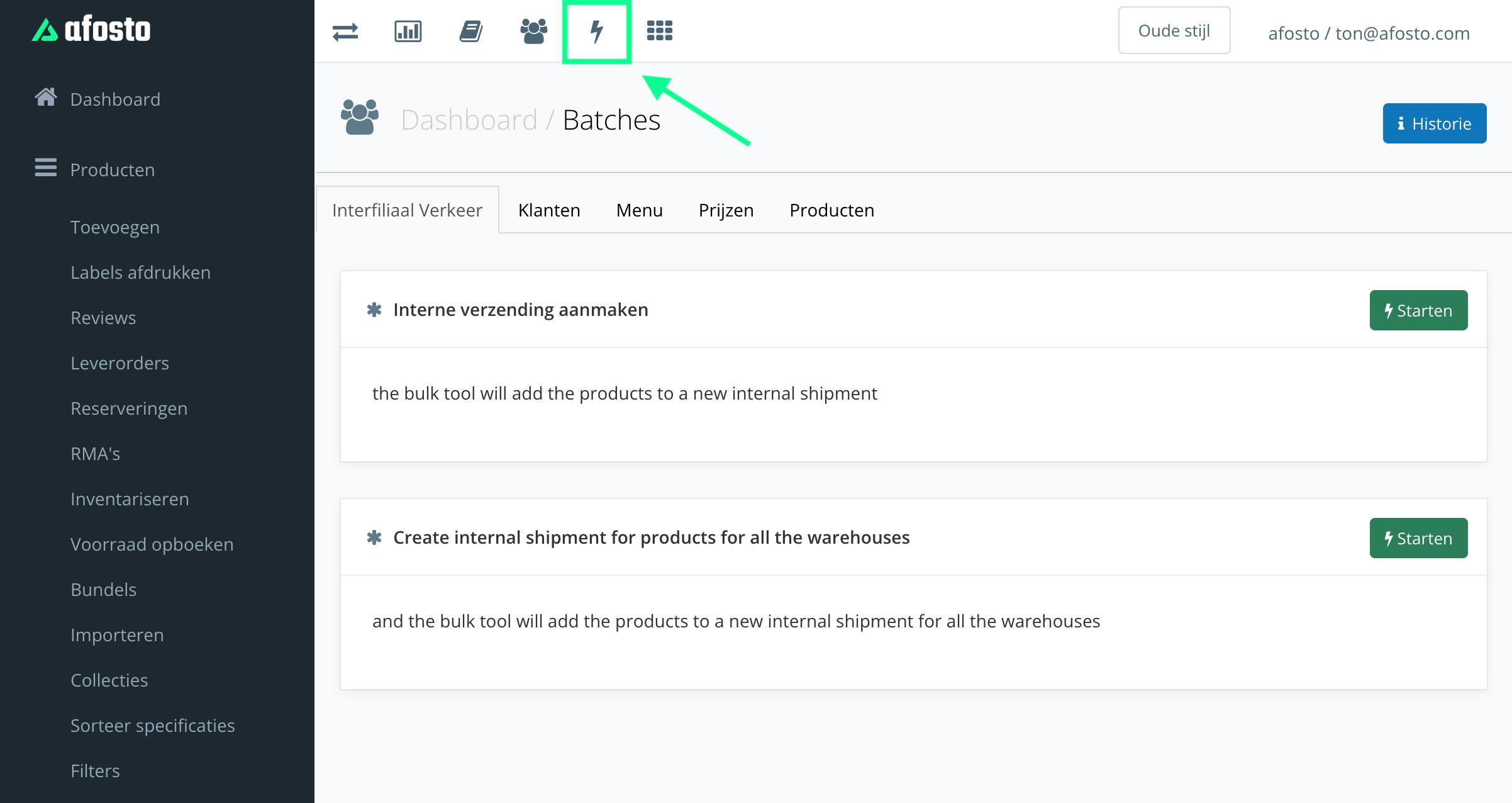
- You are now on the batch actions overview page
Select the correct batch job
-
Go to the 'Products' tab in the batch jobs overview
-
Scroll down until you see 'Change product specifications'
-
Click 'start'
Enter a reference and choose specifications
-
A screen opens where you can give the batch job a reference (required field) to identify the batch job when running multiple tasks. Enter a logical name here
-
Check the specifications you want to update
-
In addition to the built-in spreadsheet editor, you can also upload a CSV file
-
Click 'next'
INFO: Please note: Before specifications appear in the overview, they must first be created for a product via the product page. This overview therefore only shows specifications that already exist. If a specification does not exist, it is best to add it manually to one product first, and then update the rest via batch.
Fill in the data
-
A screen appears with columns. Batch jobs in Afosto always use the EAN or SKU as the product reference. The EAN or SKU must be entered in the first column.
-
In the columns next to the EAN you can paste the specifications you want to update. If you want to add multiple values, they must be separated by a ',' (comma).
The example below shows how the columns should be formatted if you want to update the color of products with the three listed EANs. Make sure you have checked the 'Color' specification in the intermediate screen.
[object Object]
INFO Keep track of the progress of this process via 'History' in the batches overview. It may take a while before a batch has started and completed. This depends on the load on our system.