

Changing menu item links
Menu item link in Afosto
Location
This functionality is available in the CMS (Content Management System) at https://app.afosto.com. Here you manage the navigation structure of your webshop(s), including menus, submenus, and their associated links.
Step-by-step: changing the link of a menu item
Go to: https://afosto.app (or directly via the dashboard of your organization).
Select the webshop in which you want to edit the menu.
In the left-hand menu, click "Menus". You will see an overview of all menus belonging to this webshop.
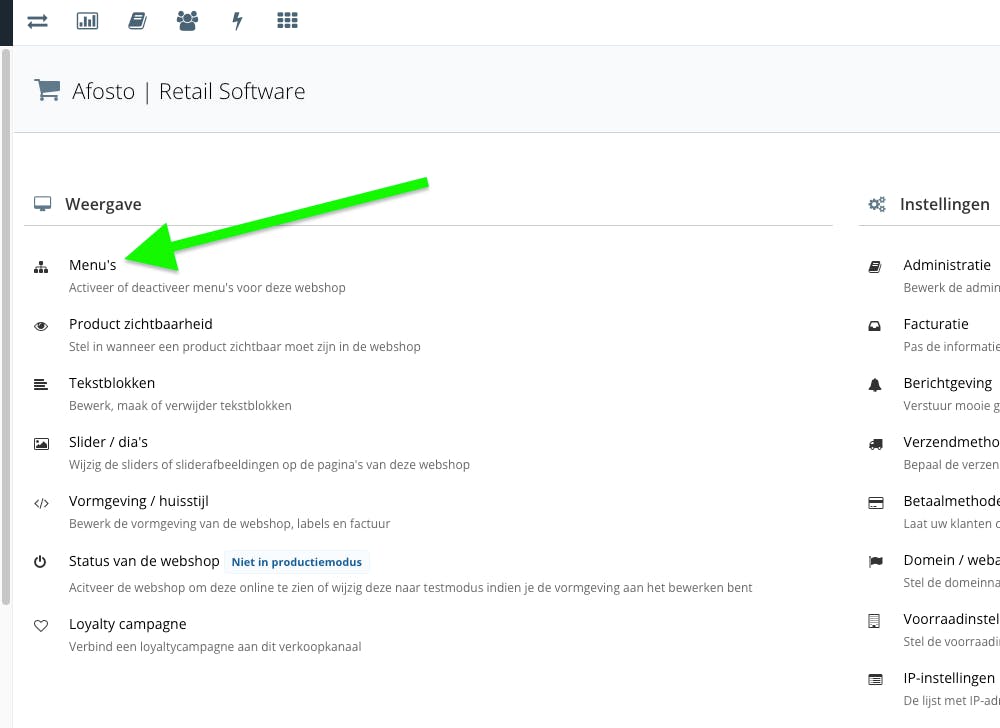
On the right side of the screen you will find the individual menu items. Click the arrows to expand a menu and view submenus.
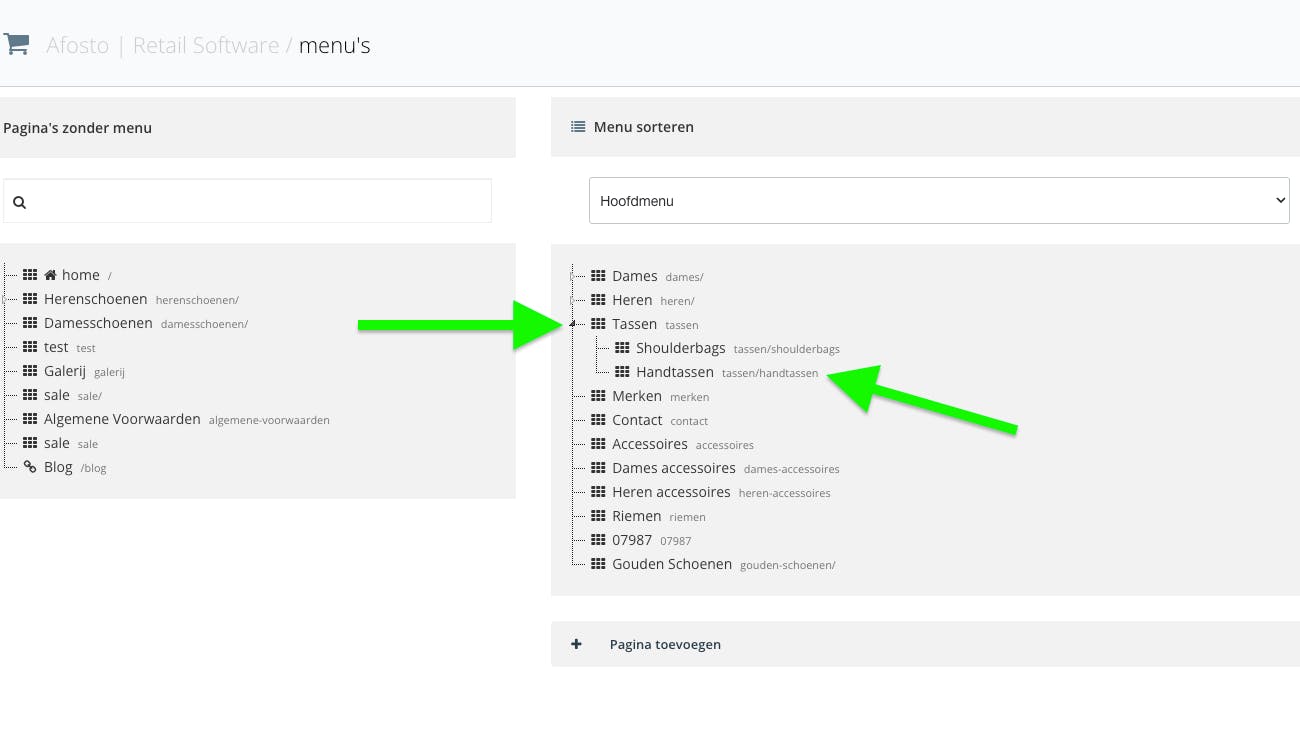
Find the menu item whose link you want to change and click on it.
In the edit panel you can update the following fields:
Label: The name displayed in the navigation.
Title: The internal title of the menu item.
Link: The URL the menu item points to.
Click Save to confirm the change.
About Afosto
Till, webshop, bol and Kaufland on one stock.