

Guide: Managing Users
Learn how to add and manage internal and external users in Afosto, and how to handle access requests from partners and consultants.
In this guide you will learn how to add and manage internal and external users in Afosto.
Internal users
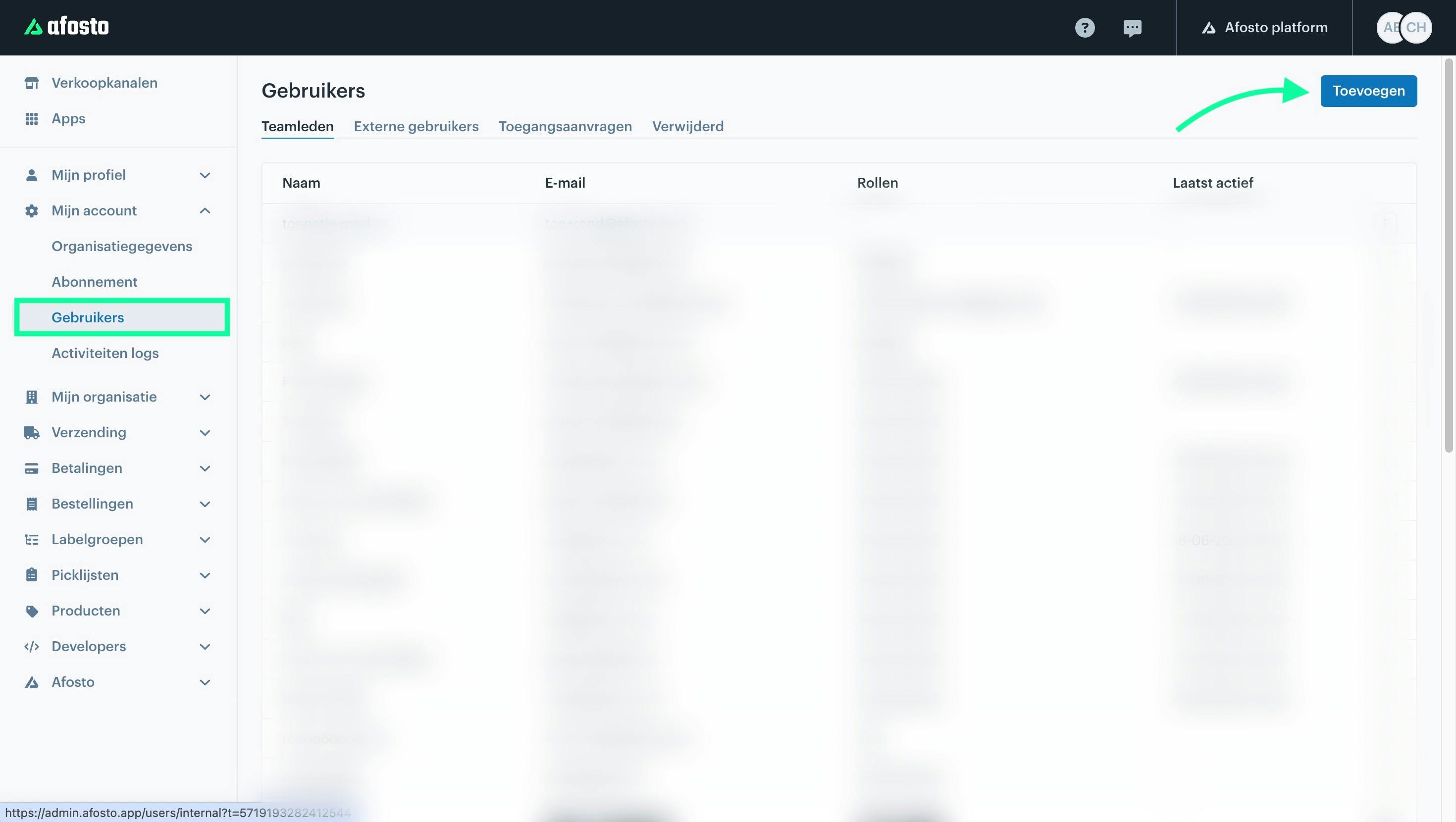
Internal users are employees of your company. You can add a new user by clicking the 'Add' button. You can then set the name, email address, and roles for the new user.
External users
External users are people outside your company who have access to your account. These can include consultants, developers, and marketers who help you get the most out of Afosto. An external user can request access to your account using this guide.
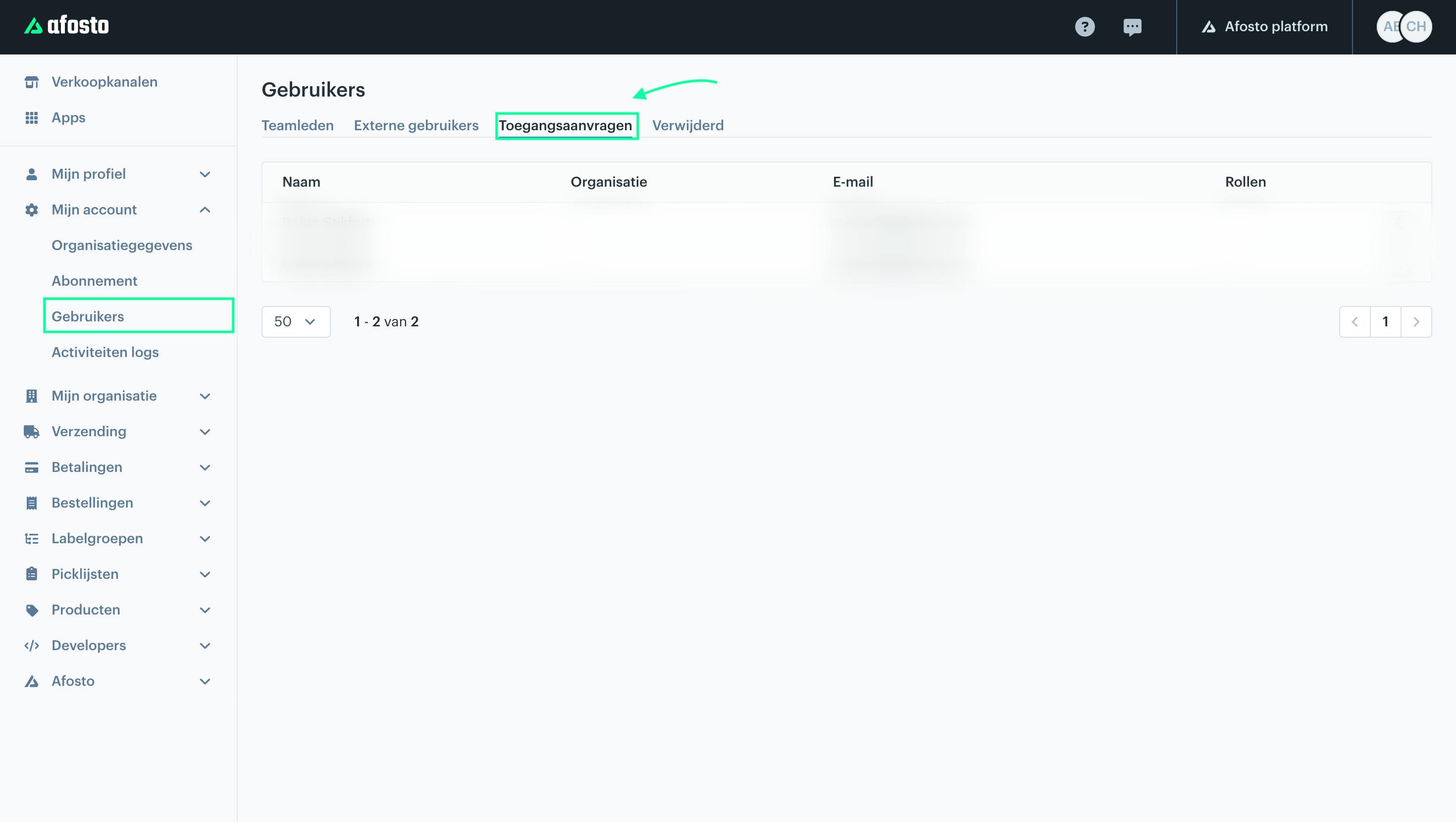
When an external user has requested access to your account, you will find a request under 'access requests' that you can approve or reject.
Access requests
Here you will find an overview of pending access requests to your account. These are requests from external users who want access to your account, such as consultants, developers, and marketers who help you make the most of the various tools within Afosto for your business.
If you want to give a partner access to your account, that partner must first create an account with Afosto. They can then use their account to request access to your account via this guide.
Once this is done, you will receive a pending request under 'Access requests' that you can accept. After that, the partner will have access to your account.
About Afosto
Till, webshop, bol and Kaufland on one stock.