
The B2B webshop where your regular customers order themselves
Your customers log in, see their own price list and place their order without a phone call or email. Every order falls in the same flow as your till and your consumer shop, right through to the invoice in your bookkeeping.


The retailers and wholesalers running their business sales through Afosto
Trusted by ambitious retailers












What is a B2B webshop?
A B2B webshop is an online ordering environment for selling to companies instead of consumers. The difference is not in the storefront, but in the rules: business customers have their own price agreements, order more often and in larger quantities, and the invoice has to be right down to the VAT. In Afosto that is not a loose plugin but part of the platform, with four building blocks:
How you set up the price agreements yourself, with price lists, volume discounts and a rule builder, is covered on the customer-specific prices page.
Own prices after logging in
attach a price list to a contact or organisation and that customer is charged their own prices after logging in, including or excluding VAT
Organisations with several buyers
a business account is an organisation with linked contacts, each with their own role: admin, employee or user
Access on request
let B2B customers request an account instead of registering freely, so you assess the Chamber of Commerce and VAT details first
One order flow
B2B orders fall in the same order management as your till and B2C sales, with the same stock and product data
How it works
From account request to invoice in your bookkeeping
This is the route a business customer takes in Afosto, and what happens on your side at each step. No syncing between separate systems: every step works on the same data source.
- Step 1
Separate B2B from B2C with customer segments
Create a separate sales channel for business customers and attach a customer segment to it, for example B2B. Only contacts and organisations in that segment can log in there. Your consumer shop and till run in their own segment meanwhile, on the same products and stock.

- Step 2
Assess the account request
A new customer requests an account through your webshop. You check the details, such as the Chamber of Commerce and VAT number, and create the organisation with one or more contacts. Every contact gets a role: admin, employee or user.

- Step 3
Attach a price list to the customer
Give the organisation or contact their own price list, for example with net prices excluding VAT. From that moment the customer sees their own prices after logging in. Volume discounts or a promotion for a group you arrange alongside it with price rules.

- Step 4
The customer orders and pays
The customer logs in, fills their basket and pays with the payment methods you set up for the channel, from iDEAL to bank transfer. If an EU customer outside the Netherlands has a valid VAT number, Afosto applies reverse charge VAT automatically.


- Step 5
Order, invoice and bookkeeping carry through
The order falls in the same order flow as your other channels and the invoice is created automatically, with the right VAT rate or the reverse charge noted on it. Working with Exact Online or Silvasoft? Then the administration carries through to your bookkeeping package with no manual work.
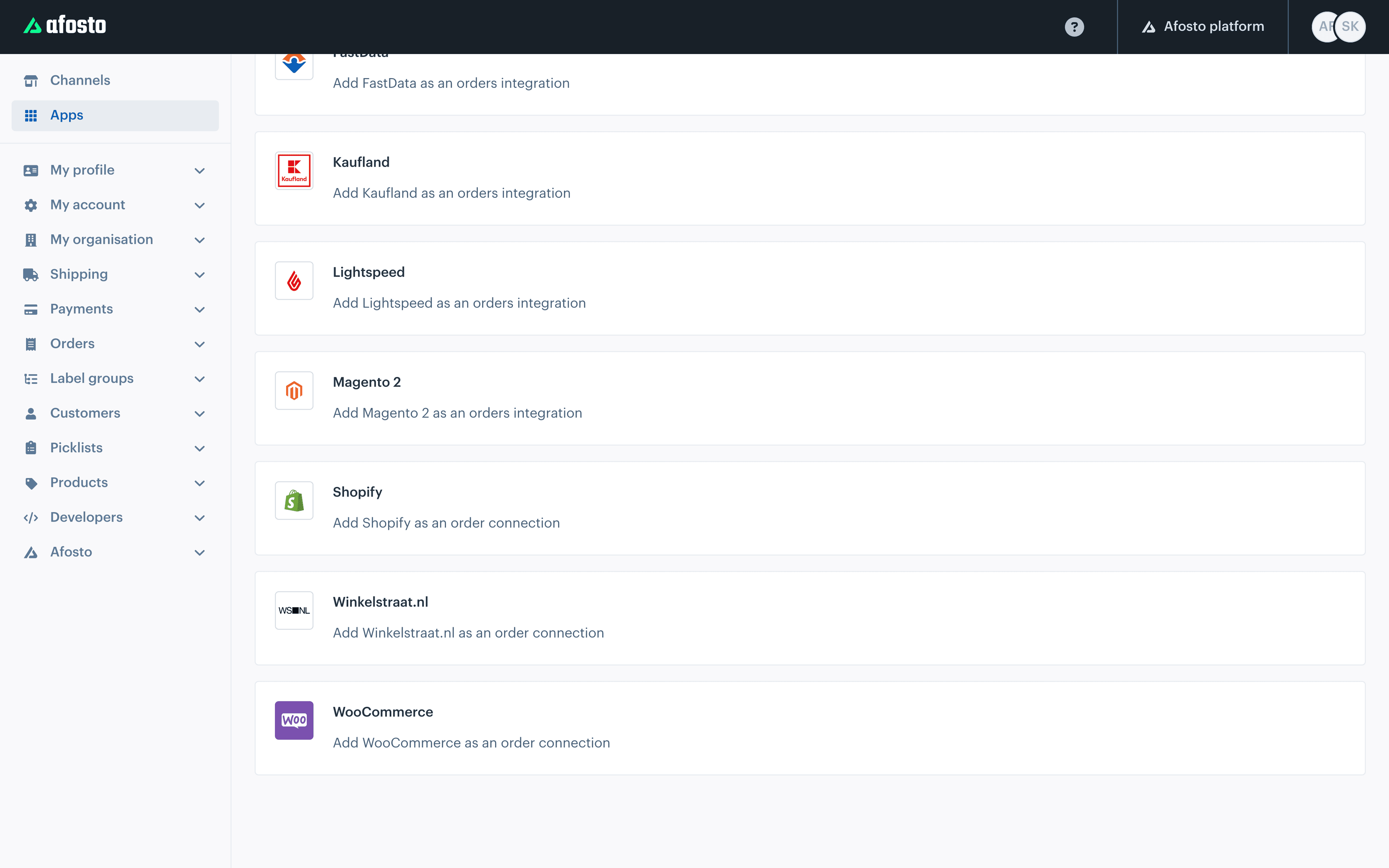
 afosto.app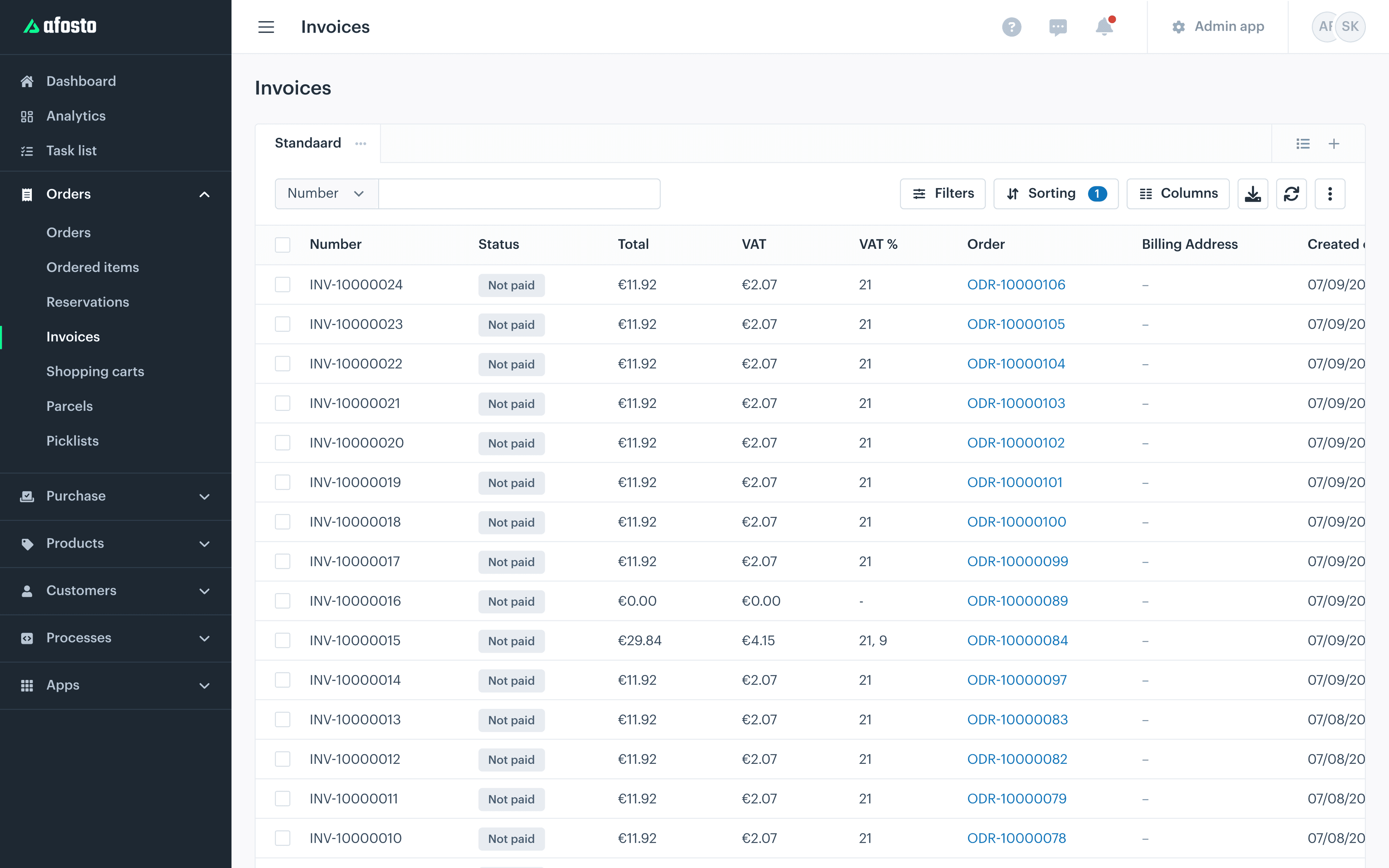
Prefer your own frontend? The storefront API and the hosted checkout work on the same channels, customer segments and price lists.
Selling to business in numbers
Built for B2B alongside B2C, not instead of
Sales channels side by side, with the same stock and customer data
Roles per business account: admin, employee and user
VAT on the invoice with automatic reverse charge to an EU customer with a valid VAT number
Transaction fees on top of your payments, for business too
The building blocks
What runs behind your business ordering portal
Three parts do the heavy lifting: prices per customer, accounts with roles and an administration that keeps itself up to date.
FAQ
Frequently asked questions about B2B e-commerce
The questions wholesalers and retailers ask us most often about selling to business online.
What is a B2B webshop?
A B2B webshop is an online ordering environment where companies order from you instead of consumers. It is characterised by prices that differ per customer or customer group, access through an account instead of an open shop, larger and recurring orders, and business administration like invoices per order and reverse charge VAT. In Afosto you arrange that with customer segments, price lists per customer and organisations with several contacts.
What is the difference between a B2B webshop and a normal webshop?
In a consumer webshop everyone sees the same price and pays straight away. In a B2B webshop the customer logs in and sees their own price list, often excluding VAT. Several people order on behalf of an organisation, each with their own role. And the handling is heavier: an invoice per order, reverse charge VAT on supplies within the EU and a connection with the bookkeeping package.
Can I run a B2B webshop alongside my B2C webshop?
Yes. In Afosto you attach every sales channel to a customer segment. Your B2C channels share the B2C segment, where customers can register freely, and your B2B channel gets its own segment where customers request an account first. Both run on the same products, stock and order flow, so you manage nothing twice. Your till hangs off a segment too, so shop, B2C and B2B come together.
How do customer-specific prices work in a B2B webshop?
With price lists and price rules. A price list holds fixed prices per item and you attach it to a contact or organisation; that customer sees their own prices after logging in. Price rules are conditional: a volume discount from a certain quantity, a discount for contacts with a label or a temporary promotion. The calculated price applies everywhere, in the webshop, at the till and in orders that come in through the API.
How does a B2B webshop handle VAT and reverse charge?
Per price list you decide whether prices are including or excluding VAT, so your B2B channel can show net prices. Supply a business customer in another EU country with a valid VAT number and Afosto applies reverse charge VAT automatically: the invoice notes that VAT collection has been reverse charged and charges no VAT. That happens based on the customer’s VAT number, without manual corrections afterwards.
Does an Afosto B2B webshop connect with my bookkeeping package?
Yes, with Exact Online and Silvasoft. The Silvasoft connection forwards every invoice Afosto creates automatically. The Exact Online connection syncs orders and finds the right debtor itself: first on debtor number, otherwise on country code and email address, and links warehouse locations. That way your bookkeeping keeps up without retyping.
Let your business customers order themselves from now on
Create a free account and set up your first B2B channel with a customer segment and its own price list. Or book a demo and we will rebuild your price agreements and ordering flow together.