

Connect with GLS for parcel labels
Note You need a GLS API account to create the connection between Afosto and GLS. Contact the sales department of GLS at 088-550-3351.
API account
With a GLS API account, you can directly print labels in Afosto for shipments via GLS. You will receive an 'API username' and 'password' which you can enter in the integration.
Add GLS App
Go to Apps by clicking on admin.afosto.app, then My organization, and then Apps (on the side)
Under the Shipping tab, click on GLS
Click Add (top right)
Enter the details you received from GLS and click connect
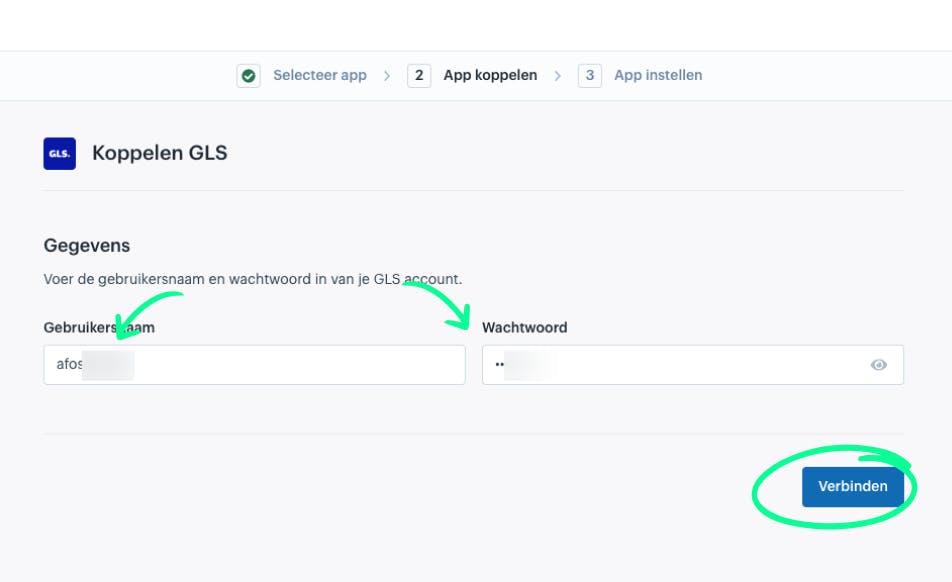
The connection is now tested immediately, and if everything works, you will see the following screen.
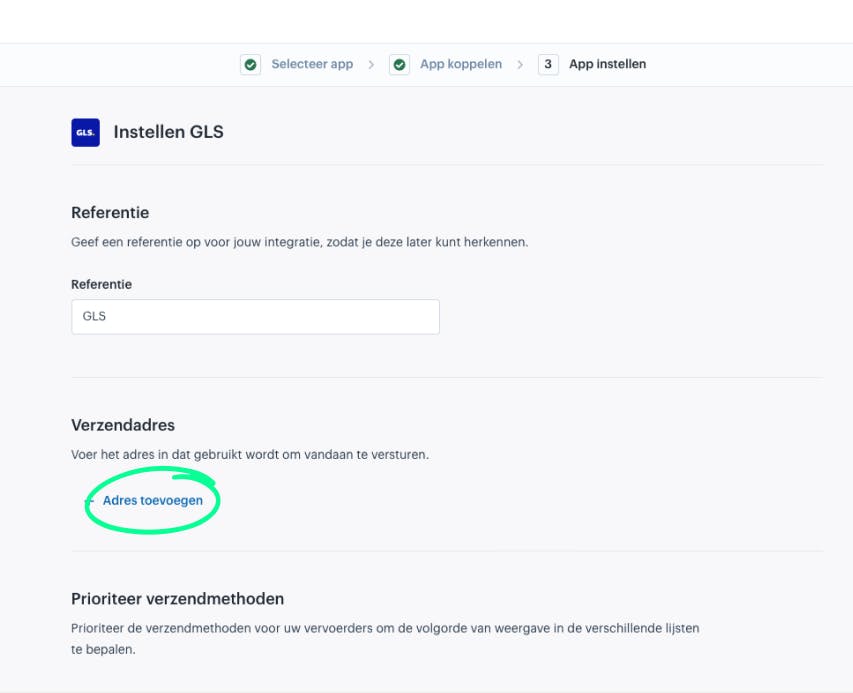
- Enter a shipping address (this is the default sender address for this integration)
-
Enter the address (First name / Last name are optional if you enter a company name)
-
You can now optionally give the GLS connection a custom reference, a default sender, and finally you can sort the available methods
-
Scroll down
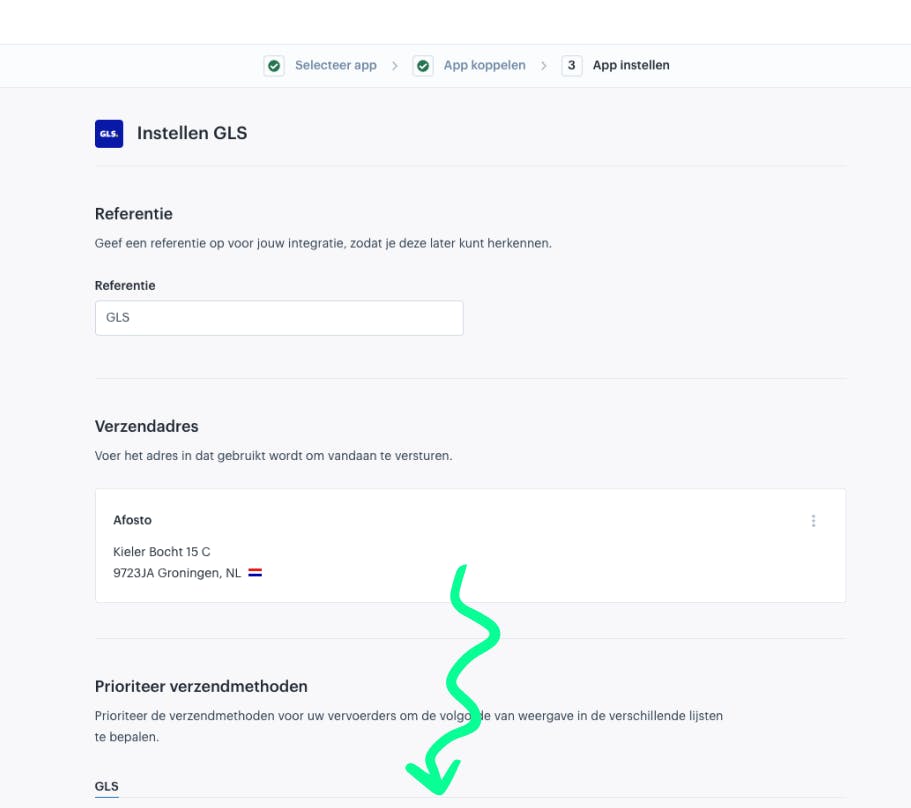
- Click on save
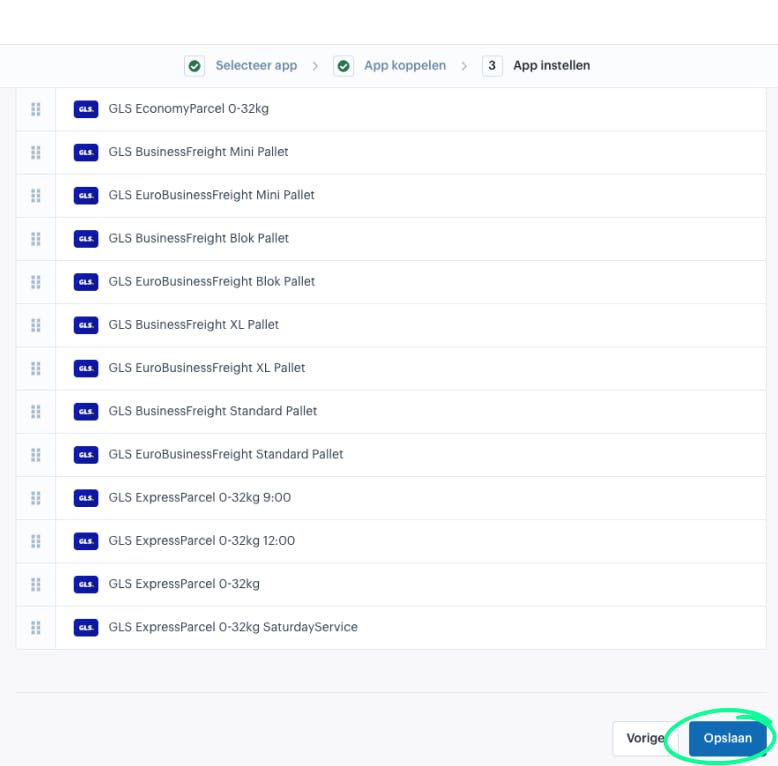
Congratulations, GLS is now available as a shipping provider to link to a shipping method.
IT support For IT support, you can contact by phone at 088-550-3053
About Afosto
Till, webshop, bol and Kaufland on one stock.
Related documentation
Pay App connection with Afosto OMS
Step-by-step guide on how to connect Pay.nl to your Afosto environment and easily activate payment methods like iDEAL, PayPal, and Klarna for your webshop.
Afosto POS
Guides for the Afosto POS: open it at pos.afosto.app, connect a printer and PIN terminal, open the cash drawer and install the POS as an iPad app.
Afosto shipping label provider
Use the Afosto shipping label provider app to automate the check-in and check-out process of packages to be picked up. Easily link the app via 'Shipping methods' or 'My organization' and follow our step-by-step instructions to get started. Improve efficiency and customer satisfaction with Afosto.
Mollie
Learn how to connect Mollie to your Afosto environment and easily activate payment methods like iDEAL, Credit Card, and Klarna for your webshop.