

Returns
Learn how to easily register and process returns with Afosto. Follow our detailed guide to efficiently manage returns, including step-by-step instructions for processing products and registering returns.
How do you start registering or processing a return? To be able to register or process a return, you will need to have packages with an "In Transit" status or "Shipped" status. Once you have this, you will see the following action appear in your order actions widget.
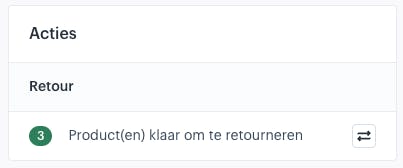
The number in this action represents the number of products that can be registered or processed. These will be the products in the shipped packages if you have not processed any products yet.
As soon as you click the button with the arrows, you will see the following choice screen.
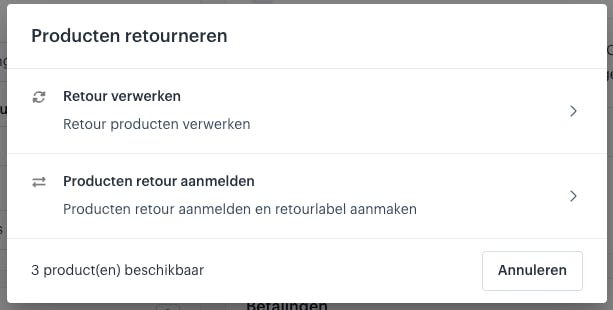
This choice screen contains two options:
-
Process Return ➝ Choose this option if you want to process the products directly
-
Register Products for Return ➝ Choose this option if you only want to register the products.
About Afosto
Till, webshop, bol and Kaufland on one stock.