

All features of the order picker app
Batch picking with collection rounds, pick list presets, scan confirmation and automatic labels: this is what the Afosto order picker app does, explained situation by situation.




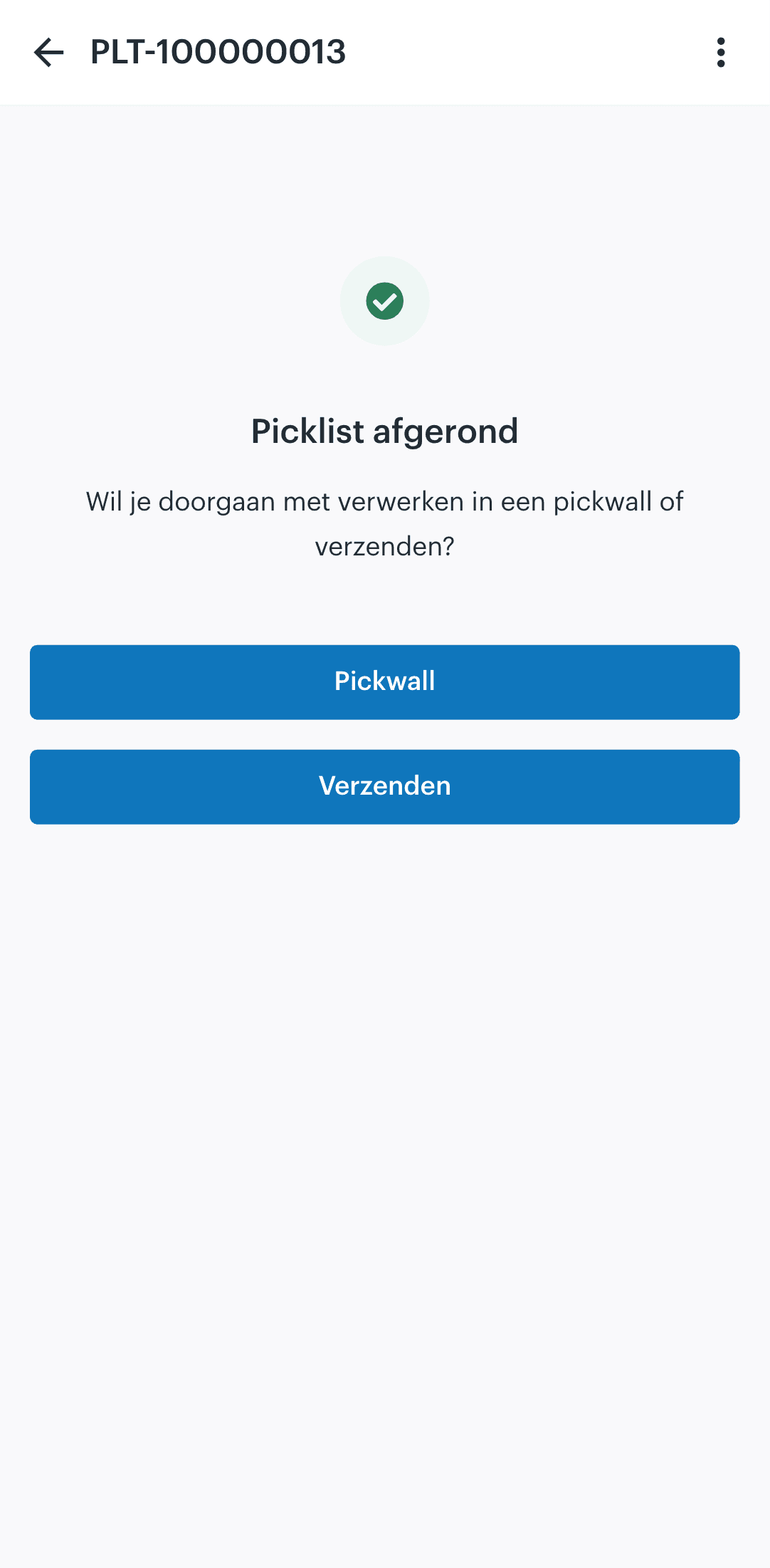
Which picking method fits your warehouse?
There is no single best picking method: there is a best method per situation. The order picker app supports them side by side, so you choose what fits at any given moment:
The difference is in the collection step. With single order picking the box is complete after the picking round. With batch picking you pick everything first, and the app then assigns a collection position per order, so each parcel is sorted correctly. That way you combine the speed of one walking round with the certainty that every box is right.
Single order picking
one order per round, full focus. For large or unusual orders, such as business orders with many lines.
Batch picking
pick several orders in one round, then collect per order at a fixed position. For the daily flow of webshop orders with overlapping products.
The features in practice
Presets, picking rounds and the queue on the scanner
Three screens that carry your picking process together: the preset that fills lists, the overview in the back office and the queue on the handheld.
- Presets
Set once which orders belong in a run
A preset filters pickable orders by location, delivery date or sales channel and caps the run at a maximum number of orders or products. Generating always takes the oldest pickable orders first, so nothing is left behind.
 afosto.app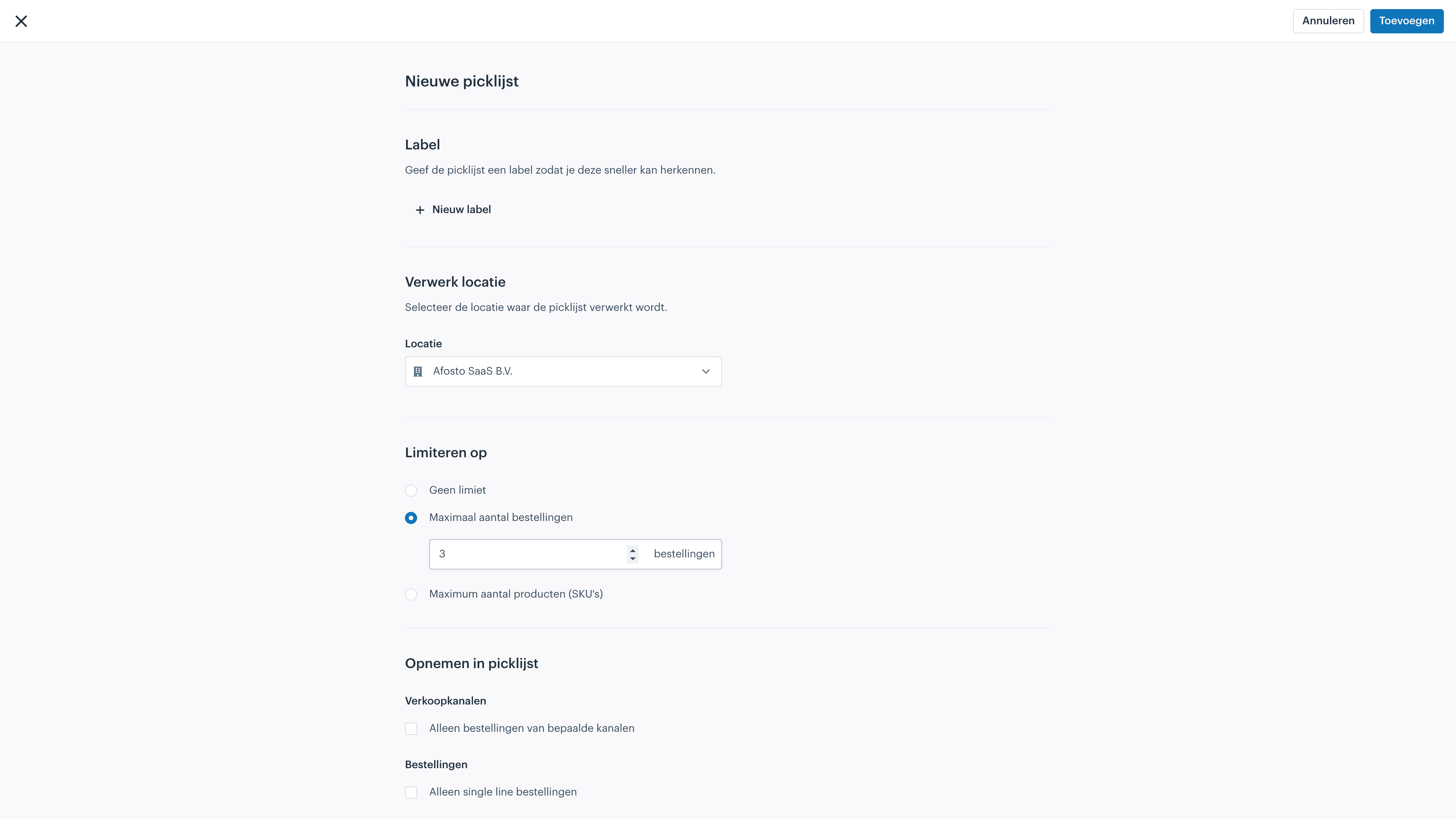
- Overview
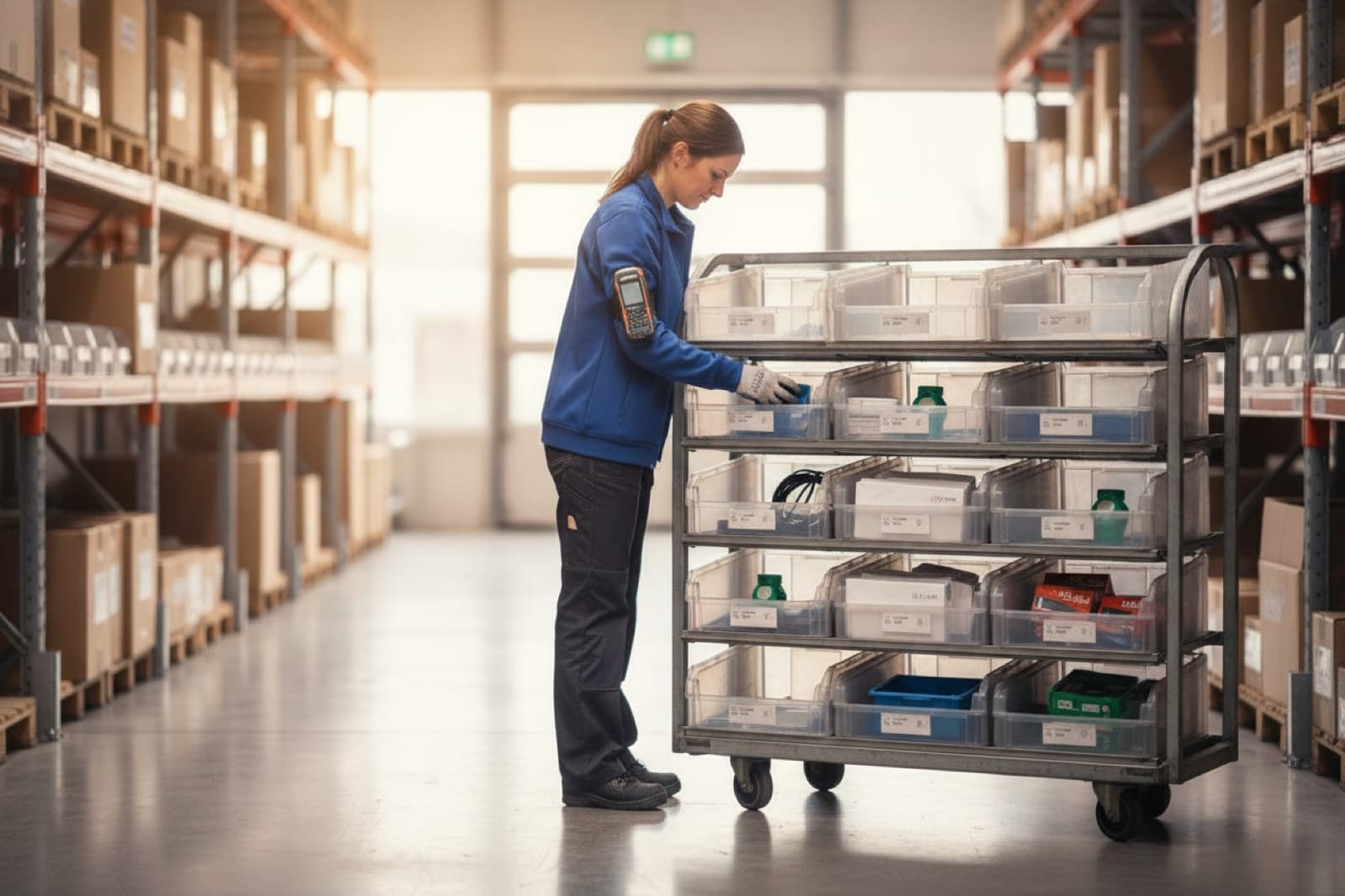
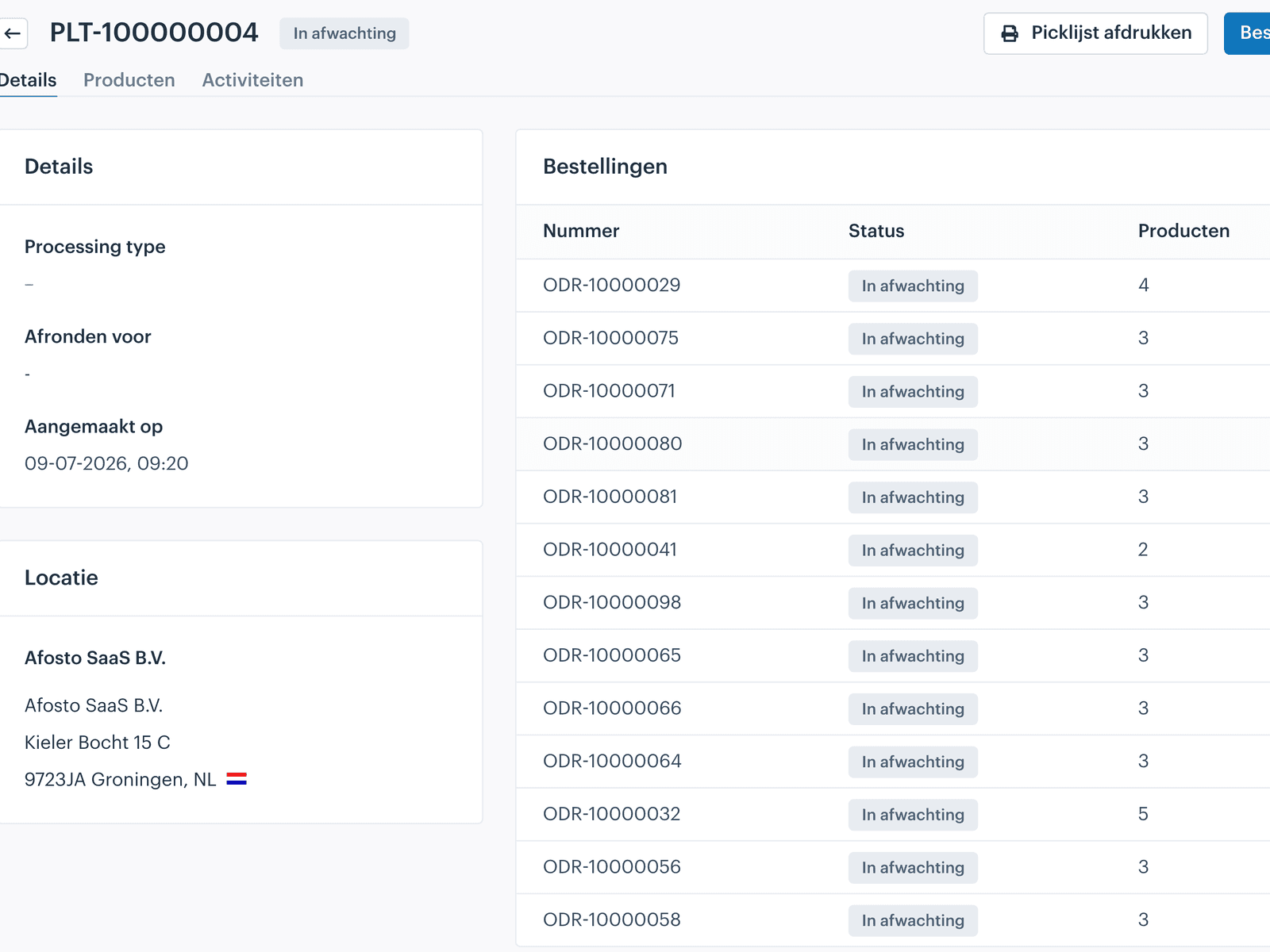
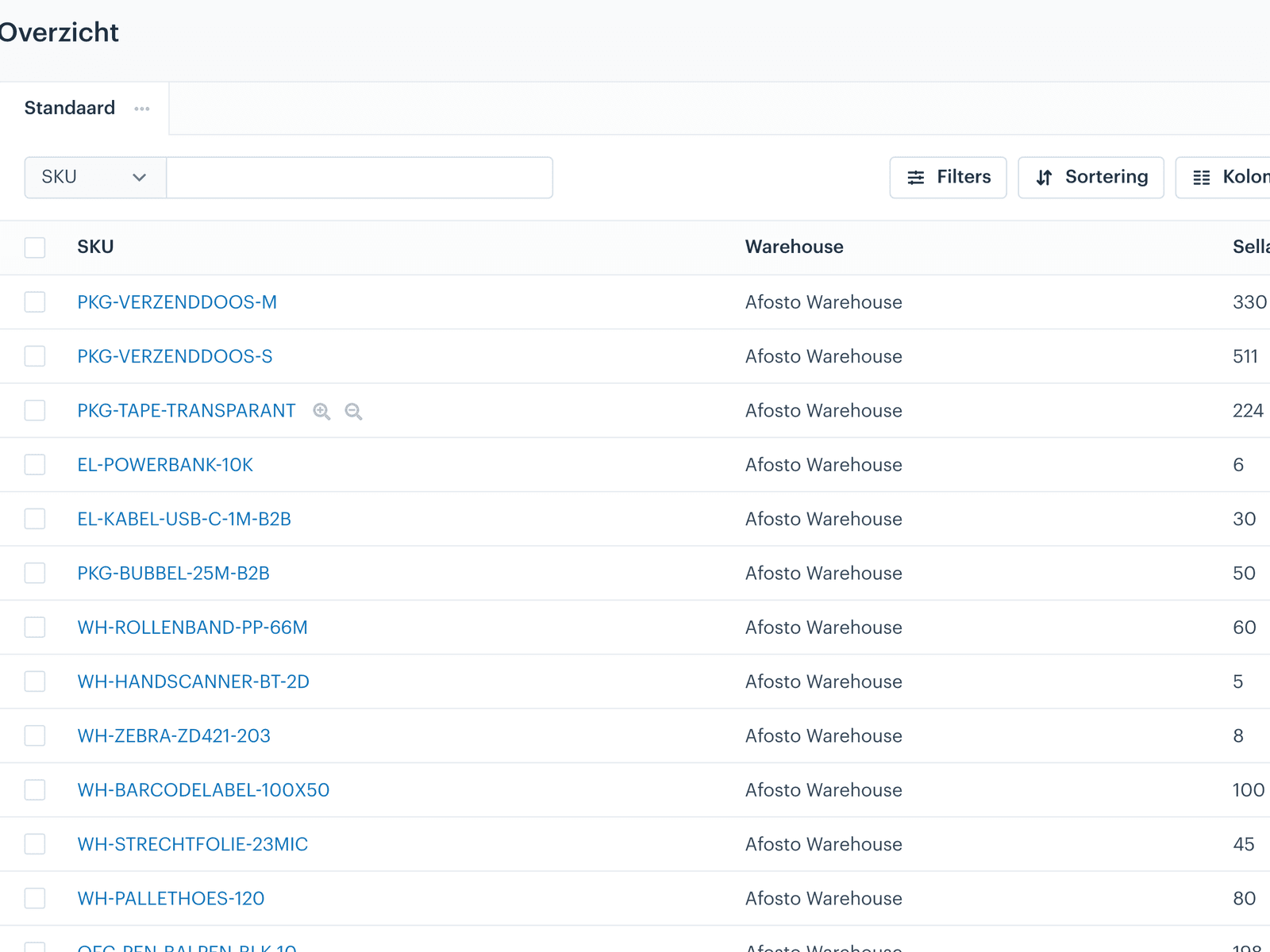
All picking rounds and their progress in the back office
Every pick list shows which orders are in it and how much has already been picked. So from your desk you can see whether the morning run is done, without walking into the warehouse or disturbing anyone.
 afosto.app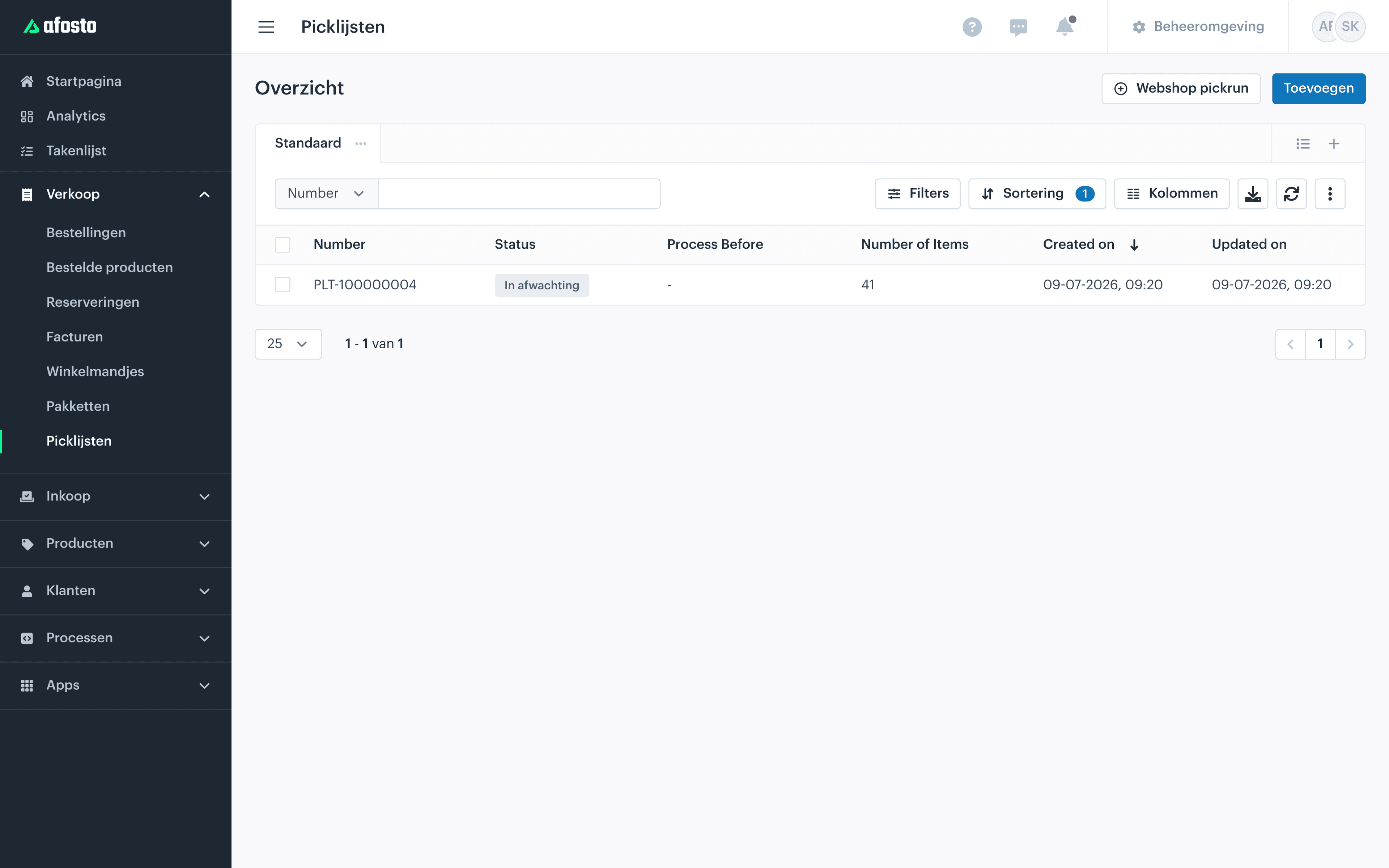
- Handheld
The queue on the scanner, per employee
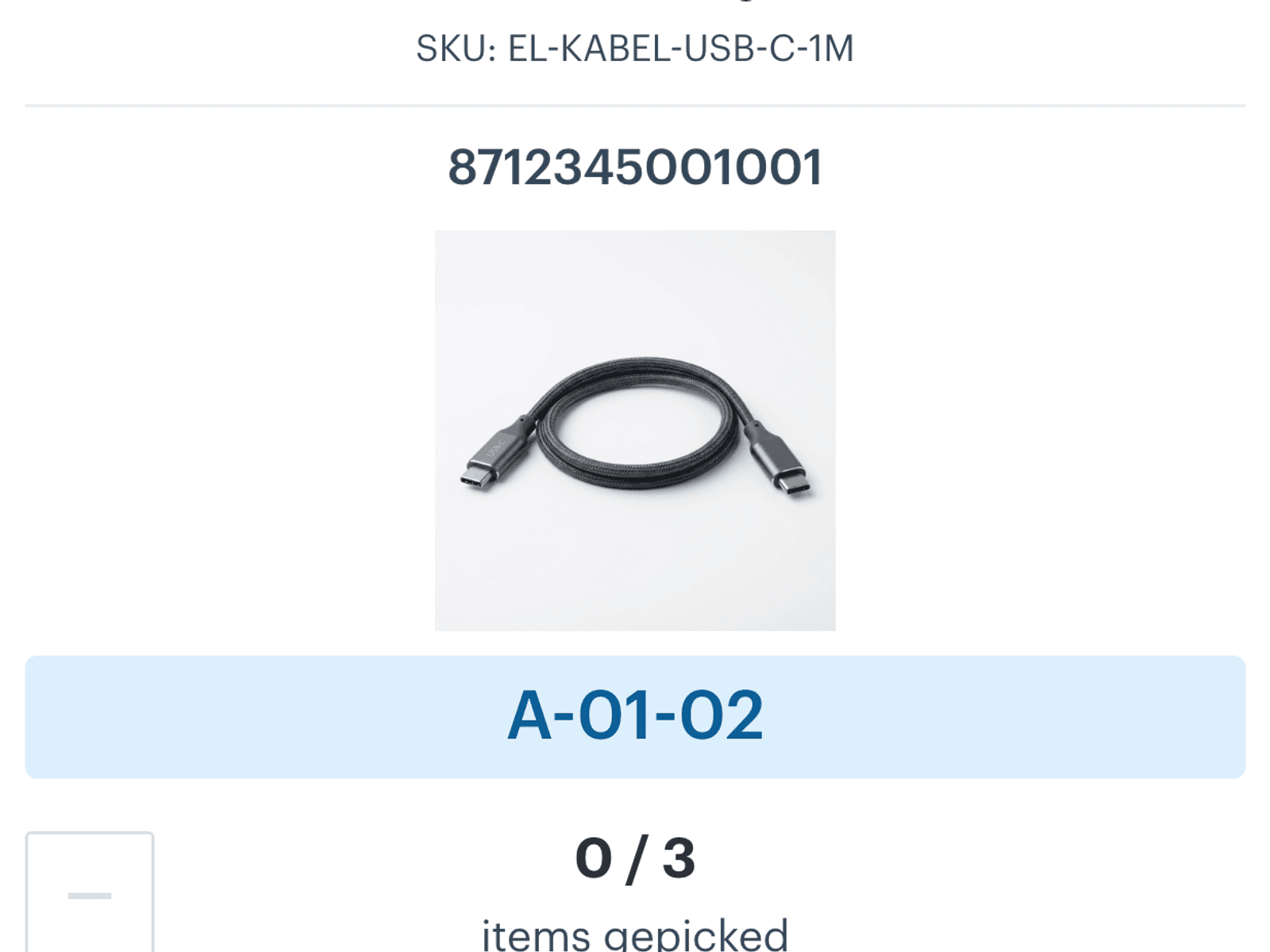
On the handheld each employee sees the open picking rounds with their status. Open, pick, finish: several colleagues work at the same time without double picks, because the app keeps track of what is already underway.
 scan.afosto.app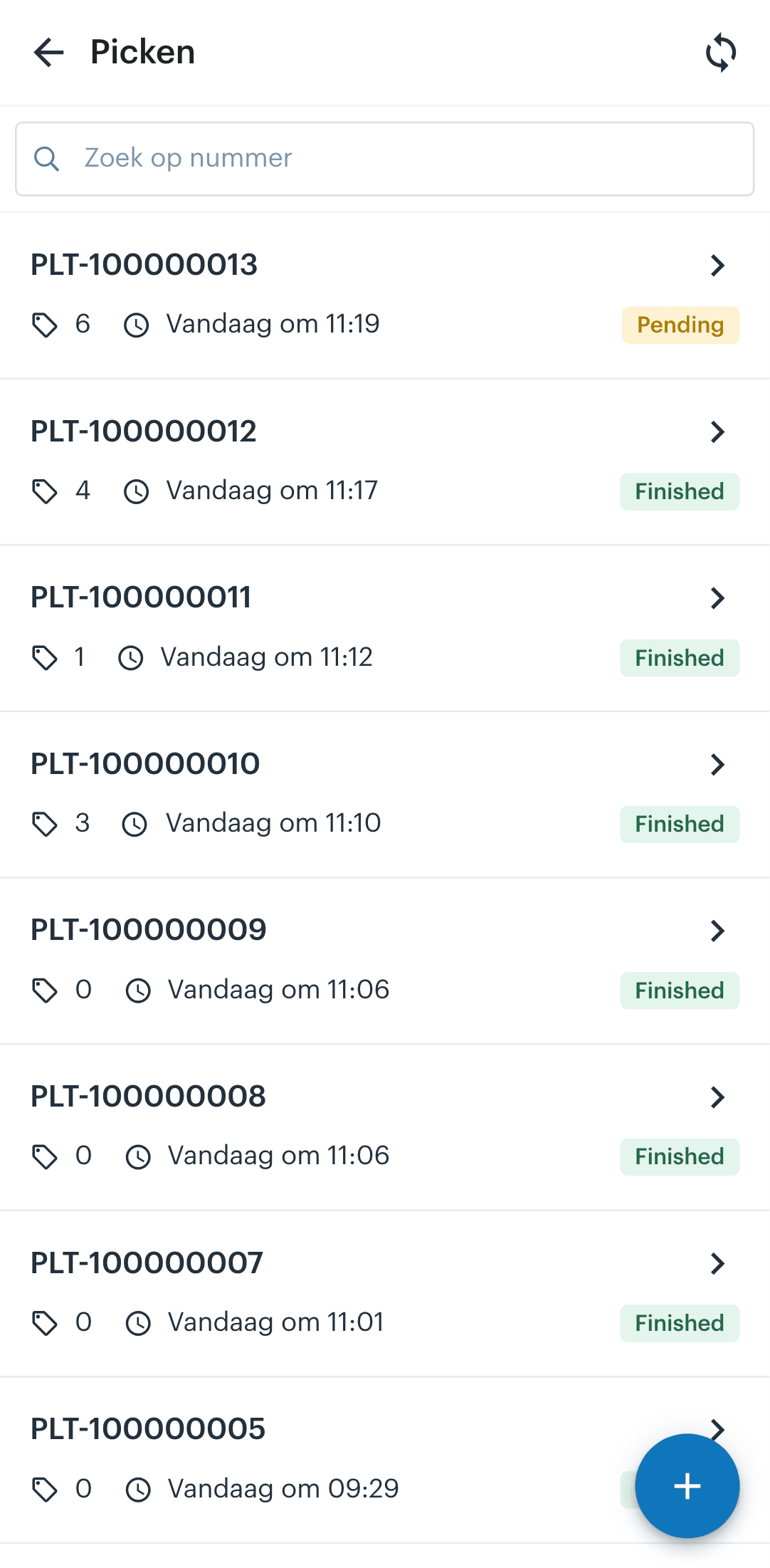
Features
What the order picker app does, feature by feature
Every feature below is included in the app as standard. No modules, no surcharge per scanner.
Method
Pick + collect
Actions for 10 units
1
Stopped picking rounds
0
From pick to parcel
Without an extra step
Stock sync
Real-time
Search time
Location in view
In practice
What a digital picking flow delivers
For dozens of orders at once thanks to batch picking
Manual steps between the last pick and the shipping label
Real-time
Stock updates on webshop, point of sale and marketplaces
Retailers and wholesalers working with Afosto every day
“During peak sales SuperStellar successfully handled large volumes of orders without delays.”
FAQ
Frequently asked questions about the features
In depth for anyone who wants to set up the picking process.
What is the difference between single order picking and batch picking?
With single order picking you pick one order per walking round: clear and error resistant, but with a lot of walking distance when there are many small orders. With batch picking you bundle several orders into one round and then collect per order at a fixed position. In the Afosto order picker app both methods exist side by side, so you choose per situation.
How does the collection step work with batch picking?
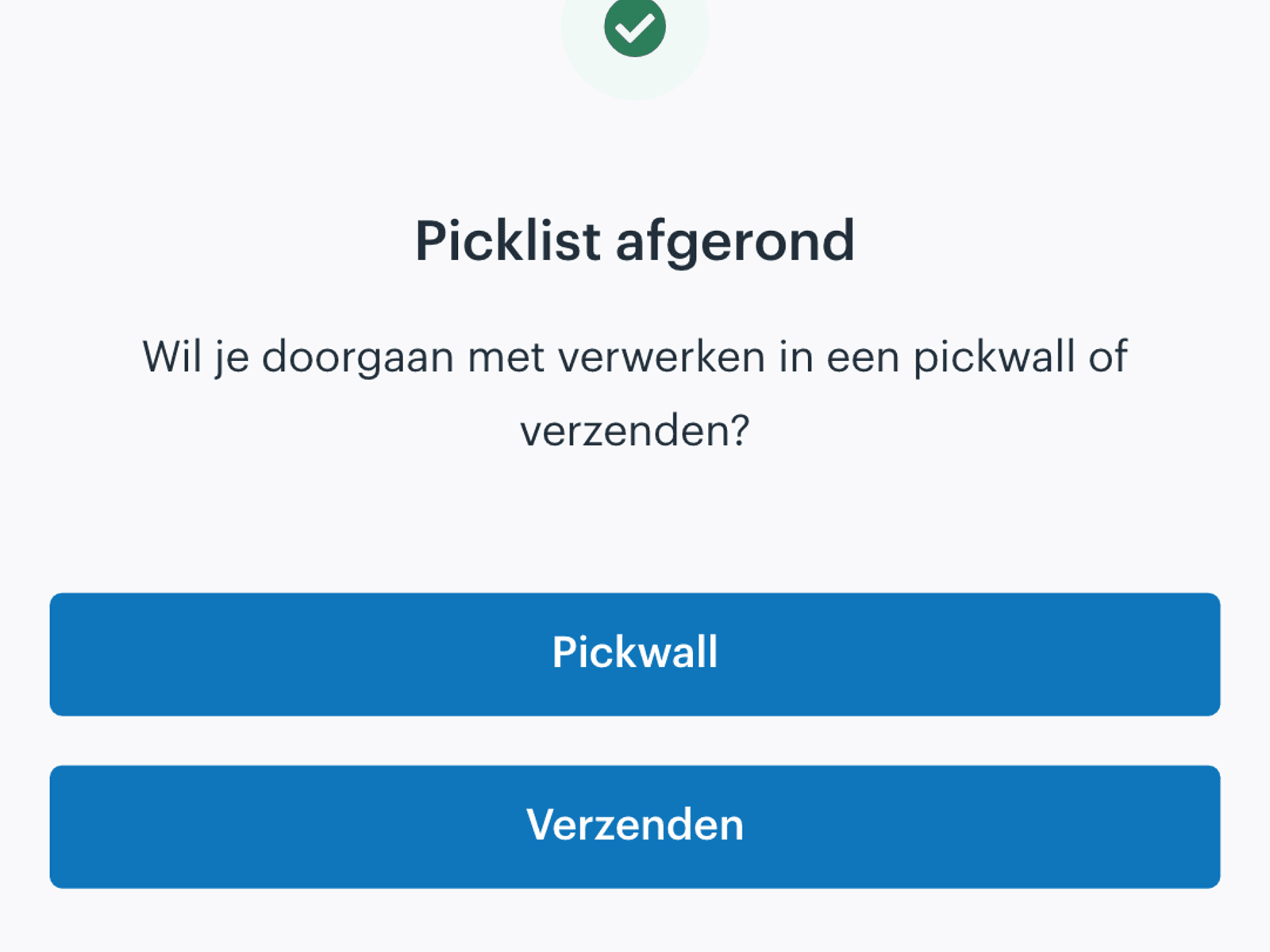
After the picking round the app assigns a collection position per order. You distribute the picked articles across those positions and the app keeps track of what is complete per order. That way you can be sure that every parcel contains exactly the articles of that one order, even if you picked for twenty orders at once.
Can I decide which orders end up in a picking round?
Yes, with pick list presets. You filter by location, delivery date or sales channel and cap the run at a maximum number of orders or products. Generating takes the oldest pickable orders first. You can also select orders manually and turn them into a pick list.
Does Afosto support the ABC method for warehouse layout?
Afosto works with fixed pick locations per article, and that combines well with an ABC layout: place your fast movers (A articles) close to the packing table and most walking distances stay short by themselves. The app shows the location per pick, so your layout is followed automatically.
Can several employees pick at the same time?
Yes. Each employee works through their own pick list and the app keeps track of what is already underway, so double picks do not happen. Every confirmed pick updates the stock right away, even when ten colleagues are in the warehouse at the same time.
Do I need special hardware?
No. The app runs in the browser at scan.afosto.app and works on common Android hand scanners, tablets and smartphones. For labels and packing slips you connect a printer via the Spooler app, which prints automatically as soon as an order is finished.
Try the picking flow with your own assortment
Create a free account and run a first picking round with your own products and locations. Or book a demo, and together we set up a preset so you see batch picking work on your own orders.