

Your webshop keeps running, even when you are not there
Orders that come in while you sleep are bundled on a pick list the next morning, with the packing slips already printed. E-commerce automation is not a separate tool in Afosto, it is how the platform works by default.




The webshops and shops running their operation on Afosto
Trusted by ambitious retailers












What is e-commerce automation?
E-commerce automation is having software carry out recurring webshop tasks the moment an event calls for it: an order comes in, a payment is completed, a shipment goes out the door. Instead of retyping orders, updating stock and printing documents, you set up once what needs to happen and the system carries that out every time afterwards. Afosto automates not with a connector tool next to your webshop, but in the platform itself, where order management, warehouse, till and webshop share the same data. Three kinds of automation do most of the work:
Order handling
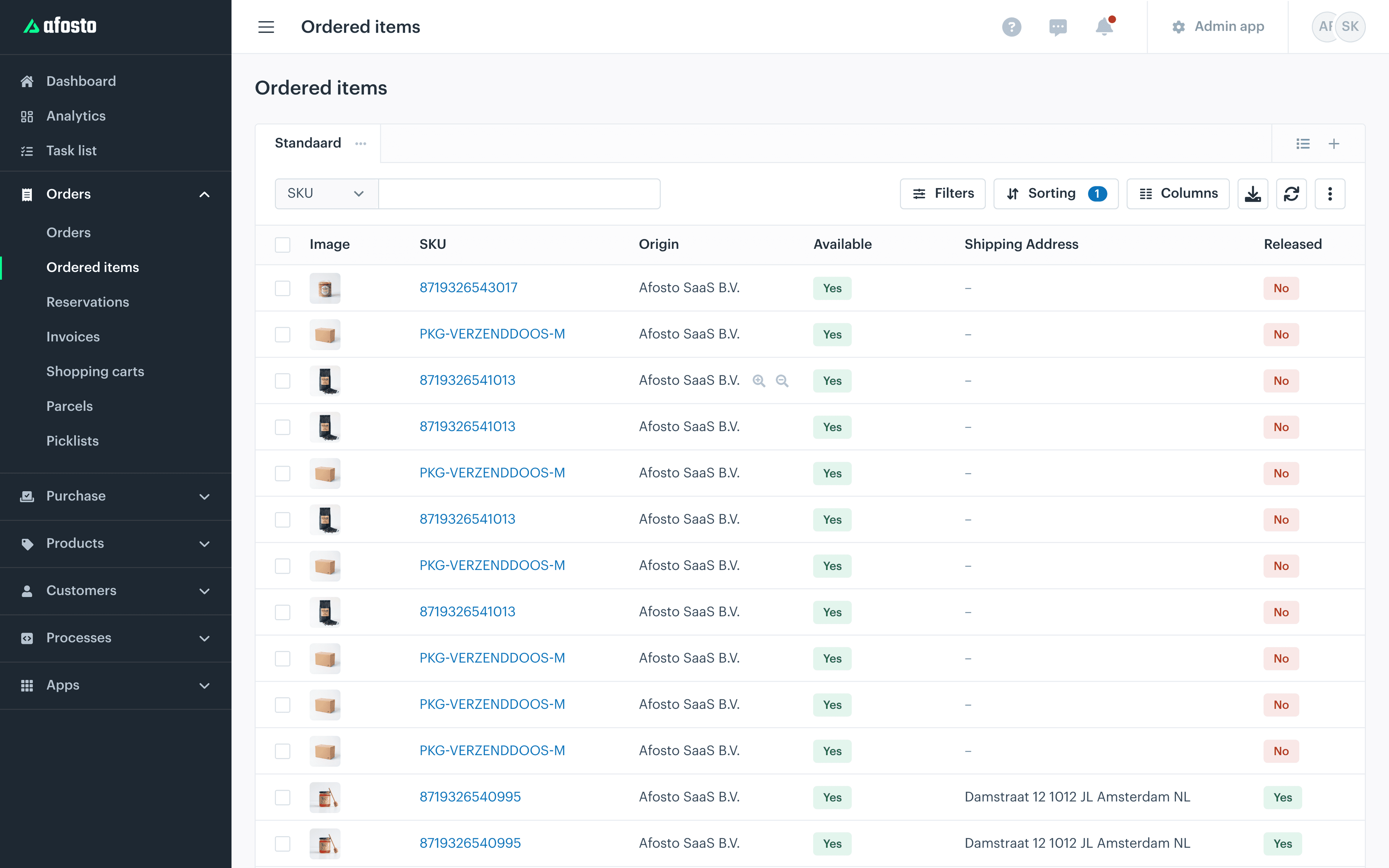
orders from your webshop and marketplaces are imported, opened and released for the warehouse automatically as soon as stock is allocated to them
Stock
every change in the central stock level is pushed automatically to all your connected sales channels, so you never sell more than you have anywhere
Documents
packing slips print when an order comes in, shipping labels after picking, and the invoice is created automatically on delivery
A night in the life
What happens while no one is there
Follow an order placed at 23:41, at a moment when your warehouse is dark and no one sees it come in. This is what Afosto handles before your team starts the next morning.
- 23:41
An order opens itself
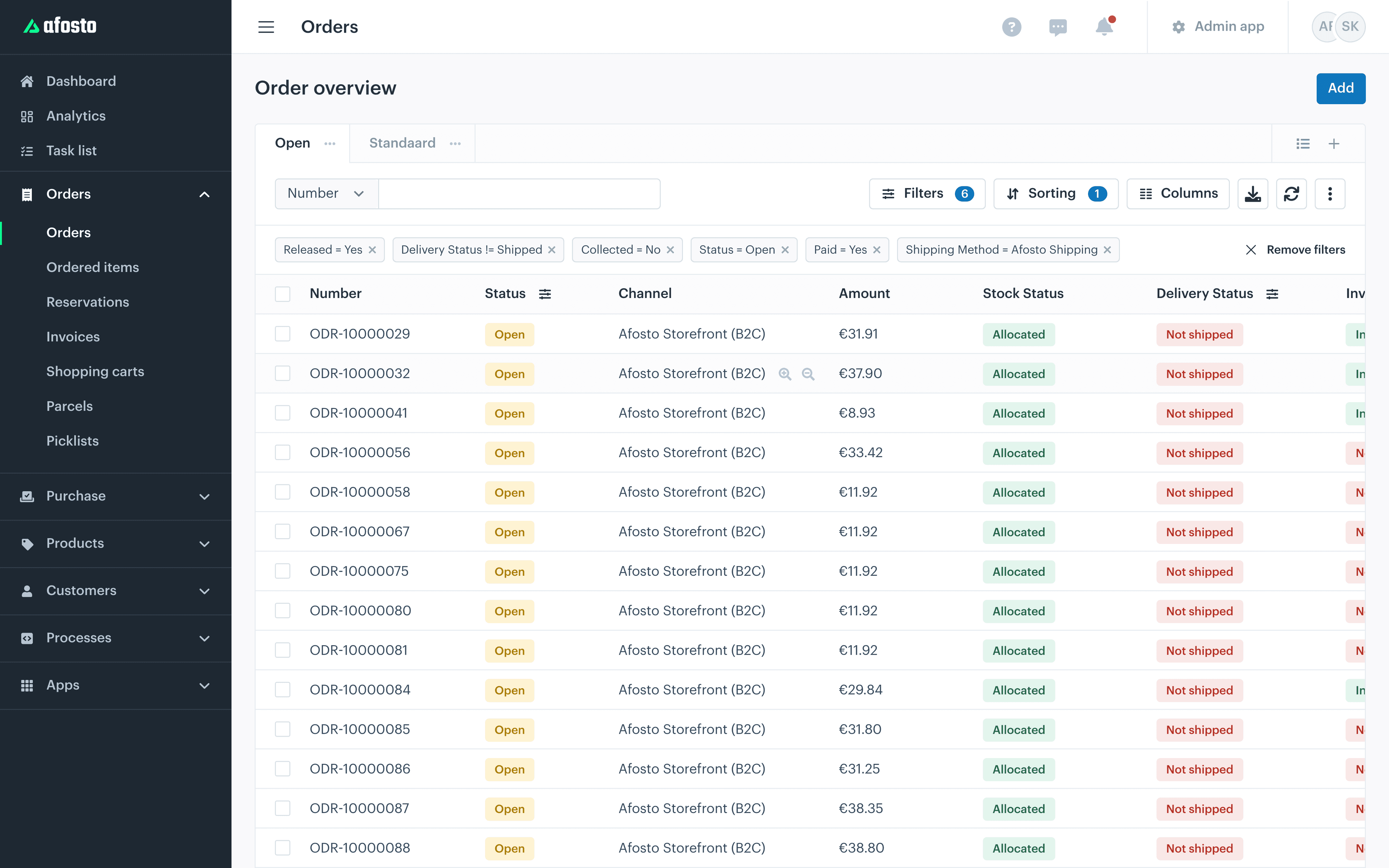
A customer orders through your webshop or a marketplace. Afosto imports the order automatically from connected channels like Shopify, bol.com and WooCommerce, records the external order number and opens the order for handling. If it is paid, a payment confirmation goes to the customer automatically.
- 23:42
Stock allocated, channels updated
Afosto allocates stock to the order. With the setting Release products automatically on, every order line is released for the warehouse as soon as stock is allocated to it. The new stock level goes to all your other channels automatically at the same time, so that night you sell nothing anywhere that just went out.
- 07:30
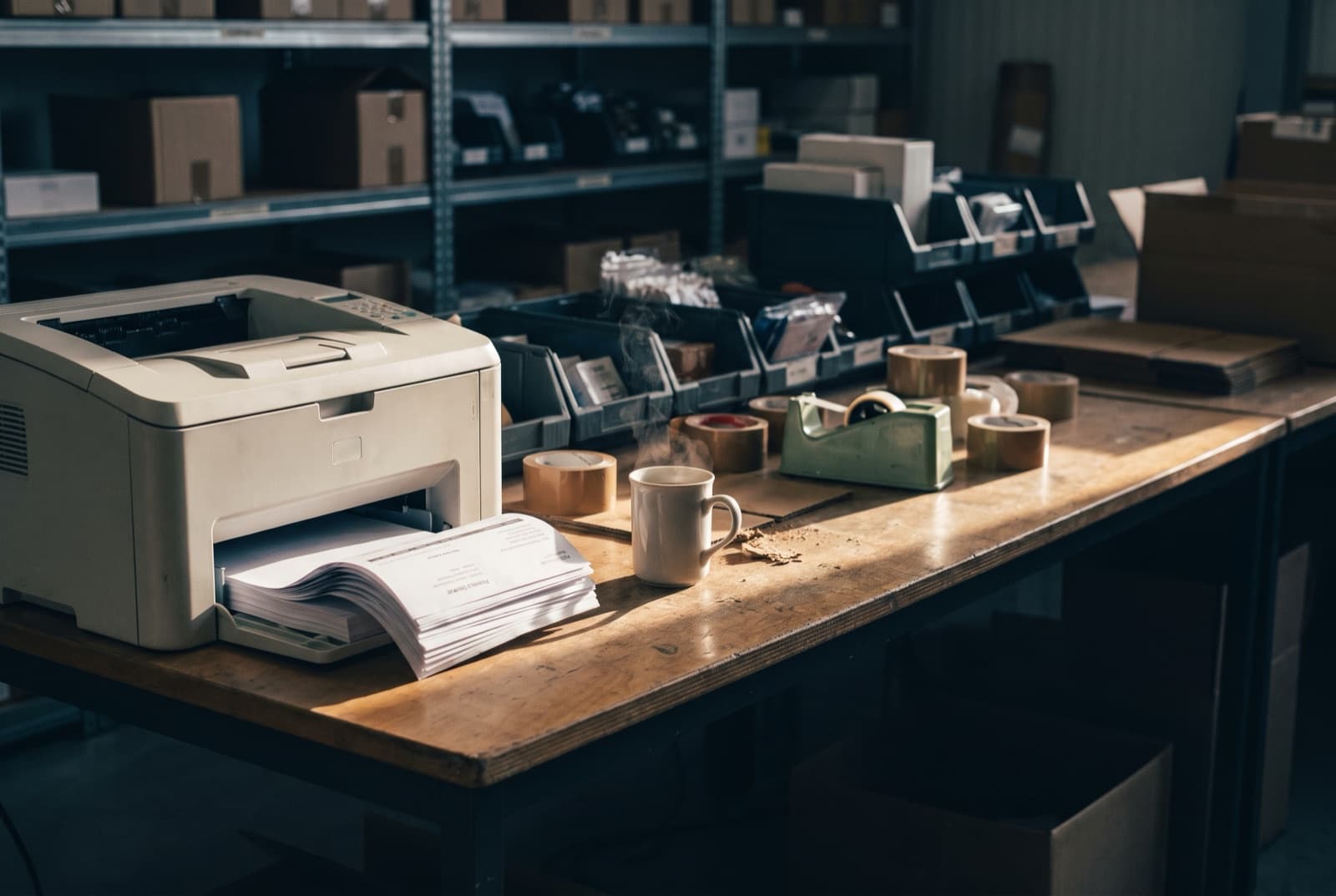
Pick list and packing slips are ready
A pick list preset bundles all released order lines automatically on the filters you chose, such as warehouse, delivery method or shipping date. Print your packing slips automatically through Spooler and the slips of all night orders are already in the printer tray of the warehouse that will handle them.
- 09:12
Picking with the scan app
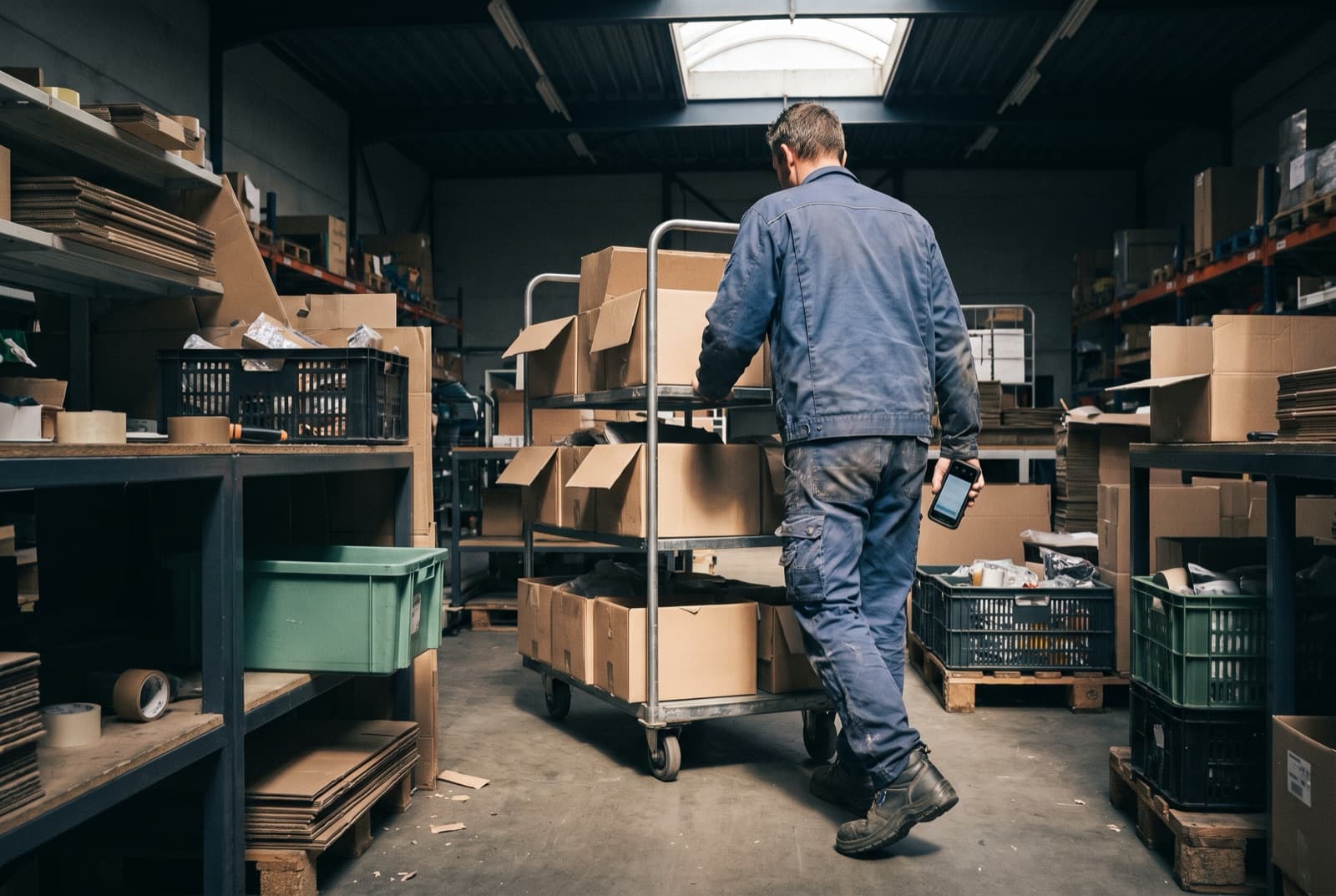
The warehouse works through the pick list on a handheld: scan the item, confirm the quantity, next line. After picking you scan the barcode on the packing slip, after which Afosto completes the order and the shipping label rolls out of the label printer automatically. Between picking and shipping no one sends a print command.
- 09:31
Invoice and track and trace sort themselves out
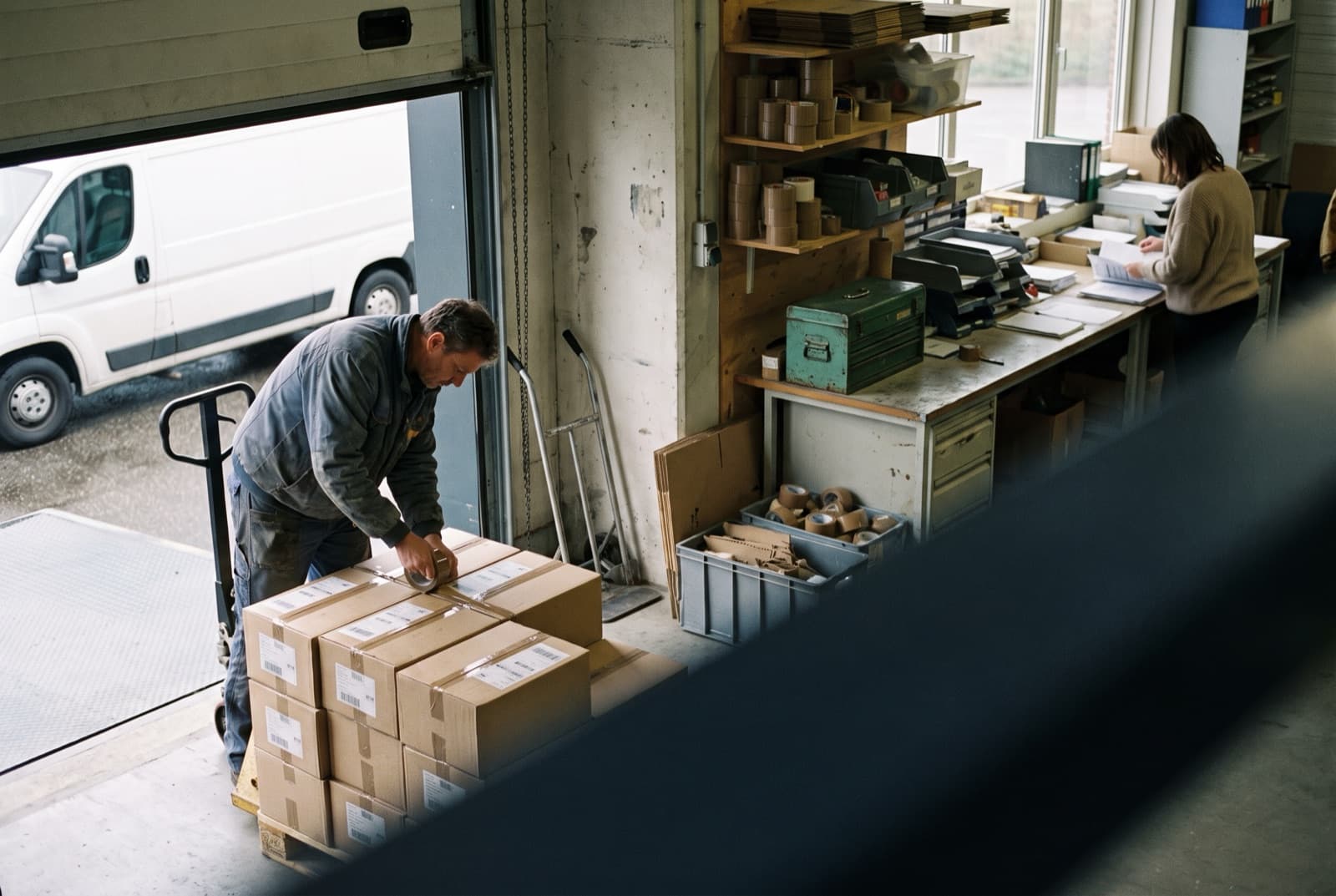
Once the shipment is on its way, Afosto sends the shipping status with track and trace back to the channel the order came from automatically. When delivery is complete, the invoice including PDF is created automatically. The customer who ordered at 23:41 never noticed that no human was involved.
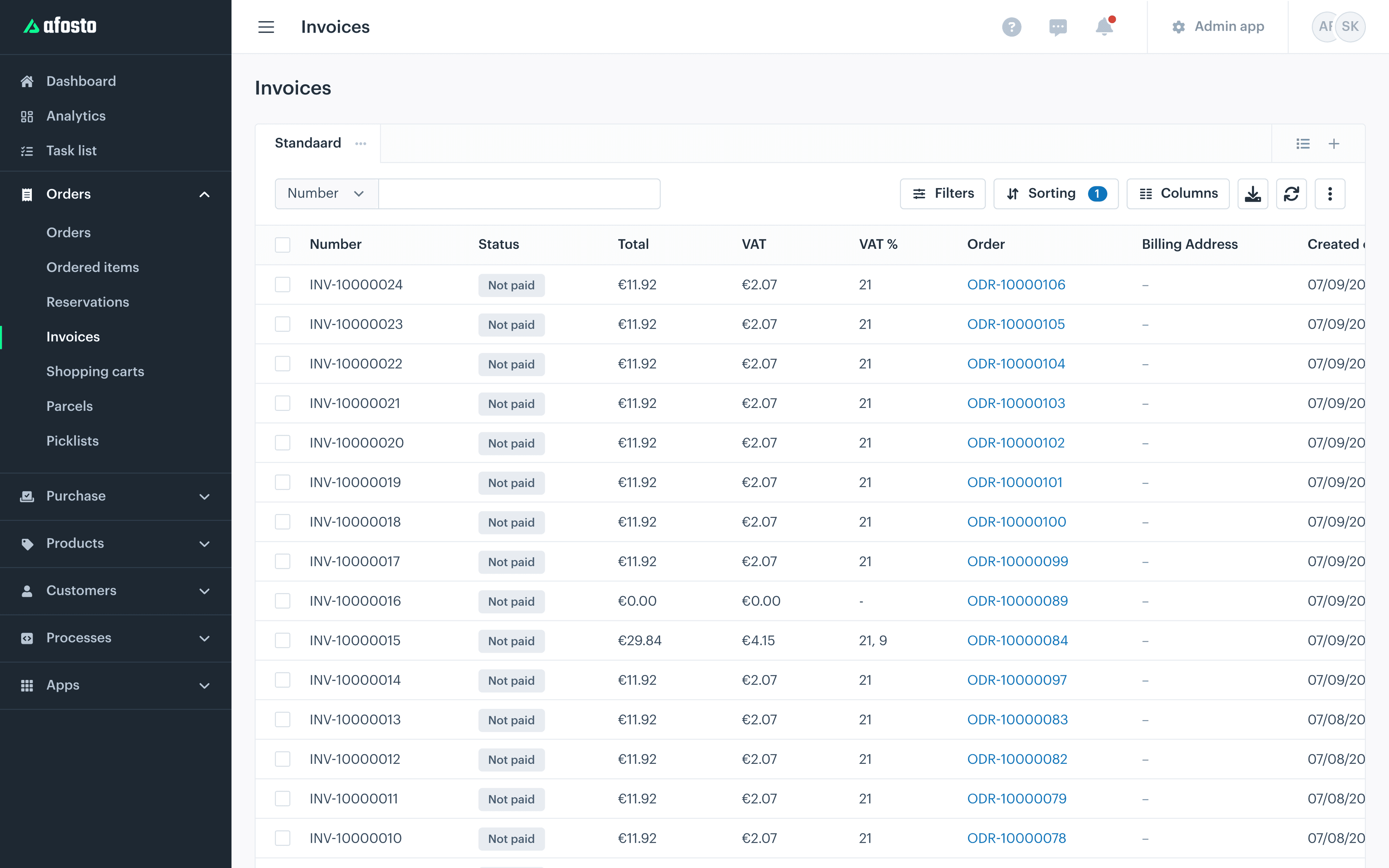
Every step above is default platform behaviour that you switch on or off in your settings. No script for a developer to maintain, no middleware that can fail.
Automation in numbers
What the platform takes off your hands
24/7
Orders from connected channels are imported and opened outside working hours too
9+
Sales channels Afosto keeps your stock level current on automatically
0
Print commands by human hand between order and shipping label
1
Central stock level that prevents overselling across all your channels
Every link has its own automation
The order flow above is the backbone, but automation runs through the whole platform. Each of these parts has its own page with the details:
They are not add-ons from different suppliers, but parts of the same platform. A pick in the scan app updates the same stock your webshop and marketplaces show.
Printing without a print dialog
Spooler connects your receipt, label and A4 printers to the platform and prints packing slips, shipping labels and receipts at the right moment
Picking without paper
the order picker app puts the pick list on a handheld, with scan confirmation per item and stock updated after every pick
Prices that calculate themselves
price rules and price lists apply volume discounts and customer agreements automatically in webshop, till and API
Services in the order flow
service tasks set embroidery, engraving or assembly as a task on the order line, with its own status per task
Images that optimise themselves
Quicq resizes your product photos automatically and serves them in modern formats through an image CDN
Large changes in bulk
with batches you push changes through in bulk via a CSV file: prices, stock levels, contact labels and price list links
FAQ
Frequently asked questions about e-commerce automation
The questions webshops ask us most often about automating with Afosto.
What is e-commerce automation?
Having software carry out recurring webshop tasks, triggered by events in your sales process: an order comes in, a payment is completed, a shipment goes out the door. Typical examples are importing orders from marketplaces, syncing stock levels across channels, printing packing slips and shipping labels, and creating invoices. The aim is less manual work, fewer mistakes and a lead time that does not depend on who is working that day.
What happens automatically when an order comes into Afosto?
The order is imported from the connected channel, linked to the external order number and opened for handling. Afosto allocates stock and releases order lines for the warehouse automatically as soon as stock is allocated to them, if you have that setting on. Released lines are bundled by a pick list preset on your filters, and with Spooler the packing slip prints automatically in the right warehouse. On payment the customer gets a payment confirmation automatically.
How does Afosto prevent overselling when selling across multiple channels?
Afosto keeps a central stock level per item. Every change, through a sale, return or intake, is pushed automatically to all connected channels that have stock synchronisation on, including Shopify, bol.com, WooCommerce, Magento 2, Lightspeed eCom, Kaufland and EffectConnect. So a sale on one channel immediately lowers the level the other channels show. With Shopify the connection works both ways: orders come in and the lowered stock goes back.
Can I have packing slips and shipping labels printed automatically?
Yes. With Spooler and the Automatically email/print packing slips app you set per warehouse which printer incoming packing slips print on, or which email address they are emailed to. After picking you scan the barcode on the packing slip: the order is completed and the shipping label rolls out of the connected label printer automatically. Through the API you can also pass a printer when creating a shipping label, so the label prints straight away.
Does this work if my webshop runs on Shopify or WooCommerce?
Yes. Afosto imports orders from Shopify and WooCommerce automatically and handles them in the same flow as orders from other channels: open, allocate stock, release, pick and ship. The stock level is written back to the channel after every change. Your storefront keeps running where it is; Afosto does the handling behind it.
Do I need a developer to automate?
For the standard flows, no. Order import is part of the channel connection, releasing automatically is a setting, pick list presets you put together with filters and printing you arrange with the Spooler app. Want to build something of your own beyond that, there is an API that lets you drive print commands, price rules and stock, among other things. For the latter technical knowledge is handy, for the rest it is not.
Start with the process you do yourself every day now
Create a free account and rebuild your own order flow, from import to shipping label. Or book a demo and we will walk through what can run automatically in your operation together.