

Your Magento store stays. The manual work behind it disappears.
Connect your Magento 2 store to Afosto and handle orders, stock and shipping from one central operation. Orders come in automatically, and track and trace plus stock go back to your shop on their own.




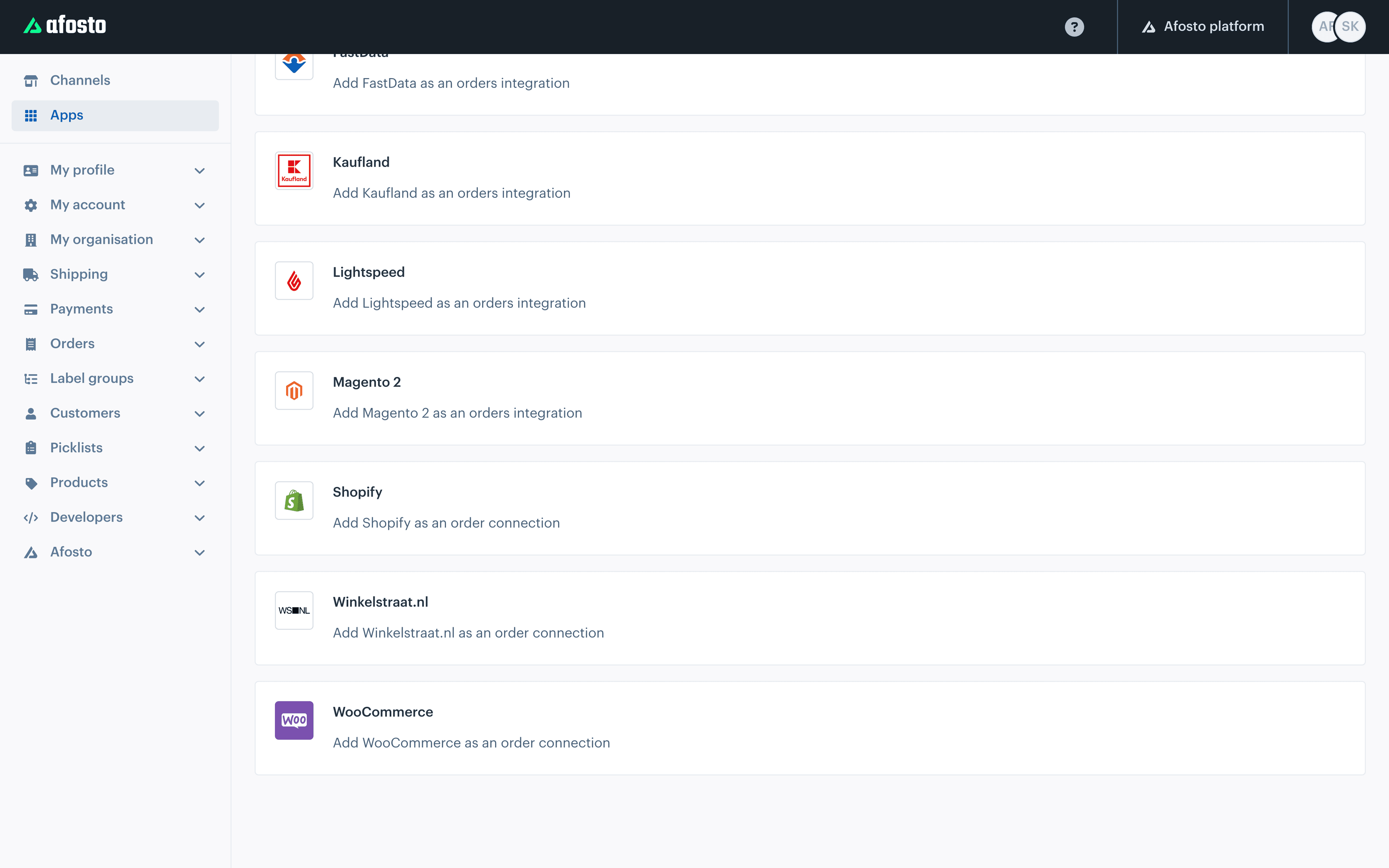
The channels and services that run in Afosto alongside your Magento store
Trusted by ambitious retailers












What is the Magento integration with Afosto?
The Magento integration connects your existing Magento 2 store to Afosto's order and stock platform. Your shop stays exactly as it is: the same theme, the same extensions, the same checkout. Afosto runs behind it as the operational layer that processes orders and keeps stock in check, even when you sell through marketplaces, a point of sale or B2B alongside it.







Cancellations and credit-memo returns run through the same integration. When you set it up you decide yourself whether stock syncs along and how cancellations are handled.
How the integration works
From an order in Magento to a stock update coming back
This is the route an order travels once your shop is connected: from Magento to the work floor, and with shipping status and stock back again.
- Step 1
Connect your shop with an access key
In the standard Magento admin you create an integration under System and copy the access token. In Afosto you add Magento 2 as a sales channel, paste the token and choose which store you connect. There you set whether stock syncs along and what should happen with cancellations.

- Step 2
Orders come in on their own
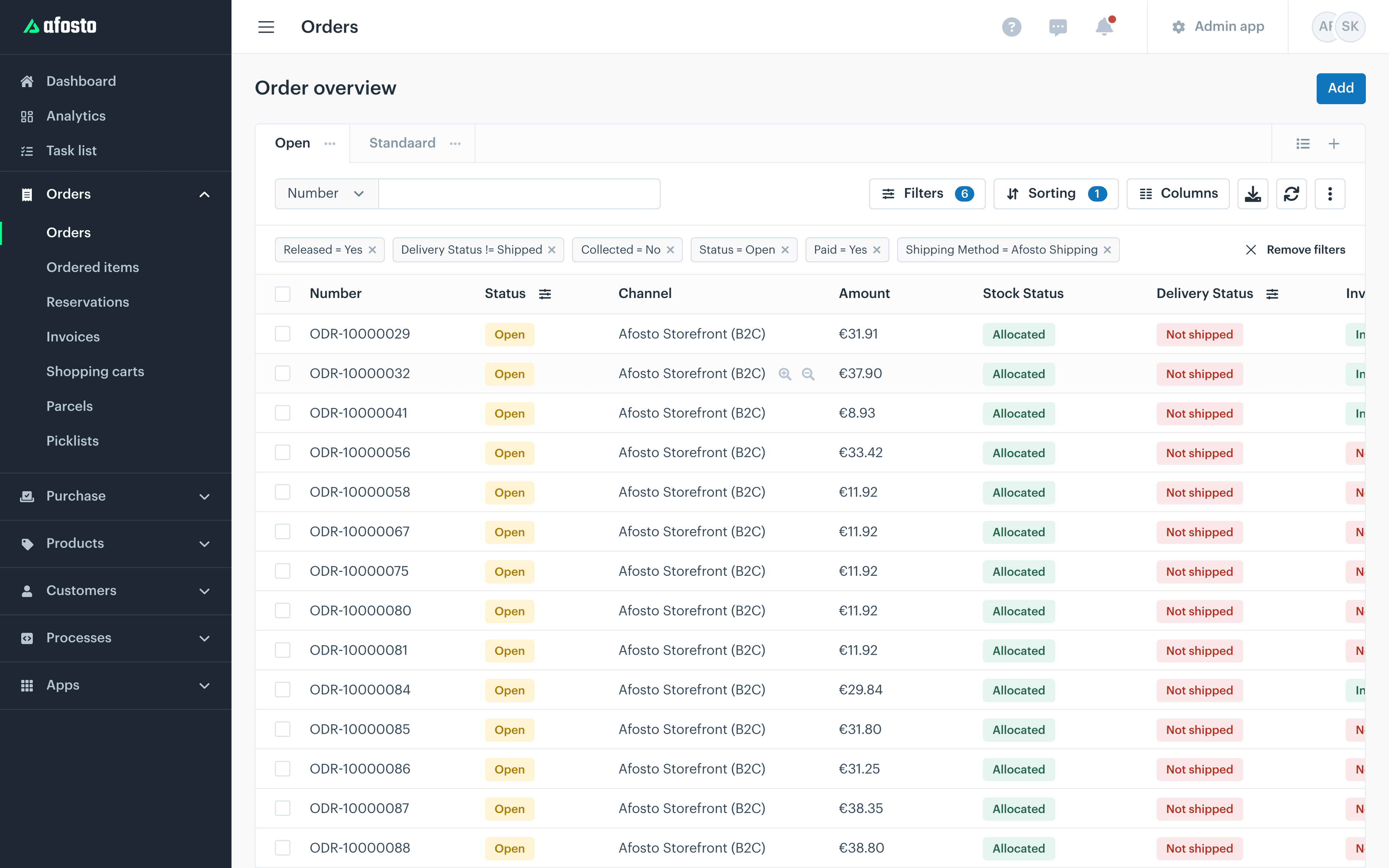
The integration pulls new orders from Magento automatically. They show up in the same order overview as your orders from bol.com, your point of sale or B2B customers, ready to be processed. Nobody has to look in two systems any more to know what has to go out today.

- Step 3
Pick and ship without retyping
From the orders you generate pick lists and work through them with the scan app on a handheld, with scan confirmation per item. Labels and packing slips print along automatically. No address is retyped from the Magento admin, so that source of errors is gone.

- Step 4
Status and stock go back automatically
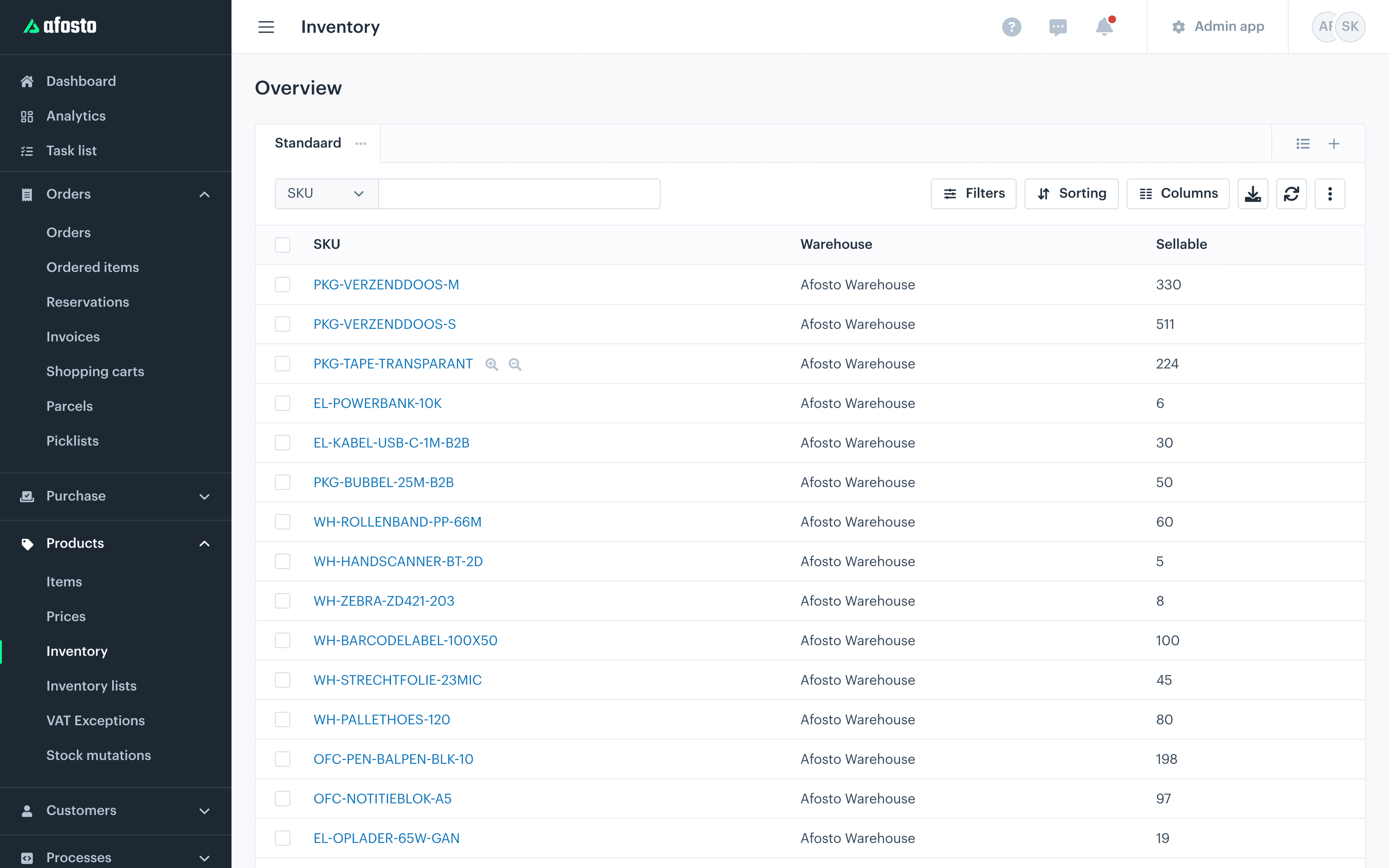
As soon as the order is shipped, Afosto records the shipment with track and trace in Magento and your customer gets the familiar confirmation from your own shop. Stock changes are pushed to Magento right away when stock sync is on, at channel or location level.

Cancellations and credit-memo returns run through the same integration, and right after connecting you can optionally attach a shipping provider to the channel.
More than the webshop
What fits alongside your Magento store
The integration is the starting point. After that the operation grows with you without you having to tinker with your webshop.


FAQ
Frequently asked questions about the Magento integration
The questions Magento users ask us most often before they connect.
Do I have to replace my Magento webshop if I start using Afosto?
No. The integration is built precisely so that your shop stays put. Magento remains your storefront, with your own theme, extensions and checkout. Afosto runs behind it for order processing, stock and warehouse. Your customers simply order in your familiar shop; only the handling behind it changes.
What exactly does the Magento integration sync?
From Magento to Afosto: orders and product data, pulled in automatically. From Afosto back to Magento: shipments with track and trace, ready-for-pickup notifications and stock changes (if you turn stock sync on). Cancellations and credit-memo returns run through the same integration. Customer data and prices are not synced.
Which Magento versions is the integration for?
The standard integration is built for Magento 2. Connecting goes through an integration token you create in the regular Magento admin and enter in Afosto; the whole setup is described step by step in our documentation.
How fast does a Magento order appear in Afosto?
Orders are pulled in automatically in the background; you do not have to do or configure anything for that. Updates the other way are event-driven: as soon as you ship, cancel or change stock, Afosto sends that straight to Magento.
Can I choose myself whether my stock is synced?
Yes. When connecting you choose per channel whether stock syncs along and how cancellations and notifications are handled. If you want to use Afosto only for order processing at first and keep managing stock in Magento itself, you can.
Can I sell on bol.com or in a shop alongside Magento?
Yes, that is exactly what the combination is meant for. Marketplaces like bol.com and Amazon, a point of sale in the shop and B2B sales drop their orders into the same environment as your Magento orders and draw from the same stock. Every extra channel is one more integration, not a second administration.
Related integrations
Alongside Magento, Afosto connects with dozens of other systems. Many webshops combine this integration with the Exact Online integration for their bookkeeping. Selling through another platform as well? Take a look at the Shopify order connection or the WooCommerce integration. The full offering is in the integration library.
Take your Magento integration live
Create a free account, connect your Magento 2 store with a token and watch your own orders come in. Rather see how it fits your operation first? Book a demo and we will walk through your order stream together.