

Your WooCommerce shop stays, the manual work disappears
Your webshop runs fine on WooCommerce. But the operation around it grows: moving orders across, updating stock per channel, clearing parcels. Connect Afosto as the extension for orders, warehouse and stock. Your shop simply stays put.




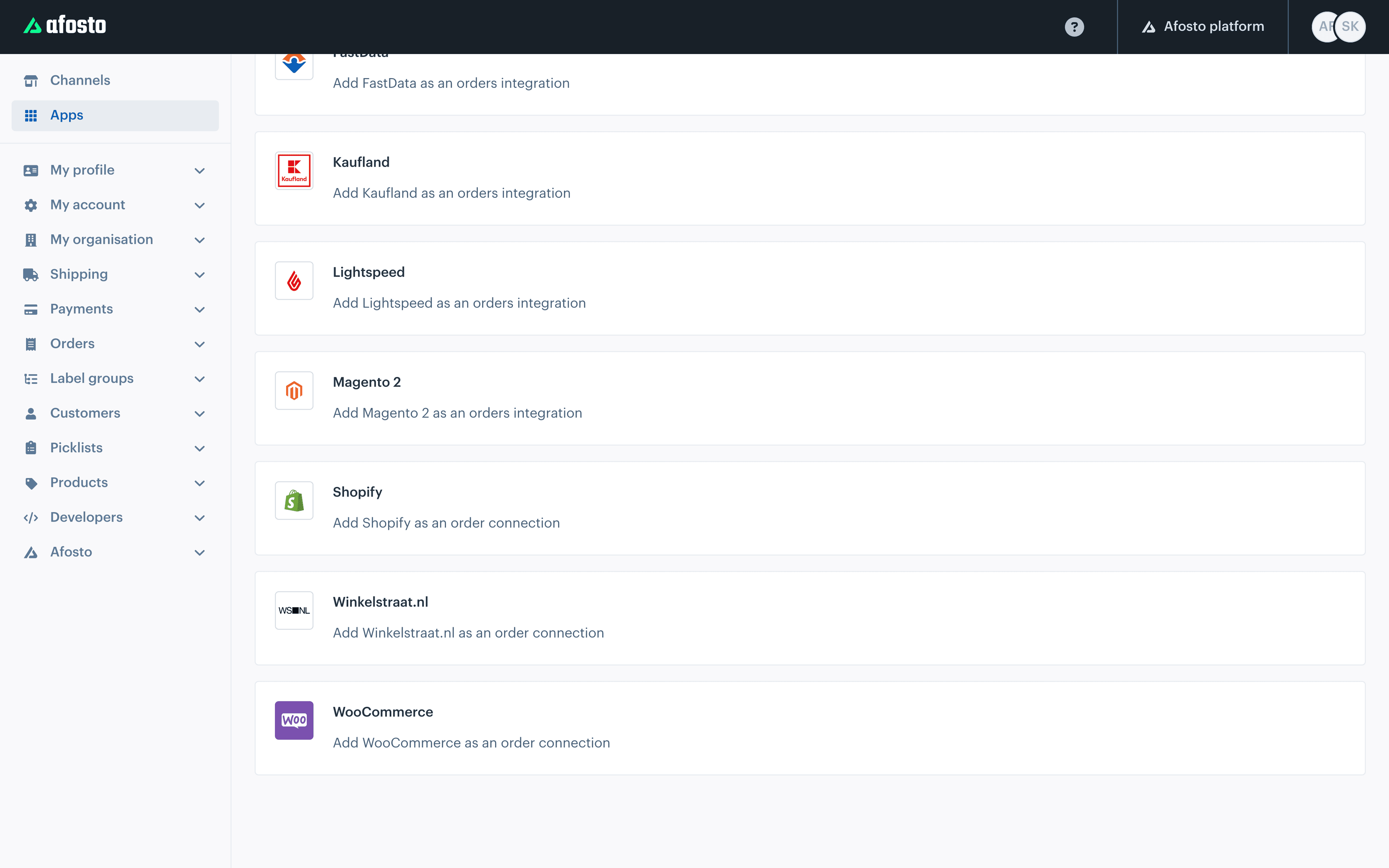
Works together with the rest of your stack, from bol.com to PostNL
Trusted by ambitious retailers












What is the WooCommerce integration from Afosto?
The WooCommerce integration connects your existing WooCommerce webshop to Afosto through the WooCommerce REST API. WooCommerce stays your shop: site, theme, checkout and plugins do not change. Afosto becomes the layer behind it that processes orders, drives your warehouse and keeps stock equal across all your sales channels. The integration syncs six data streams:







Product titles, texts and images the integration deliberately does not sync: you manage your product content where you already do. That way WooCommerce stays the face of your shop, while Afosto takes over the work behind it.
How it works
From a WooCommerce order to a delivered parcel
This is the daily loop once your shop is connected. You keep an eye on an overview, the integration does the retyping.
- Step 1
An order comes in automatically
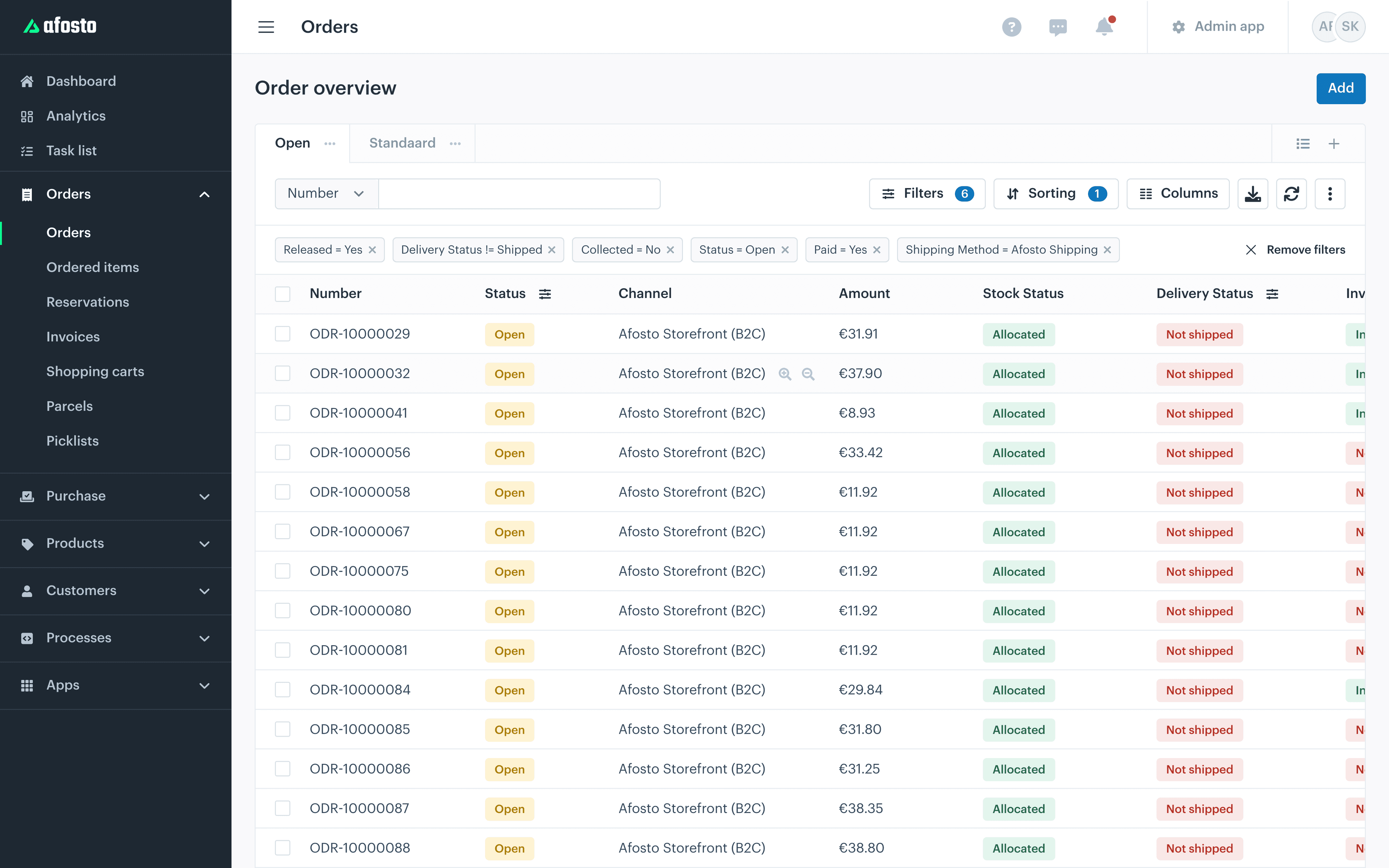
The integration continuously pulls new orders from WooCommerce and puts them as an order in Afosto, with stock and shipping status attached. You choose yourself from which moment syncing starts, and that date may lie in the past, so your existing orders can come along. If a customer cancels in WooCommerce, the order in Afosto is cancelled too.

- Step 2
Pick without retyping lists
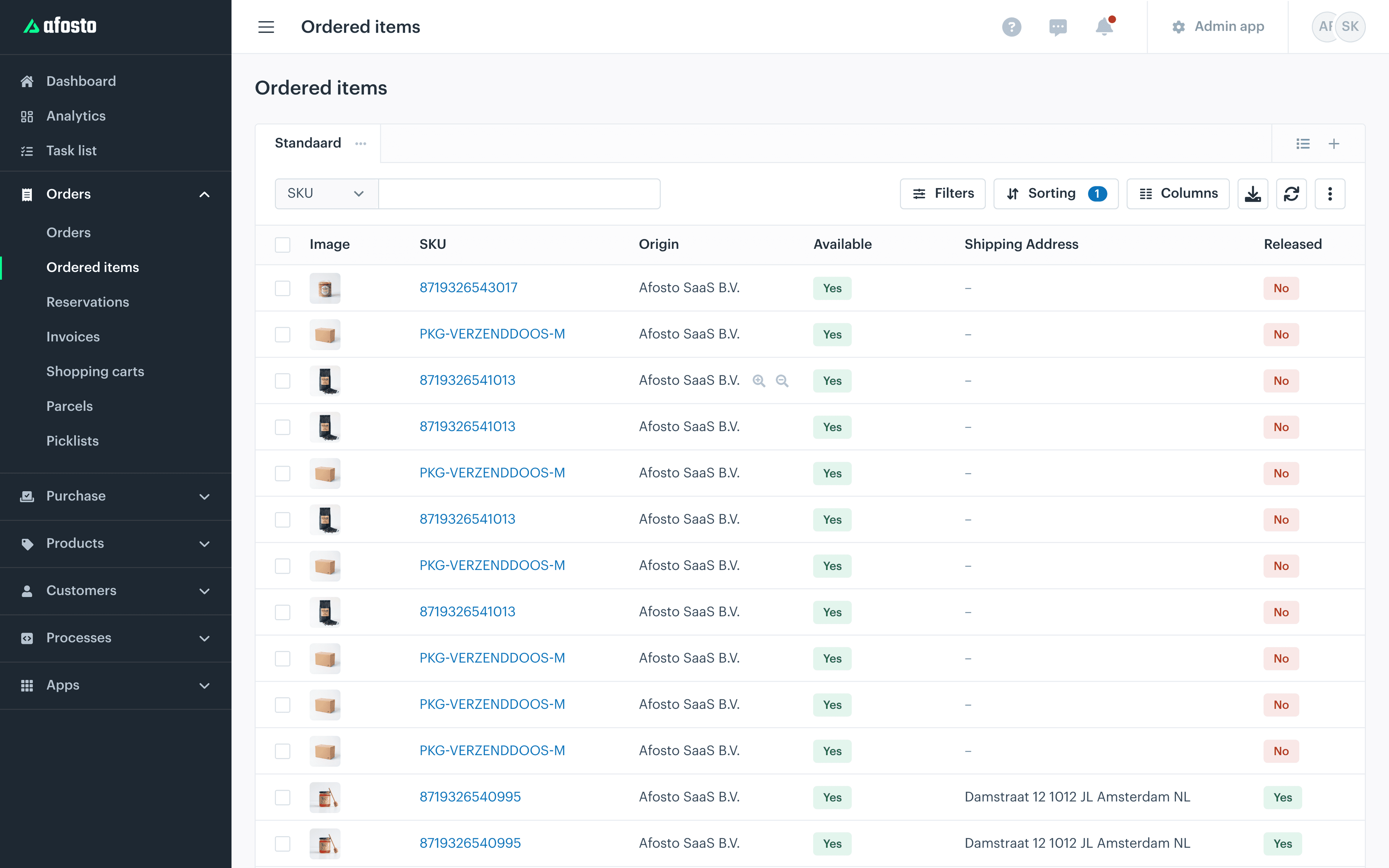
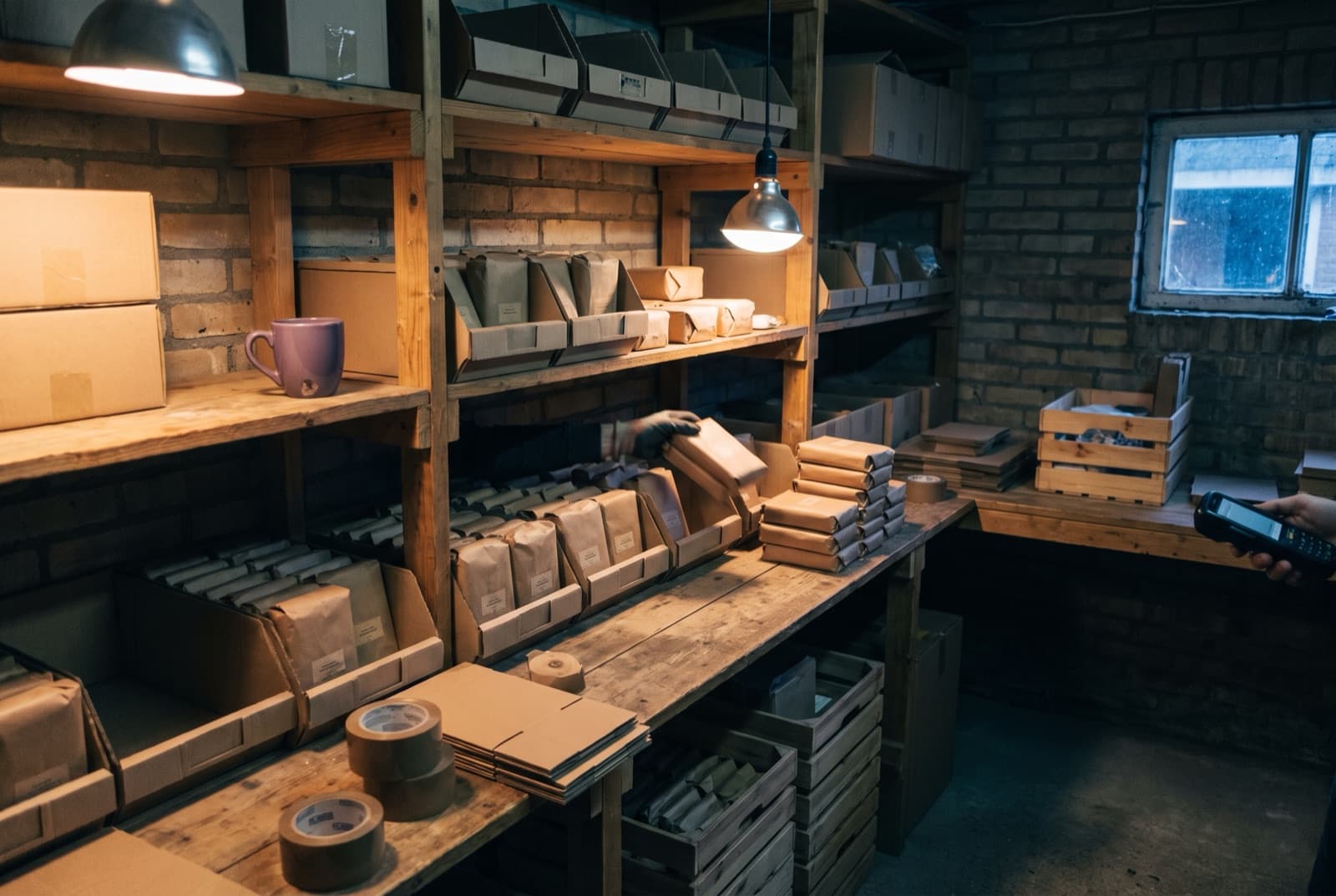
From the open orders Afosto generates pick lists for your warehouse or back room, per day run or in between. On a handheld scanner or phone you see what to grab and confirm every item with a scan, so no wrong product goes into the box.

- Step 3
Ship with your own carrier
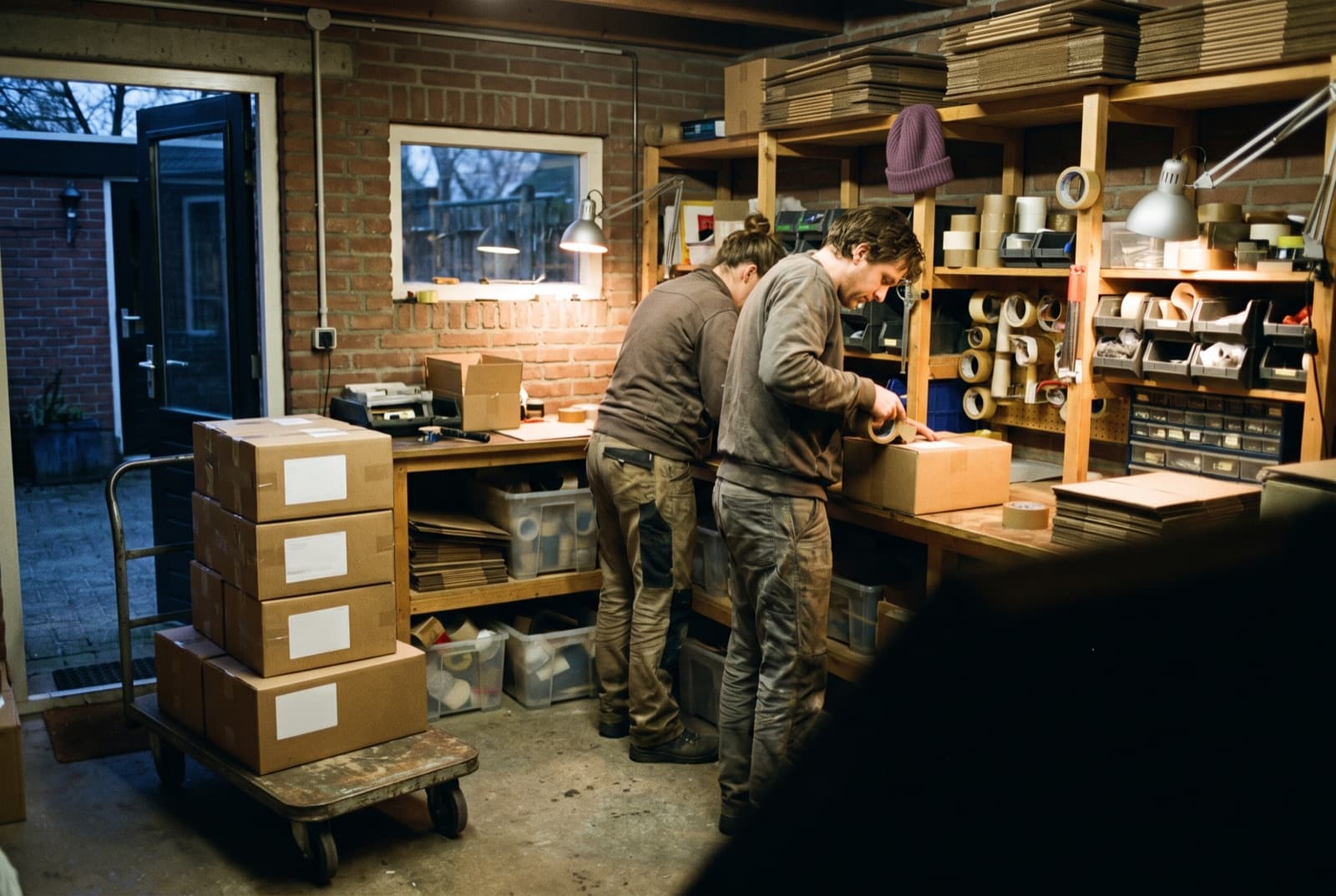
You create the shipping label through your own shipping provider: directly at PostNL or DHL, or through a broker like Sendcloud, MyParcel, Innosend or QLS. As soon as the parcel is shipped, Afosto sends the track and trace code and the invoice back to WooCommerce automatically.

- Step 4
Stock is correct again, on every channel
Every sale, return or count adjusts the stock in Afosto. That change the integration pushes per SKU straight to WooCommerce, without a nightly batch. Sell through bol.com, a point of sale or a second webshop as well, and all those channels calculate with the same stock.
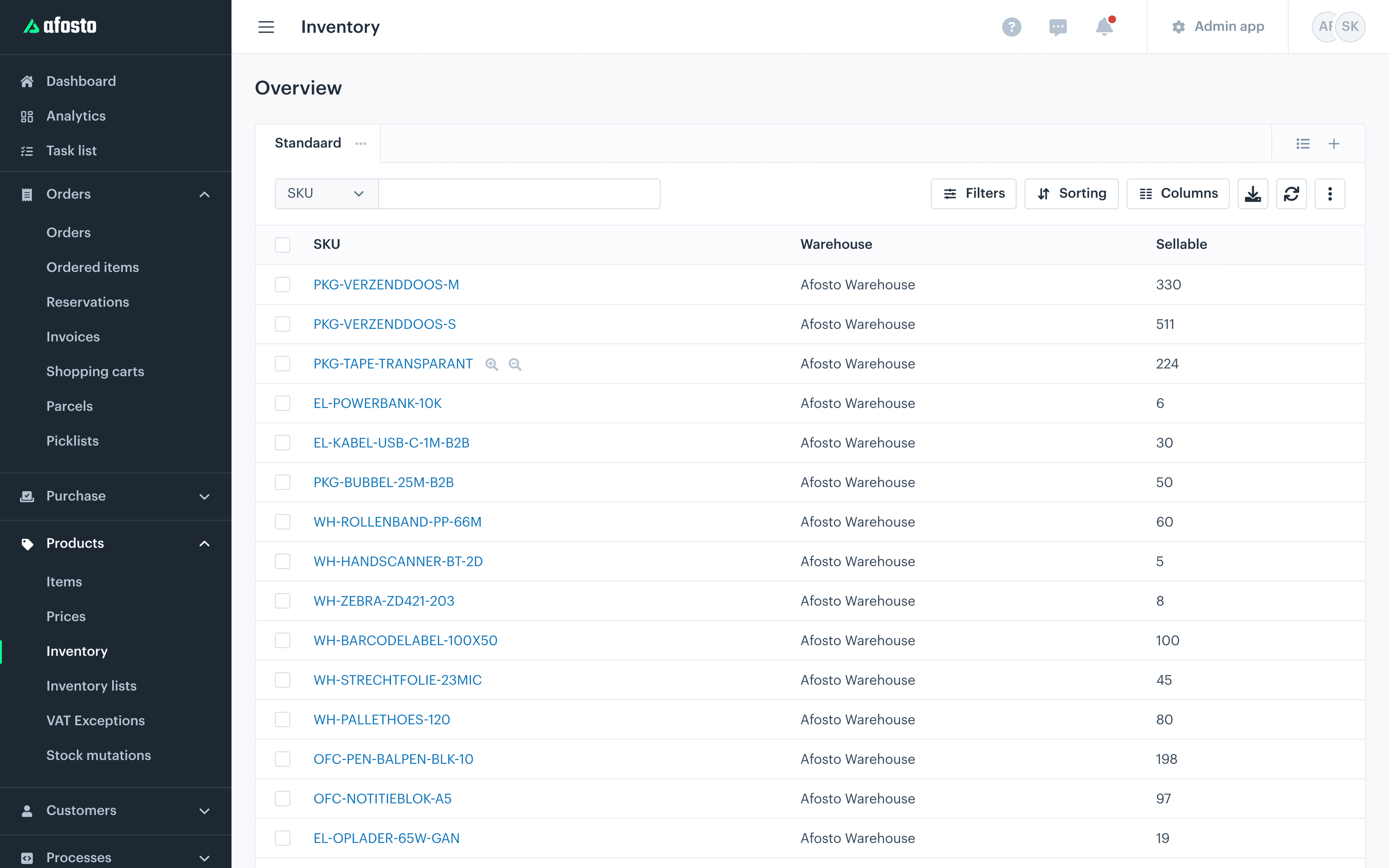

More WooCommerce shops? Add an extra channel per shop. You link each channel to one or more warehouse locations in Afosto.
The integration in short
Less manual work, no migration
6
Data streams: orders, cancellations, stock both ways, track and trace and invoices
0
Plugins in your WordPress install: the integration works through the WooCommerce REST API
1
Stock for webshop, marketplaces, point of sale and warehouse together
Real time
Stock push per SKU to WooCommerce as soon as something changes
Extension
What you gain without replacing your shop
The integration is the starting point. Behind it stands a complete commerce platform that grows with whatever you add.
FAQ
Frequently asked questions about the WooCommerce integration
The questions WooCommerce shop owners ask us most often.
Do I have to leave or migrate my WooCommerce webshop to Afosto?
No. The integration is built precisely to let your webshop stay put. WooCommerce remains your site, your theme, your checkout and your plugins. Afosto runs behind it as the back office for orders, warehouse and stock. No shop moves and no data migration is needed to start.
What exactly does the WooCommerce integration from Afosto sync?
Six data streams: orders from WooCommerce to Afosto, cancellations from WooCommerce to Afosto, stock from Afosto to WooCommerce, optionally stock from WooCommerce to Afosto (if you use WooCommerce as the stock source), track and trace information from Afosto to WooCommerce and invoices from Afosto to WooCommerce. Product content such as titles, texts and images the integration does not sync: you manage that where you already do.
How do I connect my WooCommerce webshop to Afosto?
In WooCommerce you create an API key with read and write rights under Settings, Advanced, REST API, and paste the Consumer Key and Consumer Secret together with your store URL into Afosto. Then you add WooCommerce as a sales channel and choose from which moment orders are synced; that date may lie in the past. Note that the VAT setting of your shop (prices including or excluding tax) matches the price list in Afosto. The full step-by-step guide is in our help centre.
Is the stock sync real time?
The stock push from Afosto to WooCommerce is event-driven: as soon as stock changes in Afosto, the integration sends the new amount per SKU to WooCommerce. So there is no fixed sync interval or nightly batch. New orders are pulled from WooCommerce continuously.
Can I connect multiple WooCommerce shops or multiple warehouses?
Yes, both. For every extra WooCommerce shop you add an extra channel with its own API key. You link each channel to one or more warehouse locations in Afosto, so you decide per shop which stock ships from where.
Does the integration also work if I sell on bol.com or in a physical shop alongside?
Yes, that is exactly the scenario Afosto is built for. Every point of sale is a channel: your WooCommerce shop, bol.com and other marketplaces, and the point of sale in your shop. All orders come into one list, all channels calculate with the same stock, and every stock change goes back automatically to the channels that support it, including WooCommerce.
Related integrations
Alongside WooCommerce, Afosto connects with dozens of other systems. Many webshops combine this integration with the Exact Online integration for their bookkeeping. Selling through another platform as well? Take a look at the Shopify order connection or the Magento integration. The full offering is in the integration library.
Connect your WooCommerce shop to Afosto
Create a free account, add WooCommerce as a sales channel and watch your own orders come in. Rather have a look first? In a demo we walk through your order flow together.