

Your webshop stays Shopify, the operation runs on Afosto
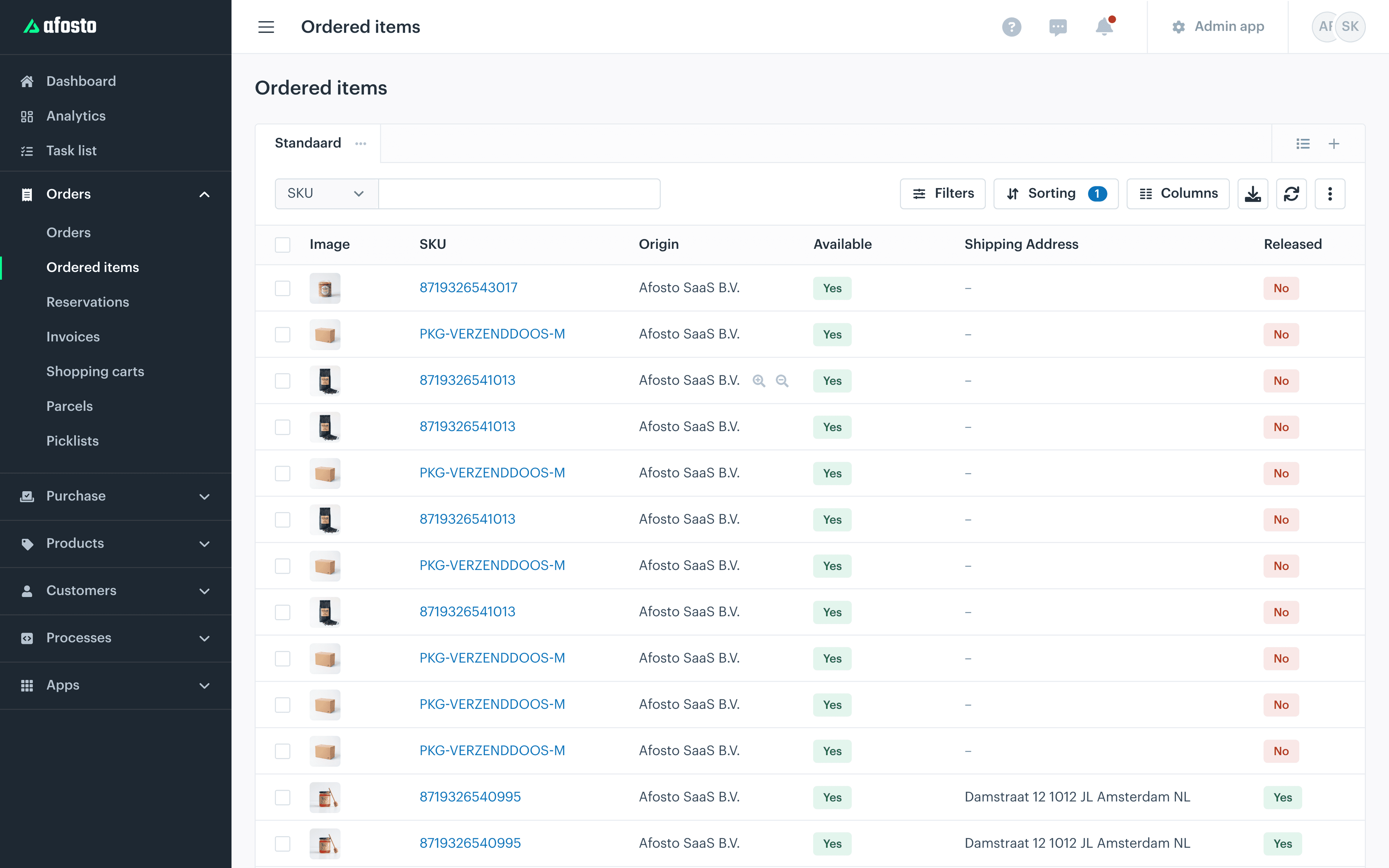
Orders from your Shopify store are in the Afosto order overview within a few minutes, next to your point-of-sale receipts and marketplace orders. You pick, ship and count stock in one system, and Shopify gets status and stock back automatically.





The channels and systems retailers connect alongside their Shopify store
Trusted by ambitious retailers












What is the Shopify order connection from Afosto?
The Shopify order connection is the app that links your Shopify store to Afosto's order management system. Shopify stays your webshop and your storefront; Afosto becomes the system behind it that processes orders, keeps stock and drives shipping. No migration and no new webshop: you activate the app and from that moment orders and stock run in sync.







Cancellations, returns and refunds run along too, and the connection simply reads in your existing products from Shopify. You set it up yourself with a Shopify Access Token; the documentation walks you through it step by step.
How it works
From an order in Shopify to a parcel at the customer
This is the route every Shopify order travels once the connection is active. You work in one order overview for all your channels; your customer orders and receives through Shopify as usual.
- Step 1
Activate the Shopify app
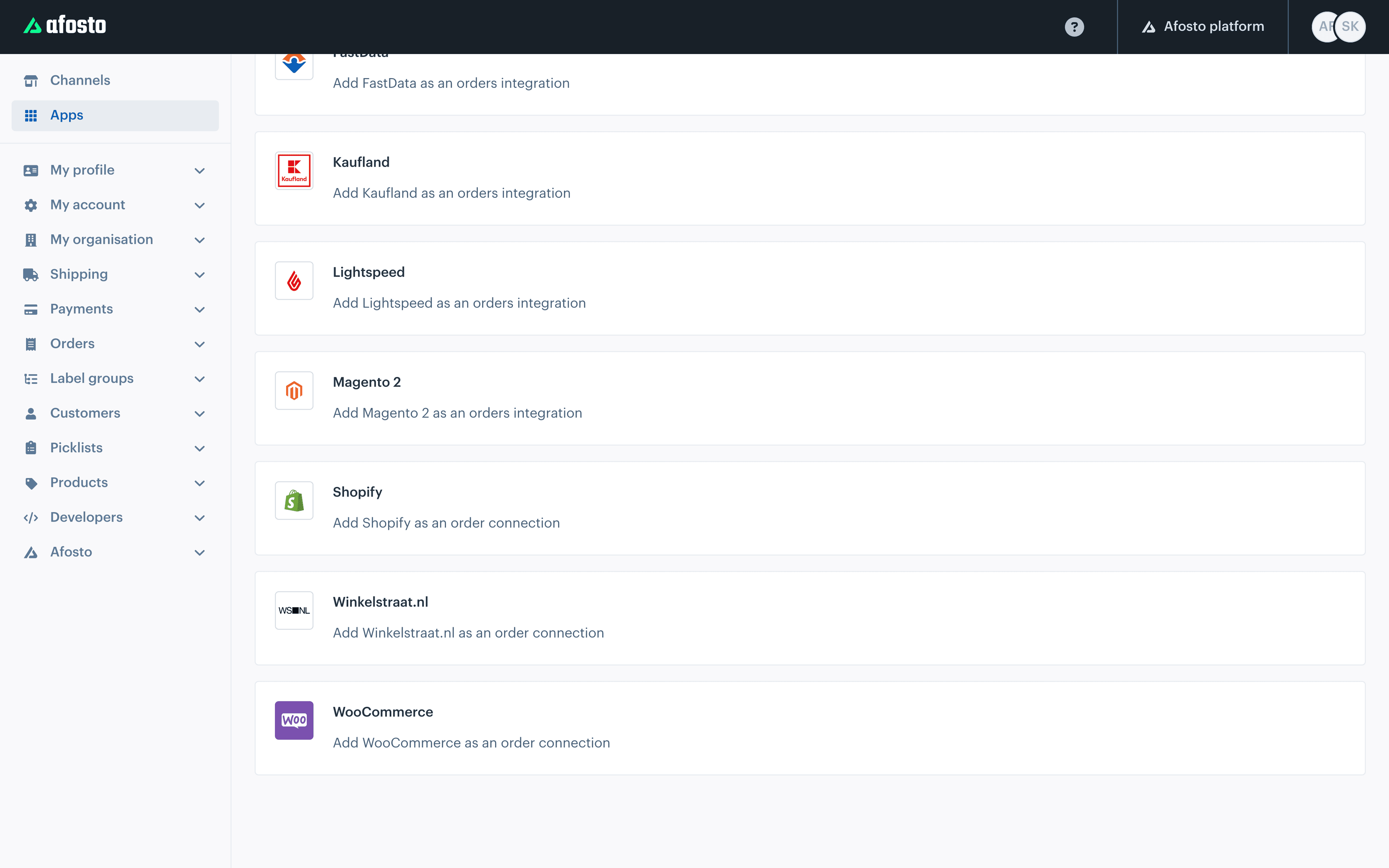
In Afosto you add Shopify as an order connection, in the same place where bol.com, Lightspeed and your point of sale also live as a channel. You enter your API key and store name, tick what you want to sync and choose from which date orders come in.

- Step 2
Orders come in on their own
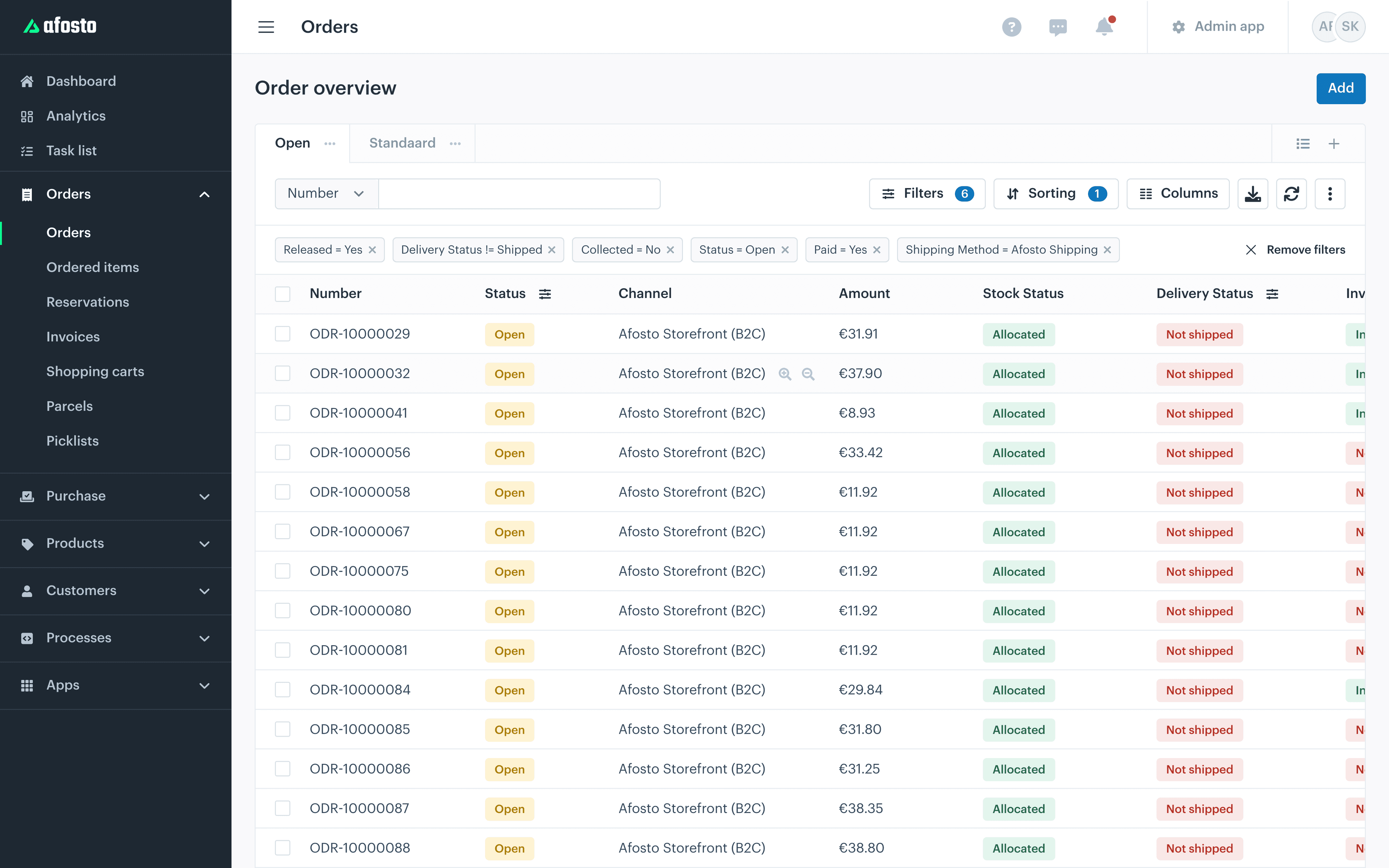
Every new order is in your Afosto order overview a few minutes later, with the same workflow as your other channels. Cancellations run both ways: a cancelled Shopify order also disappears from your working stock in Afosto, and a cancellation in Afosto goes to Shopify.

- Step 3
Pick, pack and ship
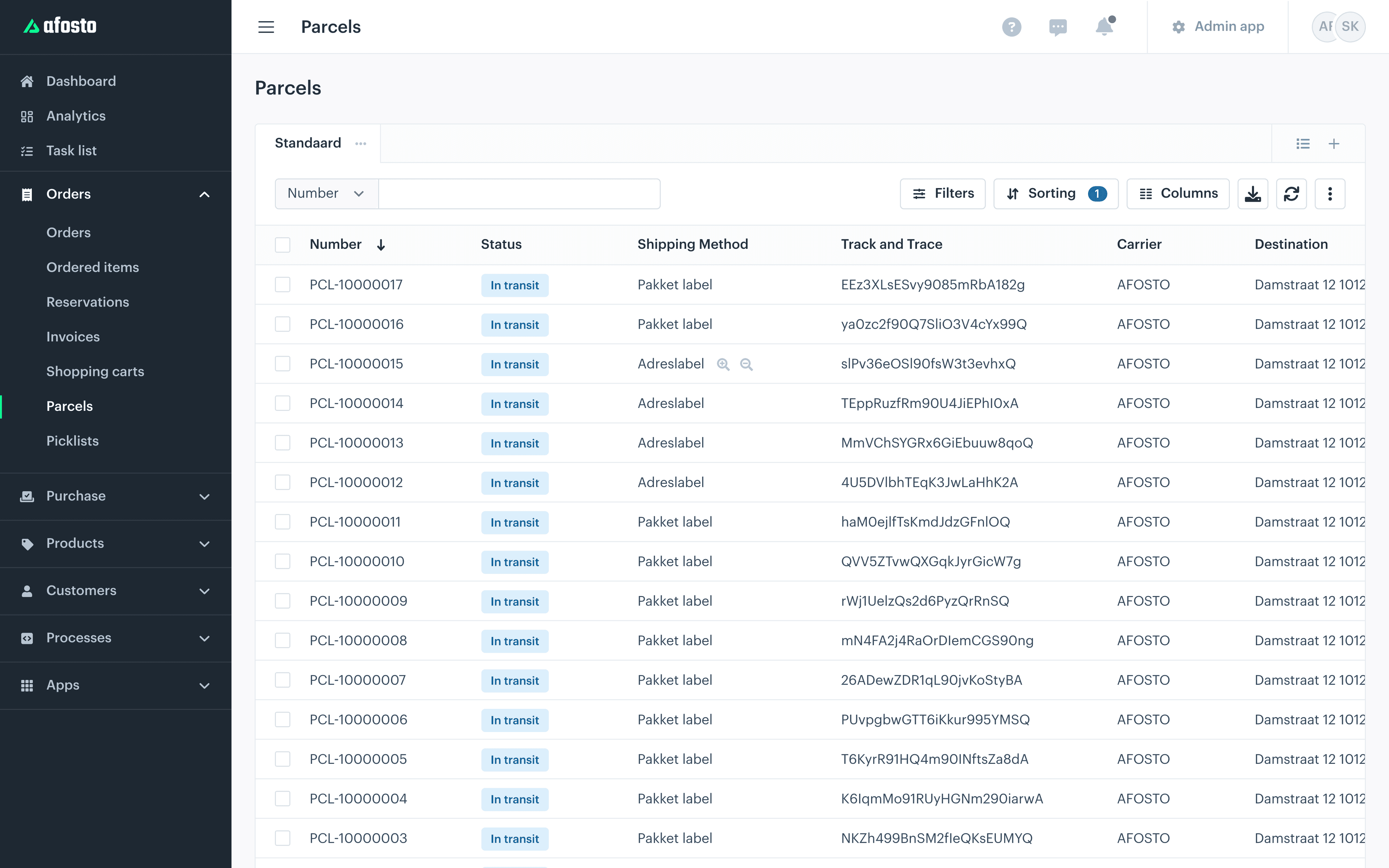
You generate pick lists per channel or across all your channels, print packing slips and shipping labels and scan orders off with the scan app. Shipping goes through your own carrier contract or through a broker like Innosend, Sendcloud or MyParcel.

- Step 4
Shopify gets everything back
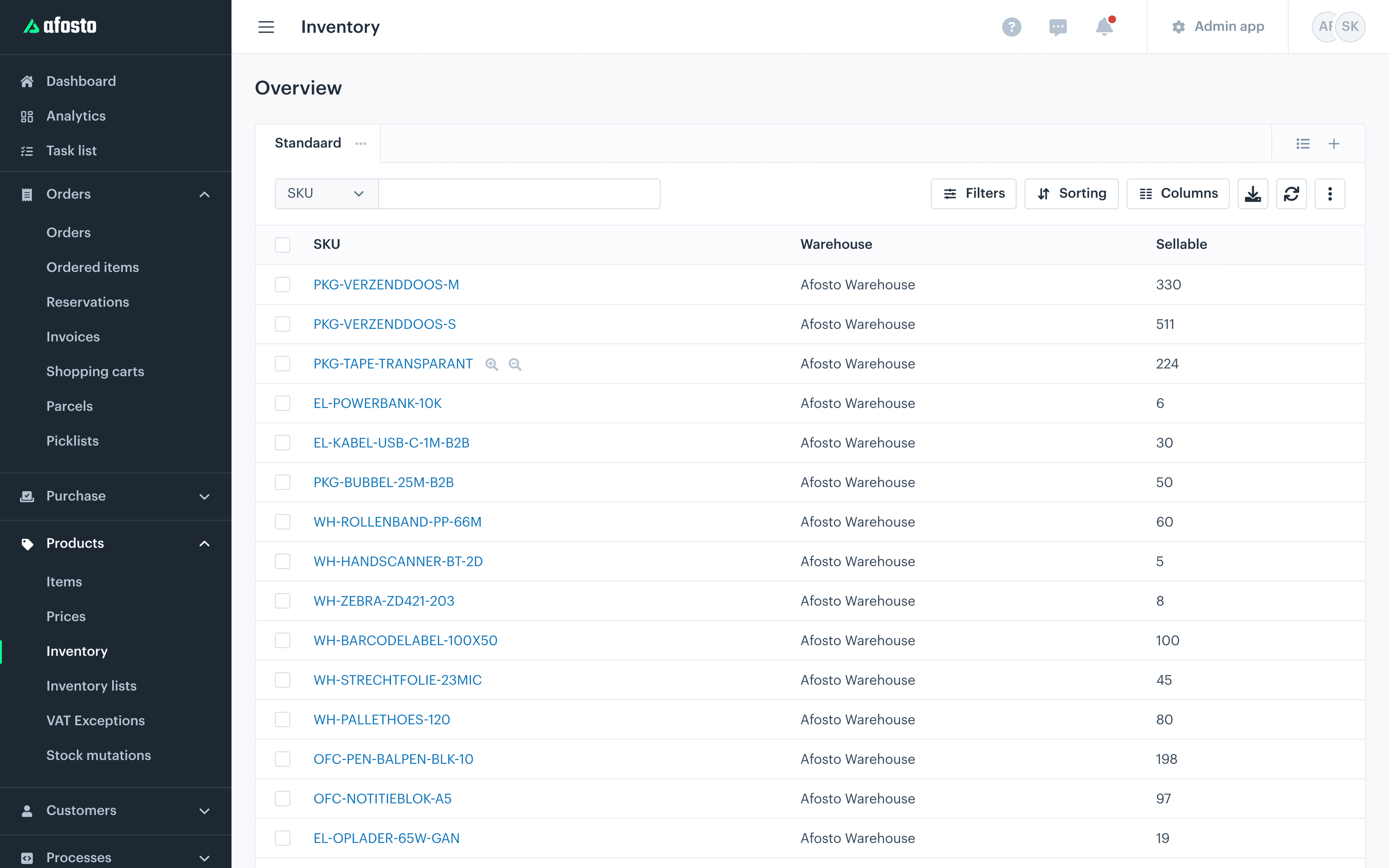
On shipping, the order in Shopify automatically gets a fulfilment with track and trace; the customer notification simply goes out from Shopify. Stock syncs per location one-to-one or consolidated to a central Shopify location, even when you work with multiple warehouses or a shop stock.

Returns and refunds from Shopify come along too: a return is booked back to the right warehouse, even without a 'restocked' mark. Point of sale orders from Shopify come in per Shopify location. The connection runs in the background; no daily action is needed.
The connection in numbers
What the Shopify connection brings by default
Minutes
Between the order in Shopify and the order in your Afosto overview
Own start date
When connecting you choose from which date Shopify orders come in
Right warehouse
A Shopify return is booked back to the right warehouse, even without a 'restocked' mark
1-to-1
Stock per location to Shopify, or everything on one central location
Extension, not replacement
What you gain alongside your Shopify store
Shopify simply stays your webshop. These are the pieces of operation retailers put next to it in Afosto once separate printing and retyping starts to pinch.
FAQ
Frequently asked questions about the Shopify connection
The questions Shopify users ask us most often before they switch it on.
What is the Shopify connection from Afosto?
An app that links your Shopify store to the order management system of Afosto. Orders, cancellations, returns and refunds come from Shopify to Afosto automatically; stock levels, cancellations, shipping statuses and track and trace go back to Shopify automatically. With it you manage all your sales channels, warehouse and point of sale from one system, while Shopify stays your webshop.
Do I have to leave or rebuild my Shopify webshop?
No. The connection is meant precisely for shops that want to keep Shopify. Your theme, checkout, apps and customer notifications stay as they are; Afosto goes behind it for order processing, warehouse, point of sale and extra channels. Nothing has to be migrated or rebuilt and you can switch the connection off again at any time.
What exactly does the connection sync?
From Shopify to Afosto: orders (including point of sale orders, per Shopify location), cancellations, returns, refunds and your existing products. From Afosto to Shopify: stock levels, cancellations, fulfilments with track and trace, pickup readiness and the successive statuses such as In transit, Ready for pickup and Delivered. During setup you choose per part with a tick what you do and do not want to sync.
Can I keep stock across multiple locations?
Yes. You choose per connection whether stock goes one-to-one per location to the matching Shopify location, or whether all stock is kept consolidated on one central Shopify location. That way you can work with multiple warehouses or a separate shop stock without Shopify showing a distorted picture.
Is the sync real time?
New orders appear in Afosto a few minutes after they are placed in Shopify. The other way is more direct: as soon as something happens in Afosto, such as a shipment, a stock change or a cancellation, that event is pushed to Shopify straight away. In practice you and your customer therefore always look at current figures and statuses.
Related integrations
Alongside Shopify, Afosto connects with dozens of other systems. Many webshops combine this connection with the Exact Online integration for their bookkeeping. Does your shop (also) run on another platform? Take a look at the Magento integration or the WooCommerce integration. The full offering is in the integration library.
Put Afosto next to your Shopify store
Create a free account and activate the Shopify connection with your own store, or book a demo and we will set it live together with your orders and stock.